
The best AgencyAnalytics alternative depends on how you’d rather pay. AgencyAnalytics charges $20 per client per month. Swydo charges per data source, DashThis per dashboard, Whatagraph per source credit, and which model wins depends entirely on the shape of your client list.
Every marketing agency eventually hits a wall with their client reporting tools. Maybe it’s the third time this week a dashboard integration disconnected overnight. Maybe you watched your monthly bill jump because you signed five new clients. Or you’ve spent hours on a report that still doesn’t tell the story your client needs to hear.
Here’s the short version. Swydo is the strongest direct replacement for PPC and cross-channel agencies. Whatagraph makes the most polished reports if you have the budget. DashThis is the simplest. SE Ranking fits SEO agencies that need rank tracking plus AI-search visibility. And Google Data Studio is free, if you’re willing to build everything yourself. The rest of this guide shows you how to pick between them, and when staying put is the smarter call.
AgencyAnalytics Alternatives at a Glance
Compare pricing, features, and capabilities to find the best fit for your agency

AgencyAnalytics
Swydo
DashThis

Whatagraph

SE Ranking

Funnel
Databox

Supermetrics

Data Studio

Klipfolio

NinjaCat

TapClicks

Cyfe
Core Capabilities
Additional Info
What AgencyAnalytics Does Well and Where It Falls Short
AgencyAnalytics is a solid platform for small agencies with standard reporting needs, and a frustrating one for agencies that need deep customization or run many data sources per client. You need a clear picture of both sides before you can tell which limitations actually matter for your workflow.
The Core Platform and Its Intended Use Case
AgencyAnalytics positions itself as an all-in-one reporting platform built for marketing agencies. It pulls data from 85+ integrations (Google Analytics 4, Google Ads, Meta Ads, SEO tools, social platforms) and packages everything into white-labeled dashboards and automated reports.
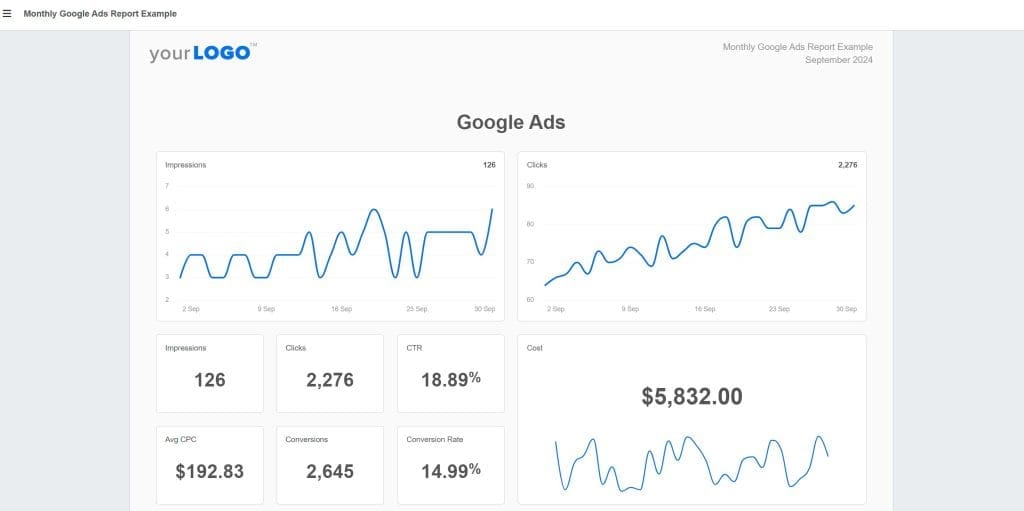
The platform covers SEO too: site audits and backlink monitoring are part of the toolkit, and rank tracking is available as a paid add-on, so SEO-focused agencies can keep that reporting in the same place. It also ships AI summaries, an “Ask AI” assistant, anomaly detection, and MCP access that lets you query your data from ChatGPT or Claude. For small agencies managing 5–15 clients who need standard reporting, this combination works well. That’s the honest baseline any alternative has to beat.
How AgencyAnalytics Pricing Works
AgencyAnalytics sells two plans: Core, priced per client with every feature included, and a custom Enterprise tier for larger rosters. For the deeper cost breakdown, see our AgencyAnalytics pricing guide.
| Plan | Price | What’s Included |
|---|---|---|
| Core (annual) | $20 per client/month | All features: unlimited data sources, reports, dashboards, and users, plus white-labeling, API, and AI tools |
| Core (monthly) | $25 per client/month | Same; you pay ~20% more for monthly flexibility |
| Enterprise | Custom, from 25 clients | Everything in Core, plus volume discounts, database connectors, priority support, and dedicated training |
Two things cost extra. AI Tracker (in beta) runs about $21/month per 250 credits for tracking brand visibility in AI search, and Rank Tracker, the keyword rank-tracking module, adds roughly $42/month per 500 keywords.
The math is easy, and that’s the appeal. It’s also the problem. Ten clients cost $200/month on annual billing. Thirty cost $600, or $750 if you pay monthly, though past 25 clients Enterprise volume discounts can pull the per-client rate down. Your bill tracks your client count and nothing else: a client with one Google Ads account costs the same $20 as a client with six ad platforms, two analytics properties, and a CRM. Light clients subsidize heavy ones, and every new win raises the bill.
The Problems Users Report Most Often
Read through G2, Capterra, and Reddit threads from agency owners and the same issues surface again and again.
Integration reliability. Reviewers describe connections that break silently or take days to fetch data. When a scheduled report goes out with blank sections because an integration disconnected overnight, you look unprofessional, even though it wasn’t your fault.
Rigid layouts. There’s no master template system. Need the same edit across 50 client reports? You’re doing it manually, one report at a time. Cross-channel data blending is limited to a capped set of custom metric combinations.
Per-client scaling. The pricing model taxes growth directly. Agencies with many low-touch clients feel this hardest: a $20 seat for a client who needs one simple monthly PDF is a poor trade.
The Reasons Agencies Stay Despite These Issues
It wouldn’t have 7,000+ agency customers if it didn’t do real things well. Setup is fast: you can connect integrations and build a basic report within an hour. Chat support is responsive, which is rare at this price point. The 14-day free trial requires no credit card. And with every feature now included in the single plan, you never hit a paywall mid-workflow.
What Your Agency Type Needs From a Reporting Platform
Different agency types have fundamentally different reporting needs, and choosing a tool optimized for the wrong use case creates friction you’ll feel every day. Figure out which profile fits you before you shortlist anything.
What SEO Agencies Need
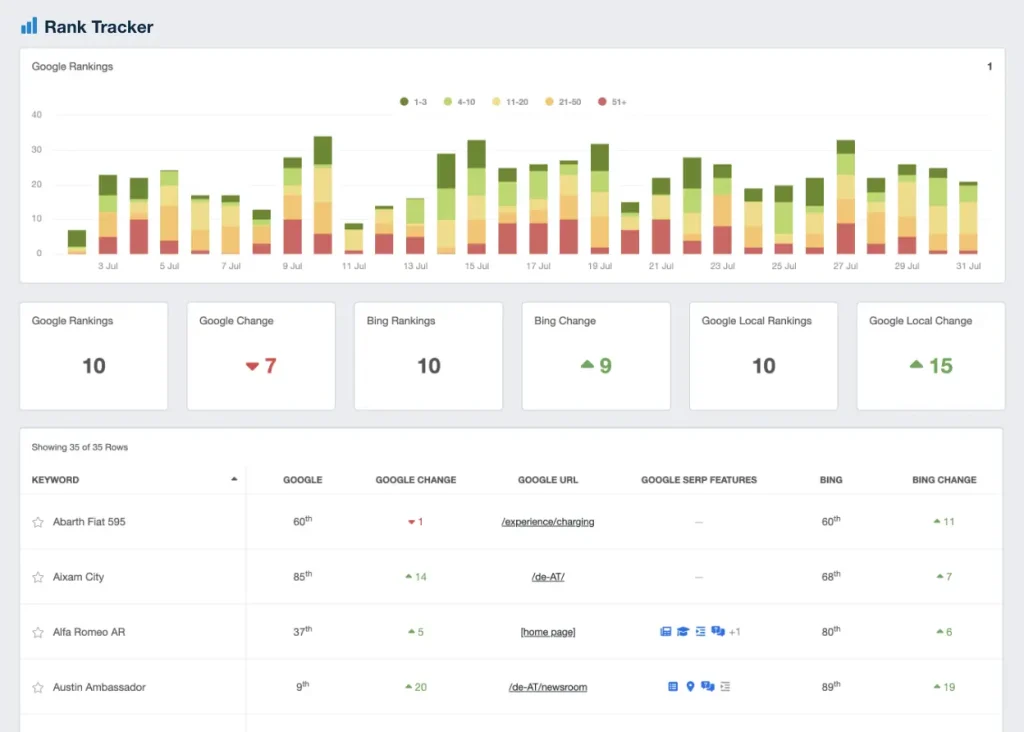
Your clients care about rankings, organic traffic, and site health, and increasingly whether their brand shows up in AI search results. Look for daily rank tracking across locations and devices, backlink monitoring, site audits, Search Console integration with historical data, and AI-visibility tracking across ChatGPT, Perplexity, and Google’s AI Overviews. Purpose-built SEO reporting software handles most of this natively; generalist dashboards usually don’t.
Key question. Does the tool track how your clients appear in AI search, or just classic blue-link rankings?
What PPC Agencies Need
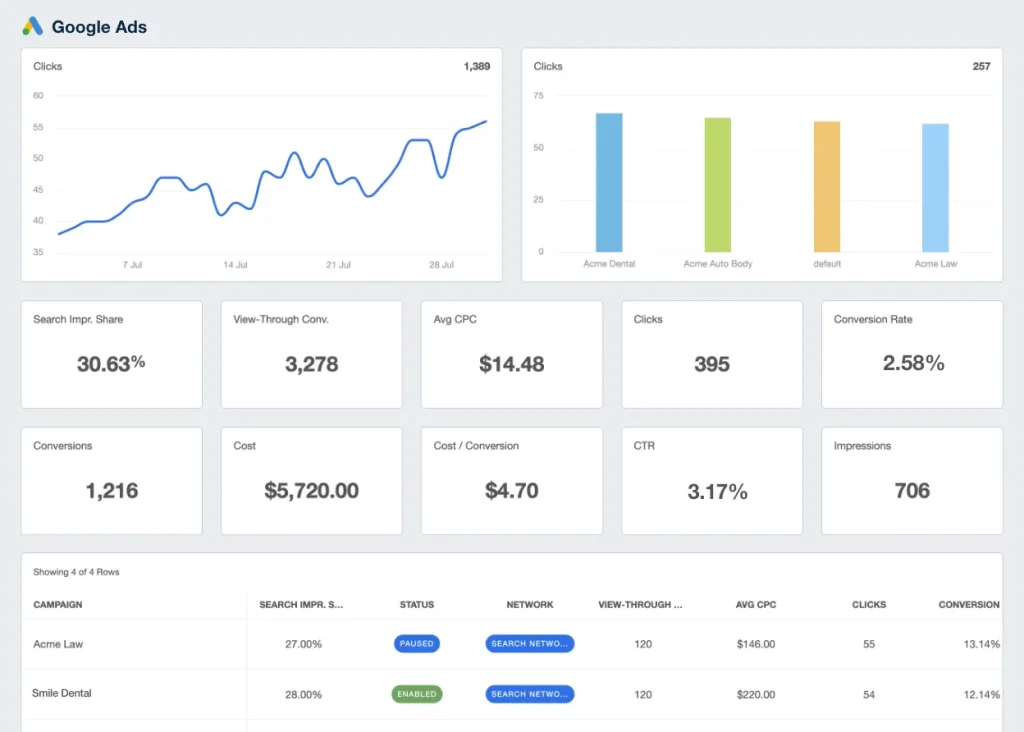
Your value comes from managing ad budgets efficiently across channels. You need coverage for Google Ads, Meta, LinkedIn, TikTok, and Microsoft Ads, budget pacing, ROAS tracking, and the ability to blend spend from multiple ad accounts into one view. Compare dedicated PPC reporting tools on exactly that last point; it separates the contenders fast.
Key question. Can you combine Google Ads and Meta spend into a single “total ad spend” metric without exporting to a spreadsheet?
What Social Media Agencies Need
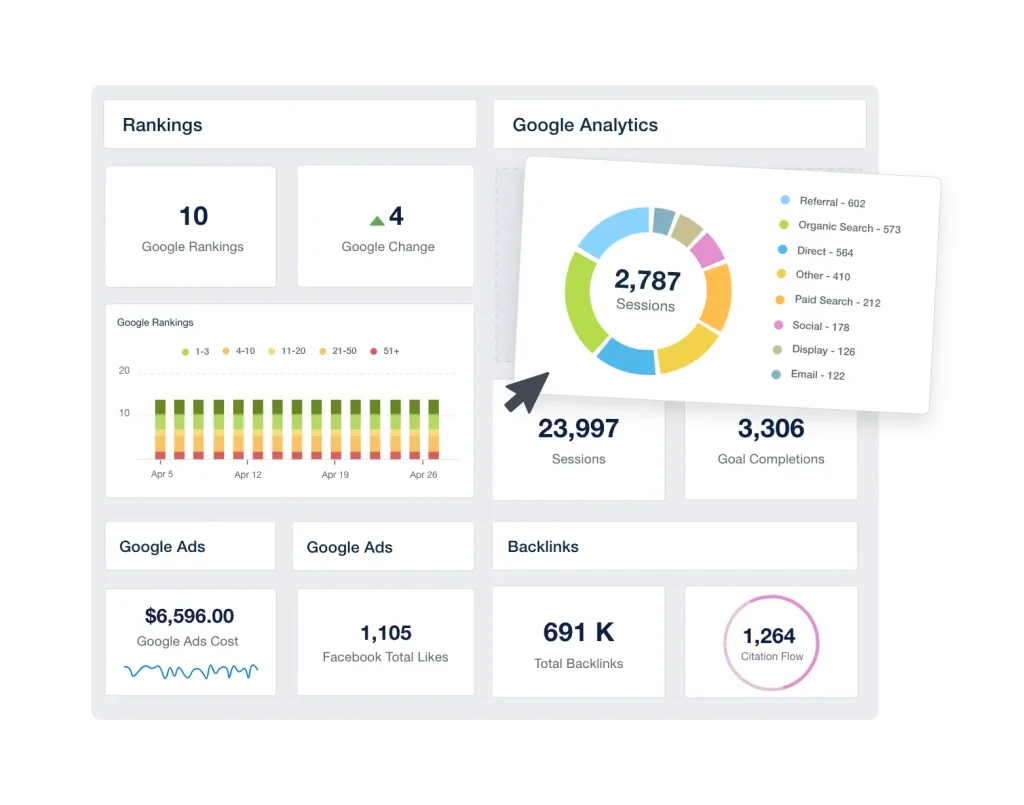
Your clients want to see audiences growing and engaging. You need coverage across Meta, Instagram, LinkedIn, TikTok, YouTube, and X, engagement metrics that go past vanity numbers, and content-level performance analysis. Check that your specific platforms are supported; social APIs change constantly, and tool coverage varies more here than anywhere else.
Key question. Does the platform pull granular, post-level engagement data, or just follower counts?
What Full-Service Agencies Need
You’re juggling SEO, PPC, social, and probably email and content too. Everything above applies, plus predictable cost scaling, cross-channel dashboards that tell one story, white-labeling down to custom domains and sender emails, and report automation tools that genuinely save hours at scale.
Key question. At 50 clients with full-service reporting, what does this tool cost, including every add-on?
The 12 Best AgencyAnalytics Alternatives by Use Case
The reporting-tool market splits into four camps: agency-first platforms, enterprise data operations, build-it-yourself BI, and budget dashboards. Knowing which camp you’re shopping in cuts your evaluation list in half before you open a single trial.
Agency-First Reporting Platforms
These four compete directly with AgencyAnalytics: same buyer, different pricing models and strengths.
1. Swydo
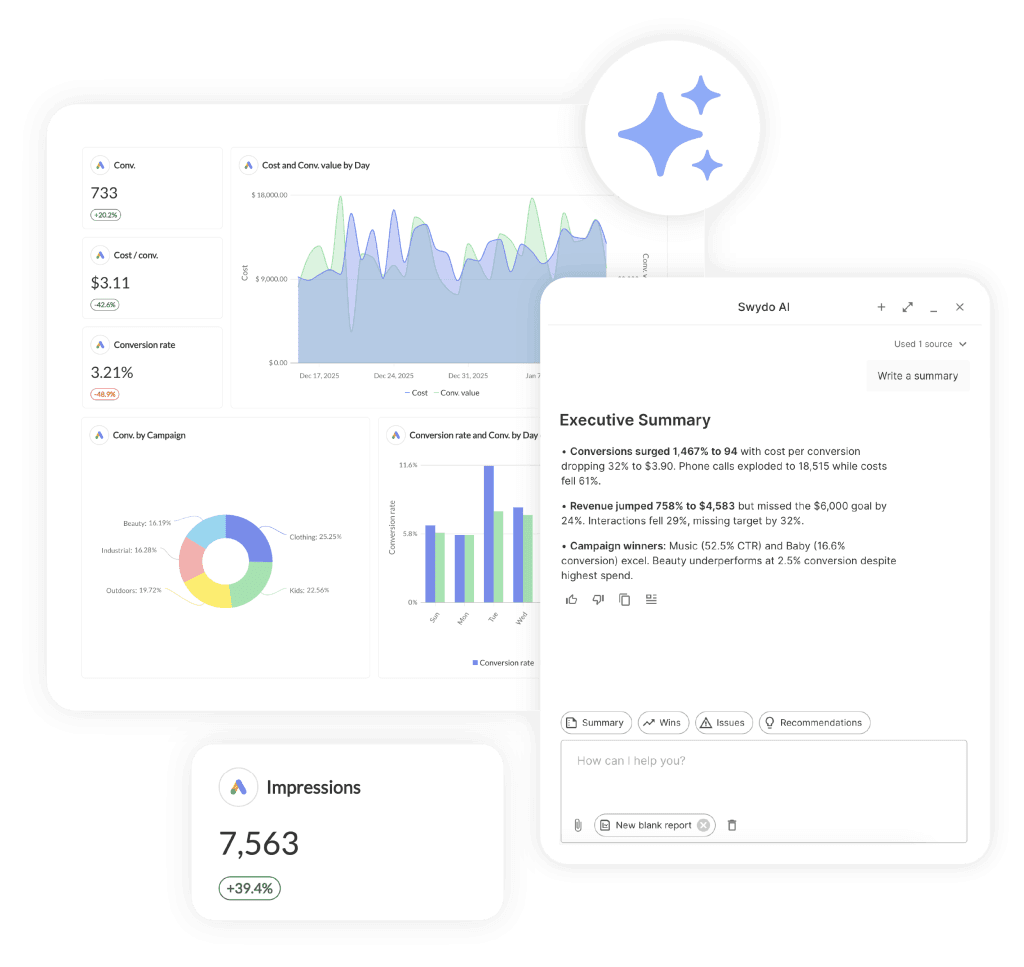
What it is. A reporting and monitoring platform for agencies that charges per data source instead of per client, the structural opposite of AgencyAnalytics.
SE Ranking independently rates Swydo the best direct AgencyAnalytics replacement in its own comparison of the category. We’ll take it.
Current pricing:
| Usage Level | Monthly Cost (USD) |
|---|---|
| Base plan | $69/month, includes 10 data sources |
| 11–100 data sources | $4.50 per additional source |
| 101–500 data sources | $3.00 per additional source |
| 501+ data sources | $2.00 per additional source |
What makes it different. The billing unit is the data source (one Google Ads account, one GA4 property), and the per-source rate drops as you grow. Users, clients, reports, and white-labeling (custom domain, verified sender email, your branding everywhere) are unlimited on every plan. There’s no feature gating, so the price you model is the price you pay.
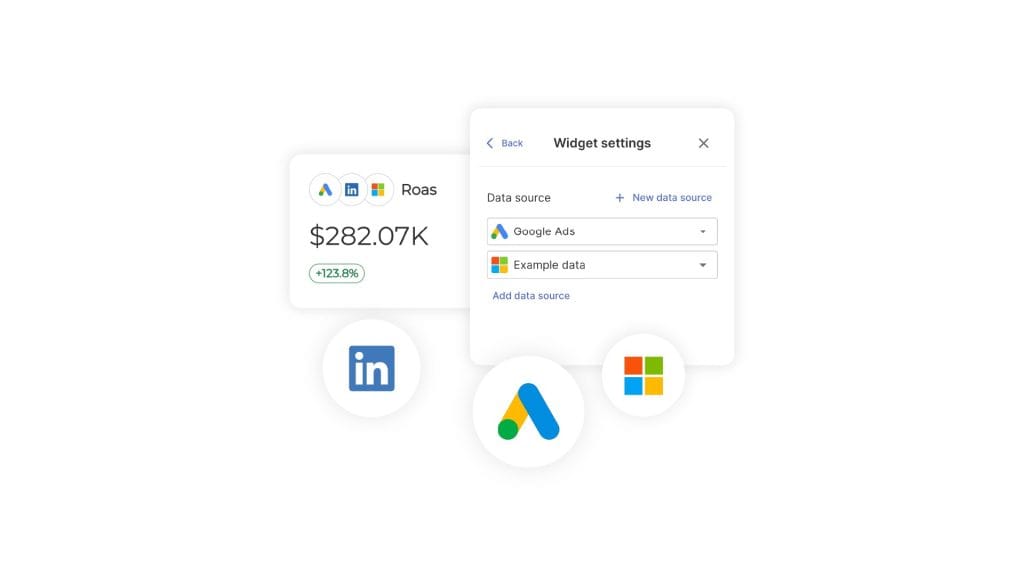
The standout feature is Combined Data Sources. Blend up to five ad platforms (Google, Meta, Microsoft, TikTok, LinkedIn, Reddit and more) into a single widget with unified cost, conversions, revenue, and ROAS. So “total ad spend across every channel” is one widget, not a spreadsheet ritual. The same blended metrics work in monitoring boards, goals, and alerts, not just reports.
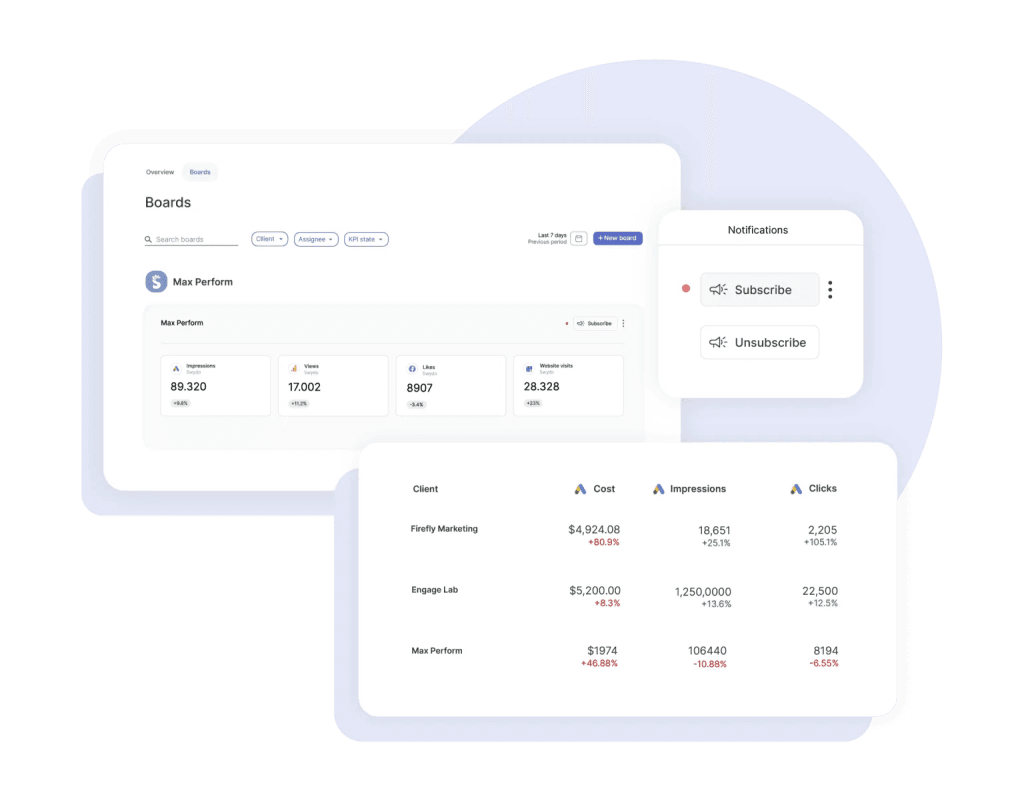
The workflow difference. The report is the deliverable, but the daily grind is monitoring. With build-your-own dashboards, every morning means finding each client’s report, scanning the numbers, and hoping nothing disconnected overnight, repeated once per client. Swydo folds that loop into one screen: Metrics Overview shows KPIs across every client at a glance, Goals and Alerts track pacing and thresholds on their own, and Data Health Check Alerts flag a broken connection before a scheduled report goes out with blank widgets. At 5 clients that saves minutes each day. At 50, it replaces a job.
Where it falls short. The integration library almost 40, is smaller than AgencyAnalytics’ 85+, so check your niche platforms before committing. There’s no public REST API; custom data comes in through Google Sheets with Zapier or Make. No free tier. And Combined Data Sources widgets don’t support custom metrics yet.
Best fit. PPC and cross-channel agencies whose clients each run multiple ad accounts. That’s exactly the client shape per-client pricing punishes and per-source pricing rewards. See the full Swydo vs AgencyAnalytics breakdown for the head-to-head.
Pricing line. From $69/month · 14-day free trial
2. Whatagraph
What it is. A marketing intelligence platform priced at the top of this list, built around its AI layer and data blending.
Current pricing. Whatagraph prices by “source credits”: each connected account consumes one. It now sells just two plans. Max starts at $812/month for 50+ credits, and Prime (100+ credits) is custom. Both are billed annually; there’s no monthly option. Users and reports are unlimited throughout, and a 14-day trial of Max is available.
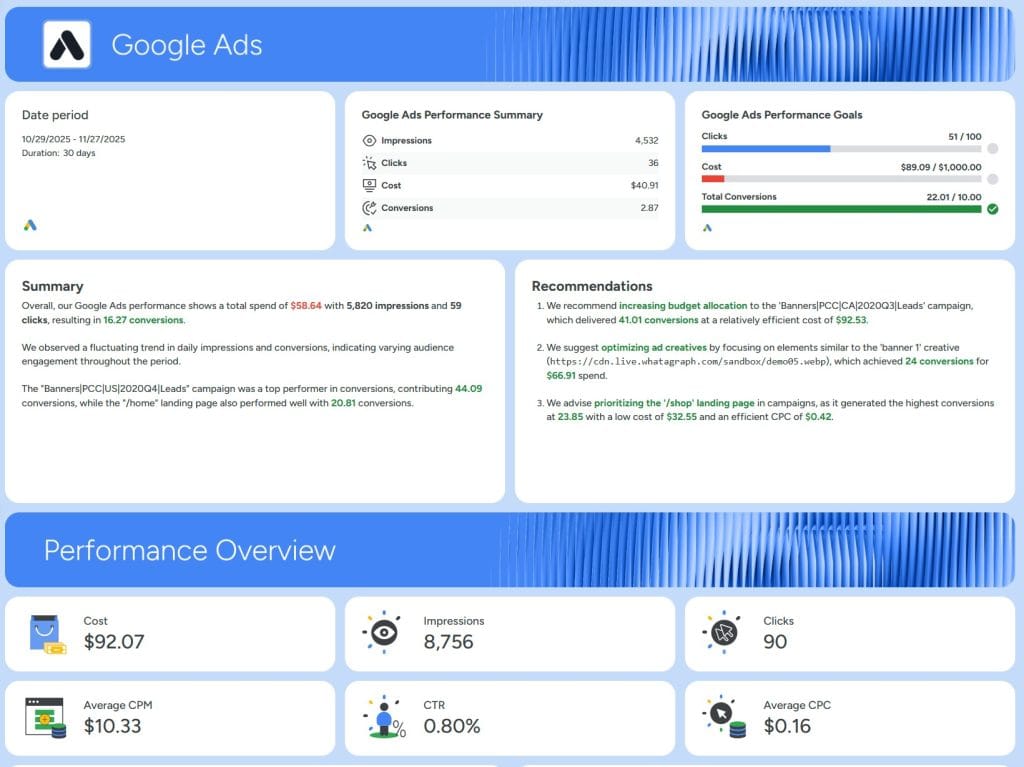
What makes it different. Whatagraph IQ, its AI layer, generates summaries, builds branded themes from an uploaded image, and answers questions about your data in chat. The report templates are polished, though how good your reports look ultimately depends on what you build with them, in any tool. Data blending across channels is a real strength.
Where it falls short. Price. At $812/month, Whatagraph has the highest published starting price in this list, more than ten times Swydo’s, and annual-only billing commits you for a year up front. Much of that premium pays for AI features that cheaper tools now include as standard, and a technical agency can get most of the same jobs done on Data Studio for a fraction of the cost. No built-in SEO tools, and warehouse exports like BigQuery sit in the upper tiers.
Best fit. Larger agencies that specifically want an all-in AI reporting suite and can absorb the price. Most agencies will find the same jobs done for far less elsewhere; the Swydo vs Whatagraph comparison covers where each one wins.
Pricing line. From $812/month, billed annually most of that comes down to the brand assets you supply, which you can bring to a cheaper tool, so the premium is hard to justify on visuals alone.
3. DashThis
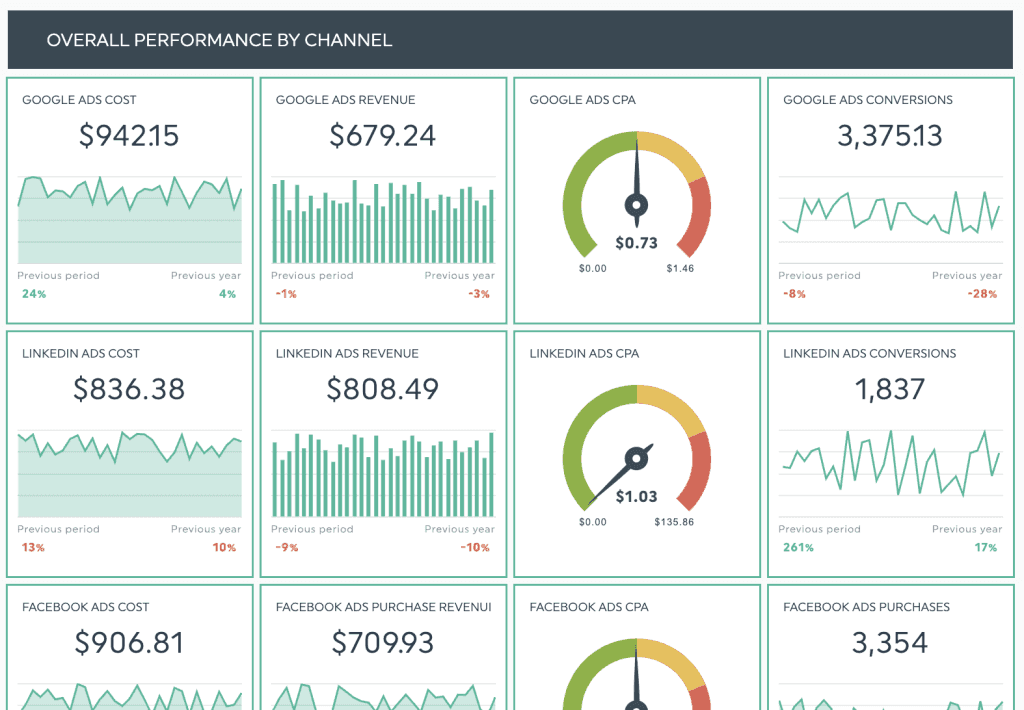
What it is. A simplicity-first dashboard tool that charges by the number of dashboards you create.
Current pricing:
| Plan | Monthly Billing | Annual Billing | Dashboards | Data Sources |
|---|---|---|---|---|
| Individual | $54/month | $44/month | 3 | 15 |
| Professional | $164/month | $139/month | 10 | 40 |
| Business | $324/month | $279/month | 25 | 100 |
| Standard | ~$499/month | $429/month | 50 | 200+ |
What makes it different. You know exactly what you’ll pay: one comprehensive dashboard per client, one predictable bill. Users are unlimited, white-labeling starts on Professional, and data blending across integrations now works on every plan. AI Insights presets (summary, wins, issues) are included free, with a Pro version at $15–19/month.
Where it falls short. Each plan caps data sources as well as dashboards (15 on Individual, 40 on Professional), so a source-heavy client roster can force an upgrade before your dashboard count does. Customization is limited by design. No public API. And if clients need multiple report types each, dashboard-based pricing escalates fast.
Best fit. Freelancers and small agencies who value speed and predictability over depth, with one dashboard per client. Here’s Swydo vs DashThis if you’re weighing both.
Pricing line. From $44/month billed annually · free trial
4. SE Ranking
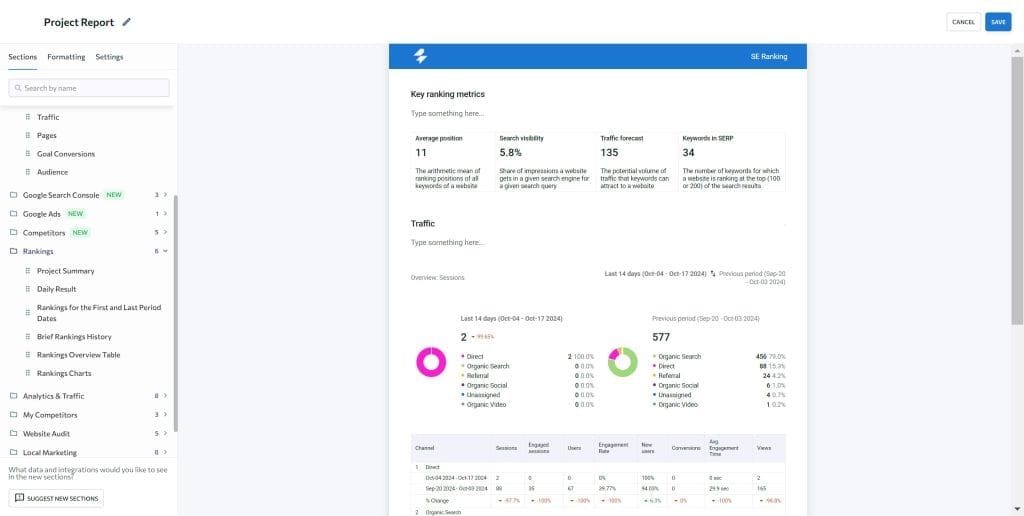
What it is. An SEO platform with an agency reporting layer: rank tracking, site audits, backlinks, and AI-search visibility in one subscription.
Current pricing. The Core plan runs $129/month ($103 on annual billing) with 2,000 tracked keywords; Growth is $279/month ($223 annual). The Agency Pack (white-label reporting, client portals, and the AI Results Tracker) is a $69/month add-on on annual billing. A 14-day trial is free.
What makes it different. This is the alternative for agencies whose clients now ask “do we show up in ChatGPT?” The AI Results Tracker monitors brand visibility across AI Overviews, AI Mode, Perplexity, and ChatGPT, reporting territory AgencyAnalytics is only beginning to charge extra for. The core SEO toolkit replaces separate rank-tracking subscriptions outright.
Where it falls short. It’s an SEO suite first and a reporting tool second. PPC and social reporting are thin next to dedicated platforms, and the white-label layer costs extra rather than coming standard.
Best fit. SEO-first agencies consolidating rank tracking, audits, and client reporting into one bill. Read our full SE Ranking review for the detailed feature rundown.
Pricing line. From $103/month annual · Agency Pack +$69/month
Enterprise Platforms and Data Operations
When you outgrow mid-market tools, these three offer the depth larger operations need. The price ceilings are high, and so are the capability ceilings.
5. Funnel
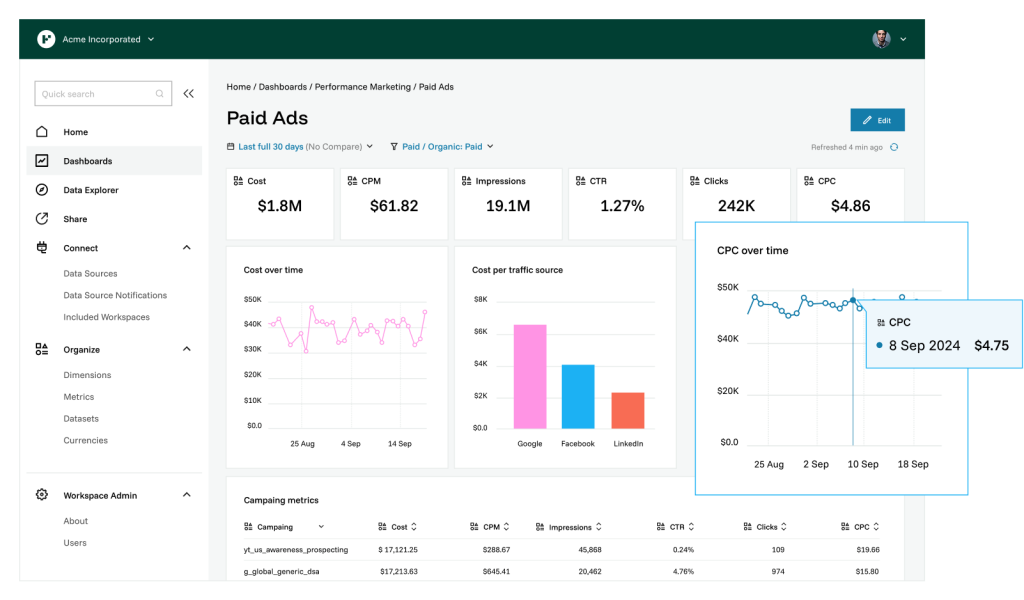
What it is. A marketing data hub that collects, cleans, and routes data from 600+ sources to dashboards, sheets, BI tools, and warehouses.
Current pricing. Starter runs $300/month billed annually (121 connectors, 5 users); Business is $600/month with unlimited users and warehouse-grade exports; Enterprise is custom. Capacity works on a “flexpoints” system, where connectors and destinations consume points. There’s no free plan.
What makes it different. Funnel isn’t a report builder; it’s the plumbing underneath one. If your agency’s problem is data volume and consistency rather than report formatting, Funnel feeds clean, blended data to whatever front end you like, from Data Studio to Power BI to Snowflake.
Where it falls short. You still need that front end. Small agencies pay for engineering-grade infrastructure they won’t use, and the flexpoint model takes real effort to forecast.
Best fit. Agencies of 30+ clients with a data-savvy team, building a reporting stack that will outlive any single dashboard tool.
Pricing line. From $300/month, billed annually
6. NinjaCat
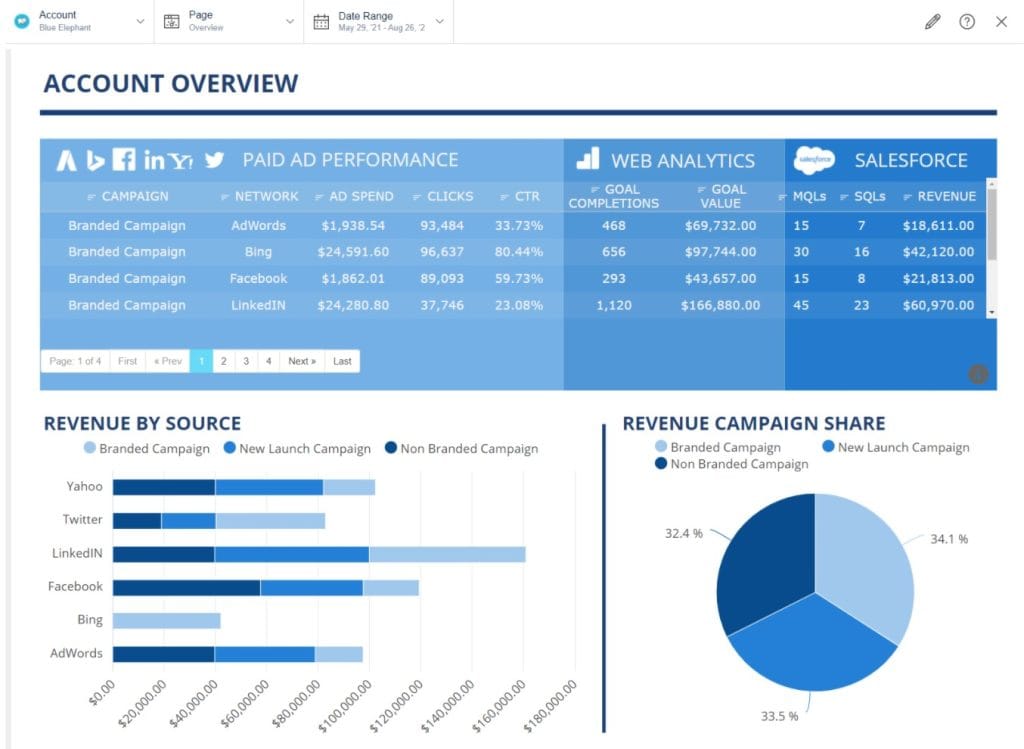
What it is. An enterprise platform that has rebuilt itself around AI agents: automated assistants that monitor accounts, assemble reports, and flag anomalies across hundreds of clients.
Pricing. Custom quotes only; no published pricing. Budget for an enterprise contract.
What makes it different. The AgentOS approach (340+ pre-built agents plus 150+ integrations) aims reporting at scale problems mid-market tools can’t touch: franchise rollups, multi-location hierarchies, call tracking, and presentation generation.
Where it falls short. The learning curve and the invoice are both enterprise-sized. Reviewers still mention data-loading delays. This is a platform you adopt with a dedicated owner on staff, not a tool you trial on a Friday.
Best fit. Agencies managing 100+ clients or franchise networks, with reporting staff who’ll use the depth.
Pricing line. Custom pricing
7. TapClicks
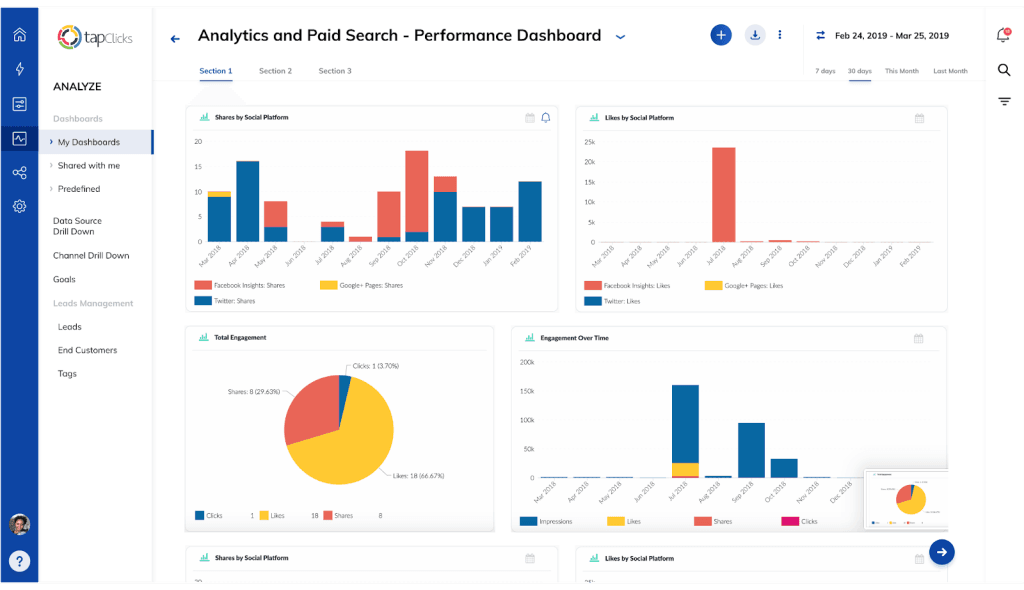
What it is. A marketing operations suite with the widest integration catalog in the category (250+ native connectors), sold in tiers built around its AI products.
Pricing. Custom, quoted through sales across four tiers (SmartStory through SmartSuite). Startup bundles include around 10 clients.
What makes it different. Breadth. SmartSlides builds presentation decks automatically, TapAI answers questions across your whole client portfolio, and order-management workflows reach past reporting into operations. Almost any data source you can name is connectable.
Where it falls short. Complexity. This isn’t a set-it-up-in-an-afternoon tool, and pricing opacity makes budgeting a sales conversation. If the platform is more than you need, the TapClicks alternatives list covers lighter options.
Best fit. Large agencies and media companies with complex data transformation needs and high reporting volume.
Pricing line. Custom pricing
BI and Build-It-Yourself Tools
These platforms trade convenience for control. You get flexibility packaged tools can’t match, if you bring the technical skill to use it.
8. Google Data Studio (Formerly Looker Studio)
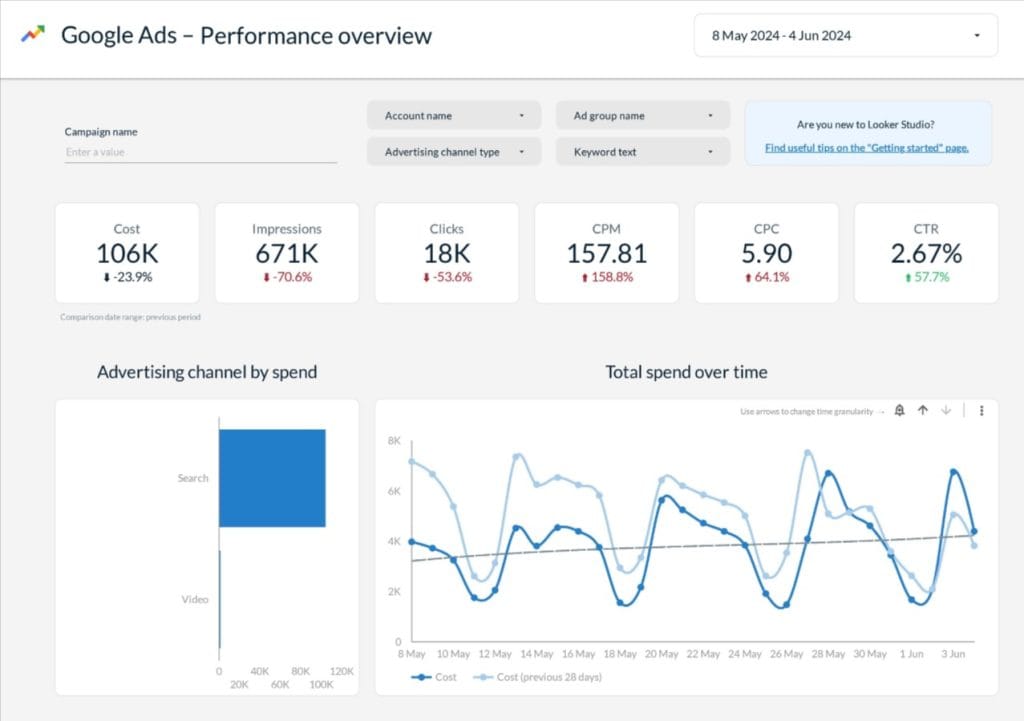
What it is. Google’s free data visualization platform, renamed back to Data Studio after several years as Looker Studio, where you build custom dashboards from scratch.
Pricing. The core product is free. Data Studio Pro adds team management, enterprise security, and Gemini AI features at $9 per user, per project, per month. The real cost is connectors: native Google connections are free, but almost everything else needs a paid third party. Plan roughly $25–60/month for a connector service, and compare the best Looker Studio connectors before you choose.
What makes it different. Total customization freedom and a catalog of 1,400+ connector integrations. If you can imagine the dashboard, you can build it.
Where it falls short. “Free” buys you a construction site, not a house. No white-labeling, no client portals, no report scheduling worth the name, and at agency scale the cracks widen, as our guide to Looker Studio limitations details. You’re maintaining a reporting system, not using one.
Best fit. Technical agencies living mostly in the Google ecosystem, with time to build and maintain their own stack.
Pricing line. Free · Pro at $9/user/project/month · connectors extra
9. Databox
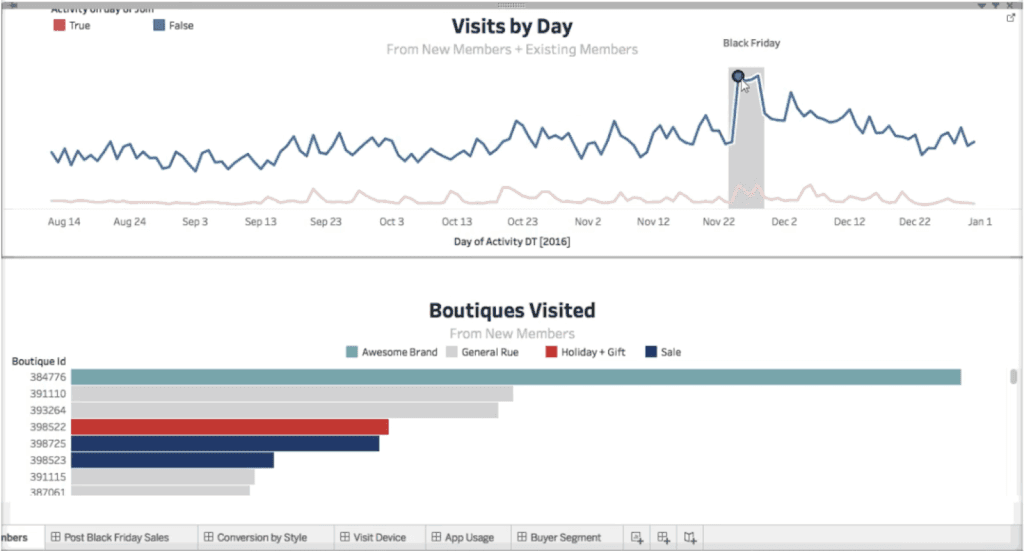
What it is. A business-intelligence dashboard platform that bridges simple reporting and full BI, now with AI packaged into every plan.
Current pricing:
| Plan | Monthly Billing | Annual Billing | Data Sources |
|---|---|---|---|
| Free | $0 | $0 | 3 (1 dashboard, 1 user) |
| Analyst | $80/month | $64/month | 5 |
| Pro | $199/month | $159/month | 3 (+$5.60/source annual) |
| Growth | $499/month | $399/month | 3 (+$5.60/source annual) |
| Custom | Custom | Custom | Tailored |
What makes it different. Benchmarks that compare your clients’ metrics against similar companies, forecasting, goals, and the Genie AI analyst on every tier, including the free one. With 130+ integrations and database connections, it leans analytical where agency tools lean presentational.
Where it falls short. White-labeling is weak next to agency-first platforms, and per-source add-on fees stack up quickly across a large client roster. Reviewers note recurring hiccups with Meta and LinkedIn connections. If those matter to you, browse the Databox alternatives first.
Best fit. In-house teams, or agencies that sell analysis and benchmarking rather than white-labeled client dashboards.
Pricing line. Free plan · paid from $64/month annual
10. Supermetrics
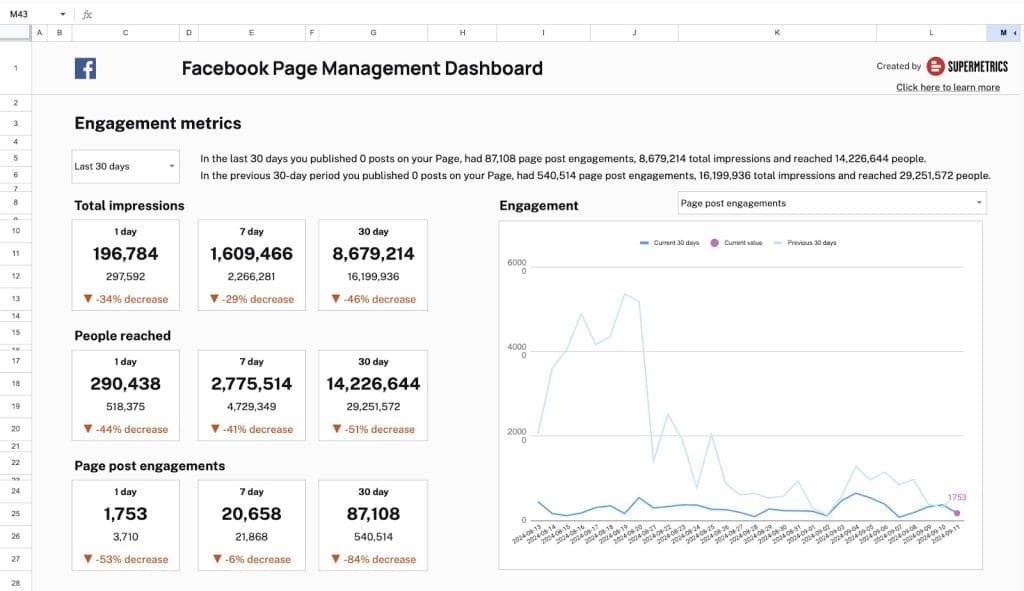
What it is. A data pipeline, not a reporting tool; it moves marketing data from 100+ platforms into your spreadsheet, BI tool, or warehouse.
Current pricing. Plans are unified tiers now: Starter at $55/month ($44 annual) with three data sources and one destination of your choice (Looker Studio, Sheets, Excel, Power BI, or an AI assistant like Claude or ChatGPT), and Growth at $222/month ($177 annual) with six sources. Enterprise is custom.
What makes it different. It’s the standard connector layer for build-your-own stacks, and its newest destinations are AI assistants: pipe your marketing data straight into a chat interface and ask questions in plain language.
Where it falls short. You still need a visualization layer on top, and multi-destination setups multiply the bill. For pure reporting, a packaged platform is less total cost and less maintenance.
Best fit. Agencies with established BI infrastructure that need reliable data transport, typically paired with Data Studio or Power BI.
Pricing line. From $44/month annual
11. Klipfolio
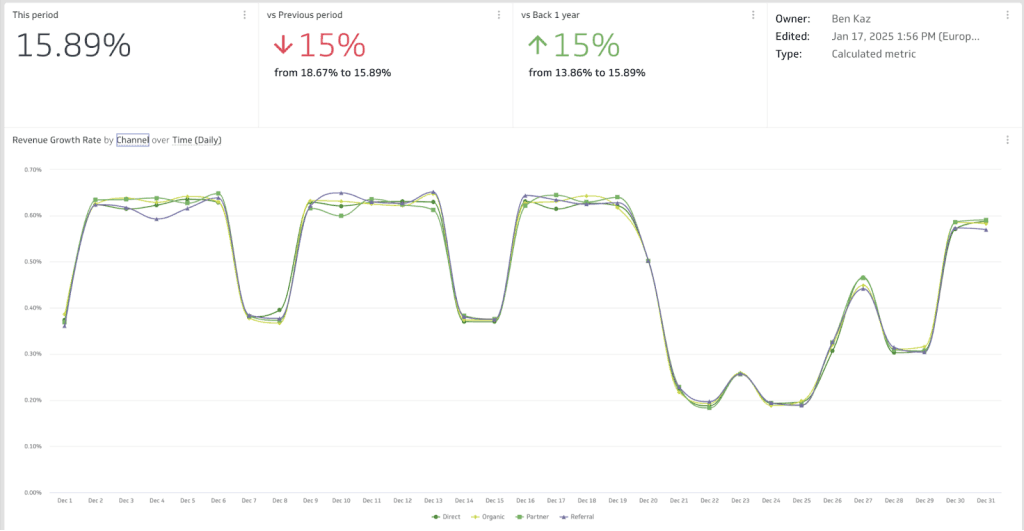
What it is. A power-user dashboard tool with spreadsheet-grade formula control over your metrics.
Current pricing. Klips business plans run from $120/month (Base) through $190 (Grow), $310 (Team), and $600 (Team+). White-labeling is a separate bundle at $299/month, billed annually. Its sibling product PowerMetrics sells separately on per-user pricing from $18/user/month.
What makes it different. The formula editor. If your reporting requires calculated metrics no template tool supports (weighted cross-channel scores, custom cohort math), Klipfolio gives you the levers, backed by 130+ integrations.
Where it falls short. The learning curve is steep, the interface can overwhelm, and the white-label add-on costs more than some competitors’ entire subscriptions.
Best fit. Data-savvy teams that need custom calculations more than they need speed.
Pricing line. From $120/month · white-label +$299/month
Budget Tools for Basic Monitoring
12. Cyfe
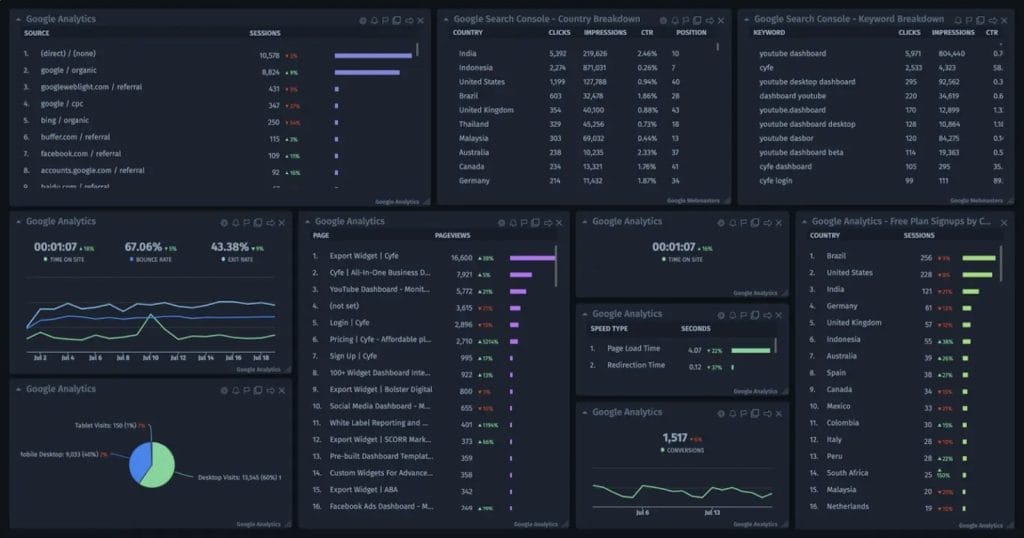
What it is. A low-cost, all-purpose dashboard for basic KPI visibility across marketing channels.
Current pricing. Starter is $29/month for 2 dashboards, scaling through Standard ($39), Pro ($65), and Premier ($119, 20 dashboards) to Agency at $190+/month: 100 dashboards, white-labeling, 10 clients included, then $19 per extra client.
What makes it different. Price, mostly. For solo consultants who need internal visibility rather than polished client deliverables, it covers the basics without ceremony.
Where it falls short. Development has visibly slowed, the interface shows its age, and the Agency tier’s per-client fee undercuts the budget appeal at scale. Client-facing work deserves better polish.
Best fit. Freelancers on tight budgets monitoring their own metrics, not agencies delivering branded reports.
Pricing line. From $29/month
How These Tools Compare on Price and Features
Entry price tells you almost nothing; pricing model tells you everything. A “cheap” per-dashboard tool gets expensive with multi-report clients; a “premium” per-source tool gets cheap when clients are light.
| Tool | Entry Price (Annual Billing) | Pricing Model | White-Label |
|---|---|---|---|
| AgencyAnalytics | $20/client/month | Per client | Included |
| Swydo | $69/month (10 sources) | Per data source | Included, all plans |
| Whatagraph | ~$286/month | Per source credit | Included |
| DashThis | $44/month | Per dashboard | Professional+ |
| SE Ranking | $103/month + $69 Agency Pack | Per plan limits | Via Agency Pack |
| Funnel | $300/month | Flexpoints | Portals on Business+ |
| NinjaCat | Custom | Custom | Included |
| TapClicks | Custom | Custom | Included |
| Data Studio | Free (+connectors) | Per connector service | No |
| Databox | Free / $64/month | Per data source | Limited |
| Supermetrics | $44/month | Per plan/destination | n/a (pipeline) |
| Klipfolio | $120/month | Per plan | +$299/month add-on |
| Cyfe | $29/month | Per dashboard | Agency plan |
| Tool | Integrations | Built-In SEO | Data Blending | API Access |
|---|---|---|---|---|
| AgencyAnalytics | 85+ | Audits; rank tracking add-on | Limited | Yes |
| Swydo | 30+ | Via Semrush/SE Ranking | Yes (ad platforms) | No |
| Whatagraph | 50+ | No | Yes | Yes |
| DashThis | 34+ | Basic | Yes | No |
| SE Ranking | SEO-focused | Strong | Limited | Add-on |
| Funnel | 600+ | No | Yes | Yes |
| NinjaCat | 150+ | Yes | Yes | Yes |
| TapClicks | 250+ | Yes | Yes | Yes |
| Data Studio | 1,400+ | No | Yes | Yes |
| Databox | 130+ | Basic | Yes | Yes |
| Supermetrics | 100+ | No | In destination | Yes |
| Klipfolio | 130+ | No | Yes | Yes |
| Cyfe | ~100 | No | No | No |
One opinionated note on that first column: integration count is a vanity metric. Thirty connectors that stay connected beat 250 that need weekly re-authentication. Judge the five integrations your clients actually use, not the catalog size.
How AI Separates Reporting Tools Now
AI capability has become a real dividing line between reporting platforms, and it splits into three distinct jobs: writing the analysis, answering client questions, and tracking AI search itself. Most tools do one. Few do all three.
Writing the analysis. Nearly every major platform now drafts report summaries: Whatagraph IQ, Databox’s Genie, DashThis AI Insights, AgencyAnalytics’ Ask AI. Swydo AI does this natively in every plan: Summary, Wins, Issues, and Recommendations prompts inside reports and dashboards, output in Dutch, French, German, Spanish, or English, with 4,000 AI credits included monthly. Those AI summaries also drop automatically into every scheduled report email, so the narrative travels with the numbers instead of waiting for you to write it.
[SCREENSHOT: Annotated screenshot of the Swydo AI panel inside a report, red-box callout on the Summary / Wins / Issues / Recommendations prompt buttons]
Answering client questions. The newer frontier is client-facing AI, letting clients chat with their own dashboard instead of emailing you at 9 pm. Swydo ships this as a share-settings toggle; most competitors keep AI internal-only. MCP support is the other emerging piece: AgencyAnalytics, Databox, and Supermetrics now connect to ChatGPT and Claude so you can query data from inside an AI assistant.
Tracking AI search. Your clients’ buyers increasingly ask ChatGPT before they ask Google, which is why AI-visibility tracking is moving from novelty to requirement. SE Ranking bundles it into its Agency Pack; AgencyAnalytics sells it as a metered add-on. Whatever tool you pick, start measuring now; our guide to tracking AI traffic in GA4 shows how to see this shift in your existing analytics.
Which Reporting Tools Do Which AI Jobs
The three jobs that matter: writing analysis, answering client questions, tracking AI search.
| Tool | AI Summaries | Client-Facing AI | AI Search Tracking | ChatGPT/Claude (MCP) |
|---|---|---|---|---|
| Swydo | All plans | Yes | Via Semrush data | No |
| AgencyAnalytics | Included | No | Paid add-on | Yes |
| Whatagraph | All plans | No | No | No |
| DashThis | Free presets + paid Pro | No | No | No |
| SE Ranking | Included | No | Agency Pack | No |
| Databox | All plans | No | No | Yes |
| TapClicks | All tiers | No | No | No |
How to Evaluate Reporting Tools Before You Commit
Choosing a reporting platform requires more than comparing feature lists. You need to model real costs, test with actual data, and ask questions that reveal how the tool will work in your specific situation.
Calculate Your True Cost at 10, 25, and 50 Clients
Forget starting prices. Model your actual cost at different growth stages:
AgencyAnalytics at 30 clients (Core):
- Monthly billing: 30 × $25 = $750/month
- Annual billing: 30 × $20 = $600/month
- Past 25 clients, Enterprise pricing with volume discounts usually applies, so the real figure may land lower once you get a quote
DashThis at 30 dashboards (Business plan, annual billing):
- Fixed: $264/month
Swydo at 60 data sources (30 clients × 2 sources each):
- Base (10 sources): $69/month
- 50 additional sources × $4.50: $225/month
- Total: $294/month
Whatagraph at 60 source credits:
- Max plan (from $812/month for 50+ credits, billed annually)
- Total: ~$812/month
The “cheapest” option depends entirely on your specific usage pattern.
What 30 Clients Actually Cost per Month
Assumes 30 clients averaging 2 data sources each (60 total), annual billing.
Source: vendor pricing pages. Whatagraph converted from €699; Enterprise discounts may apply to AgencyAnalytics at 25+ clients.
Questions to Ask Vendors That Reveal What Actually Matters
Generic feature comparisons miss the operational details that affect daily work. Ask vendors directly:
- Data reliability: “When was the last time your Facebook Ads integration had issues? How long did the outage last?”
- White-labeling depth: “Can I use my own email domain for sending reports? Is that included or an add-on?”
- Contract flexibility: “What happens if I need to downgrade in six months?”
- Data portability: “If I cancel, how do I export my historical data?”
Red Flags That Signal Future Problems
Watch for warning signs that indicate future problems:
- Difficult data export processes that create vendor lock-inerspend happening today; the difference matters, and our monitoring vs reporting guide draws the line.
- Hidden per-client surcharges buried in FAQ sections
- Integration connections that require frequent re-authentication during your trial
- Priority support only available on enterprise tiers
- PDF-only exports with no CSV/Excel option for data analysis
- Inability to blend data across sources for unified reporting
When AgencyAnalytics Is Still the Right Choice
Not every frustration justifies a migration. AgencyAnalytics remains a rational pick if you manage 5–15 clients with roughly one or two data sources each, want site audits and rank tracking (via its paid add-on) living next to your dashboards, and value fast setup over deep customization. The per-client math works fine at that shape; 10 light clients cost $200/month, and everything’s included.
Start evaluating alternatives when the shape breaks: your clients each run several ad platforms (per-client pricing punishes exactly this), you’re scaling past 20 clients and watching the bill climb linearly, you need cross-channel blending deeper than capped custom metrics, integration reliability keeps embarrassing you in front of clients, or you need data flowing into warehouses and BI tools.
What to Expect When You Switch Reporting Platforms
The switch itself has costs, and most comparison articles ignore them. Budget for them honestly and the move is manageable.
The Hidden Costs of Platform Migration
Plan for one to two weeks to recreate templates, reconnect integrations, and train your team; less if your reports are simple, more if you’ve built years of customization. Historical data is the trap: most platforms won’t export history in a format another tool can import, so year-over-year comparisons may need read-only access to the old platform for a transition period. And expect a few client questions when dashboards change shape mid-engagement.
A Migration Plan That Works
- Run both platforms for at least one full reporting cycle
- Start with new clients and test the new setup on fresh accounts before touching existing ones
- Build core templates first, then connect the long tail of integrations
- Document the new workflows so the knowledge lives with the agency, not one person
P.S Swydo offers free migration services for anyone who wants to migrate from AgencyAnalytics to Swydo.
The Bottom Line
There’s no universally best reporting platform, only the right fit for your agency’s client shape and budget. AgencyAnalytics works well for small agencies with light, uniform clients. Swydo wins when clients run multiple channels and you’d rather pay per data source than per client. Whatagraph wins on polish, DashThis on simplicity, SE Ranking on SEO depth, and Data Studio on price, if you’ll pay in build time instead.
Model your true cost at scale, test with real client data, and pick the pricing model that matches how your agency actually grows.
AgencyAnalytics Alternatives FAQ
Direct answers to help you find the right AgencyAnalytics replacement for your agency
Scale your agency reporting without per-client fees eating into your margins.
Start Your Free Trial Today