
“Found two unprofitable clients in 10 minutes”
“Finally a number I can defend in a renewal”
“Changed how we price retainers”
“Saved a $4K/mo client conversation”
Is This Client Actually Making You Money?
Most agencies can’t answer that question without a half-day in spreadsheets. This calculator does it in 60 seconds — netting retainer revenue against team hours, ad spend, and tool costs to show true profit per client.
Client Profitability Calculator
Plug in one client’s numbers and see net profit, margin, and the stacked cost breakdown in real time.
Start With Your Agency Type
“Loaded” = salary + benefits + overhead, divided by realistic billable hours. We’ve done the math; pick the role doing most of the work on this client.
100% if media flows through your books. 0% if client pays platforms directly.
e.g. Google Ads + Meta + GA4 = 3 data sources.
Net Profit / Month
$1,103
Healthy · 31.5% Net MarginTotal Monthly Cost
$2,397
Net Margin
31.5%
Effective Hourly Recovery
$125/hr
Recovery vs. Loaded Cost
1.7×
Annual Profit From This Client
$13,236
If conditions hold across 12 months.
If You Have 10 Clients Like This
$132,360
Portfolio annual profit at the same margin.
Stop Guessing. Start Knowing.
Run This Calculation Automatically — Every Month, Every Client.
A spreadsheet snapshot works for two clients. It collapses at ten. Swydo turns this calculator into a live, per-client dashboard powered by 30+ integrations — including Toggl for the team-hours line.
No credit card required · Cancel anytime · Unlimited users & clients
How It Works
The Math Behind the Numbers
Most agency profitability tools stop at gross margin. This one nets every real cost so the number on screen matches the number you’d report to a partner or a buyer.
The Formula
Margin bands Healthy → ≥ 25% net margin Watch → 10% to 25% Bleeding → < 10% net margin
Hourly recovery Effective recovery = Retainer ÷ Team hours Target = 2.5× to 4× loaded cost
Margin Bands Are Industry-Calibrated
Healthy ≥25% reflects digital-agency benchmark data from Parakeeto and Promethean Research (median net margin: 20–30%). Watch (10–25%) means profitable but fragile to scope creep. Bleeding (<10%) means the retainer needs to go up, scope needs to come down, or the client needs to leave.
Loaded Hourly Cost Is the Honest Number
Take annual salary × 1.4 (taxes, benefits, software, allocated overhead), divide by realistic billable hours per year (~1,600 senior, ~1,800 junior — not 2,080). A $75K specialist at 1.4× over 1,700 hours = ~$62/hr loaded. That’s the number to use, not the hourly rate on their offer letter.
Tool Stack Allocation Uses Real Swydo Pricing
$69/mo flat for the first 10 data sources, then $4.50/$3.00/$2.00 per source as tiers fill. We allocate this client’s share based on the data sources you connect for them — proportional to their consumption, not a flat division.
Pass-Through Logic for Ad Spend
If media flows through your books (you invoice for it, you pay platforms), set pass-through to 100% — the spend is both revenue and cost, netting to your management fee. If the client pays platforms directly, set to 0% — it never touches your P&L.
The Hidden Problem
Why Agency-Wide P&L Lies to You
Two agencies with identical 22% agency-wide margins can have completely different futures. One has every client between 18–26%. The other has clients ranging from –10% to +55%. Per-client visibility is how you tell which agency you actually run.
Benchmark across digital agencies from Parakeeto and Promethean Research data.
When agencies forget to count software costs, subcontractors, and overhead in per-client math.
Typical hidden distribution — quietly subsidised by the top-margin accounts on your book.
Agency-wide P&L tells you the business made 18% last year. It doesn’t tell you that three clients dragged the average down by ten points and one of them is your largest. That’s the gap this calculator closes.
The trap is that account managers fight to keep the noisy unprofitable clients, the quiet profitable ones get under-serviced, and senior leaders can’t make a defensible call on which retainers to repackage or fire. Without per-client data, every renewal is a feel-based negotiation.
The other thing this surfaces — and most owners flinch at — is the scope-creep tax. A retainer priced at 20 hours that’s actually consuming 32 hours doesn’t just lose its margin. It cannibalises every other client your team could be servicing.
Next Steps
What to Do With Your Number
Whichever band the client landed in, there’s a defensible next move. Here’s the playbook.
If Bleeding — Have the Hard Conversation With Data
A client losing you money needs one of three outcomes: retainer up, scope down, or off the books. None of those conversations land without numbers. “We’re spending too many hours on you” is opinion. “Based on tracked time and platform data, your retainer recovers $48/hr against a $72 cost” is a negotiation. Run the calculation, screenshot the result, walk into the meeting.
If Watch — Catch Scope Creep Before It Compounds
10–25% margin is profitable but fragile. One round of unbilled requests can flip it. Set a monthly review of contracted hours vs. actual hours for this client. The fix is usually small — five hours of scope clarification beats five months of margin erosion.
If Healthy — Are You Under-Investing?
Profitable clients are usually under-resourced because they don’t complain. Look at what these accounts are getting compared to your average. There’s often room to proactively expand scope on the ones that can absorb it — same data, opposite problem.
Pick One Report Template to Make This Live
The mechanical step is connecting time tracking, ad platforms, and reporting in one place so the numbers update themselves. Browse the Swydo report templates library and pick the closest match to your channel mix — that’s your starting point for an always-on per-client profitability view.
Check Your Stack Against the Integrations List
Per-client profitability needs ad-platform data (Google Ads, Meta, LinkedIn), analytics (GA4), and ideally billable hours (Toggl). Confirm your stack on the Swydo integrations list before the trial — most agencies are connected in under 10 minutes.
From Calculator to Dashboard
How Each Number Above Becomes a Live Data Point
The calculator’s strength is also its weakness — it’s a snapshot. Swydo wires the same math into a dashboard that refreshes every month from your connected platforms. Here’s exactly how each line gets there.
- White-label two views from the same data. Show clients results and impact (without your cost line). Show internal teams and partners the margin view. One source of truth, two audiences.
- Predictable cost as you scale. $69/mo flat for 10 data sources, then $4.50 each. No per-dashboard tax, no per-client minimum. So the Tool Stack line stays predictable from 10 clients to 100.
- Monthly cadence runs without anyone remembering. Scheduled reports auto-deliver to clients and partners. Email alerts fire when margins shift or data sources break (Slack alerts available via the beta Slack integration).
- Free human-assisted migration. Already using AgencyAnalytics, DashThis, Whatagraph, or Looker Studio? Our team rebuilds your reports in 2–5 days. Free.
No credit card required · Cancel anytime · Free migration included
FAQ
Questions Agencies Actually Ask
What’s a Healthy Net Margin Per Client for a Marketing Agency?
Industry benchmarks from Parakeeto and Promethean Research put healthy digital-agency net margin at 20–30% per client. Above 30% is excellent and usually signals either premium pricing or under-servicing. Below 10% is the bleeding zone — fix the retainer, narrow the scope, or part ways.
The average across all clients matters less than the spread: most agencies have a handful of high-margin clients subsidising several break-even ones. That’s the distribution this calculator surfaces.
What Does “Loaded Hourly Cost” Mean, and How Did You Calculate the Dropdown Values?
“Loaded” means the true cost of an hour of someone’s time — not just their hourly rate. It includes salary, employer taxes, benefits, software seats, and allocated overhead. The formula: annual salary × 1.3–1.5× (the burden multiplier), divided by realistic billable hours per year (~1,600 for senior, ~1,800 for junior — not the theoretical 2,080).
The dropdown’s tiers reflect roughly: Junior ($45K base ≈ $50/hr loaded), Mid ($65K ≈ $75/hr), Senior ($95K ≈ $110/hr), Lead/Strategist ($130K ≈ $150/hr), Director ($175K+ ≈ $200/hr). Pick whichever role does most of the work on this client. If you skip the loaded math and use raw hourly rates, you’ll overstate margin by 30–40%.
Should I Include Ad Spend in the Cost Calculation?
Only if it flows through your books as pass-through revenue. If the client pays platforms directly with their own card, ad spend never touches your P&L — set the pass-through slider to 0%.
If you invoice the client for media and pay platforms yourself, set it to 100% — the spend is both revenue and cost, netting to your management fee or markup. Most agencies are 0% on Google Ads and 100% on display or programmatic where they buy in bulk.
How Often Should I Run a Profitability Check?
Monthly for active retainers, quarterly for project-based work. The trap is reviewing once a year at QBR — by then scope creep has compounded for ten months. Monthly cadence catches it early, gives you data for renewal conversations, and means renegotiations happen quarterly instead of annually.
This is the case for automated reporting: a manual monthly calculation per client doesn’t survive past five clients. Start a free trial and the monthly cycle runs without anyone remembering.
What’s a Good Effective Hourly Recovery Rate?
Aim for 2.5–4× your loaded hourly cost. If your team’s loaded cost is $70/hr, you want effective recovery (retainer ÷ team hours) of $175–280/hr.
Anything below 2× and there’s no room for utilisation gaps, sick days, or growth investment. Anything above 4× is either premium positioning or the client is under-served — both worth knowing.
How Does the Tool Allocate Swydo Costs to a Single Client?
It uses Swydo’s actual pricing — $69 flat for the first 10 data sources, then $4.50 per source (11–100), $3.00 (101–500), and $2.00 (501+) — and allocates this client’s proportional share based on the data sources you connect for them.
The point is to count the line, not exclude it. Agencies that ignore software costs underestimate true margin by 3–8 points on average. Connect your stack in a trial to see the real allocation against your actual client count.
Why Focus on Per-Client Profitability Instead of Agency-Wide?
Agency-wide P&L is a lagging average. Per-client view is the only place where decisions live: who to upsell, who to renegotiate, who to fire, where to staff. Two agencies with identical 22% agency-wide margins can have completely different futures.
One has every client between 18–26%. The other has clients ranging from –10% to +55%. The second agency is one departure away from a crisis. Per-client visibility is how you find that out before it happens.
Can This Replace a Real Accounting System?
No — and it’s not trying to. This is a margin-decision tool. It tells you which clients to renegotiate, which to expand, and which to fire. It doesn’t track invoices, run payroll, or file taxes.
Pair the per-client profitability view in Swydo with your accounting tool (Xero, QuickBooks, etc.) and time-tracking tool (Toggl integrates natively). Three systems, one source of truth for the margin question.
More Free Tools
Other Calculators Worth a Minute of Your Time
Built on your data
Everything You’d Report On, Already Connected
Swydo pulls live client data from 30+ marketing platforms into automated, white-label reports and dashboards — the same engine behind every number in this calculator.
 Google Ads
 Google Analytics
 Facebook Ads
 Facebook Insights
 Microsoft Ads
 LinkedIn Ads
 Instagram Ads
 TikTok Ads
 X (Twitter) Ads
 YouTube
 Snapchat Ads
 Google Sheets
Start From a Ready-Made Report Template
Click any template to open a live example report you can clone in one click.
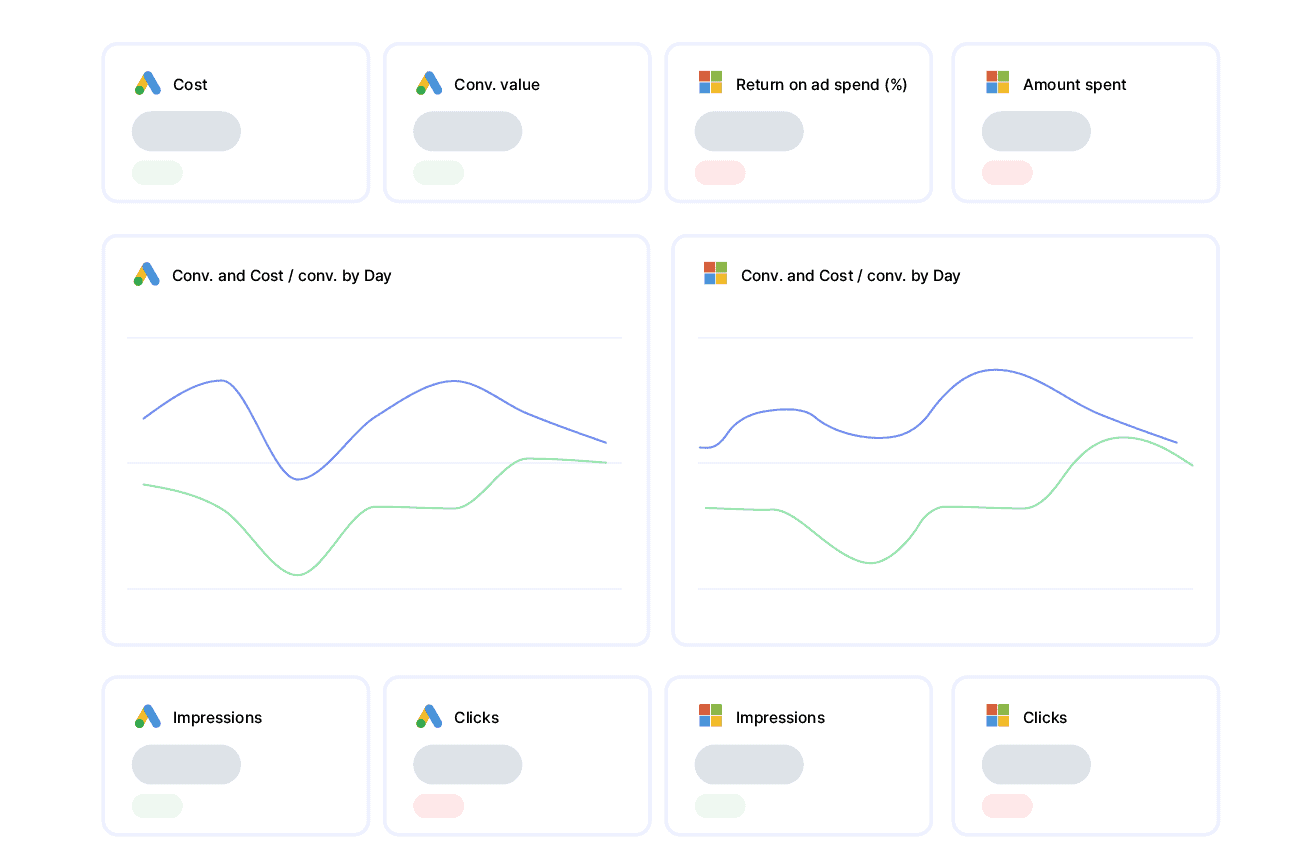
PPC Report
Google & Microsoft Ads spend, conversions, CPA and ROAS in one client-ready view.
View report template →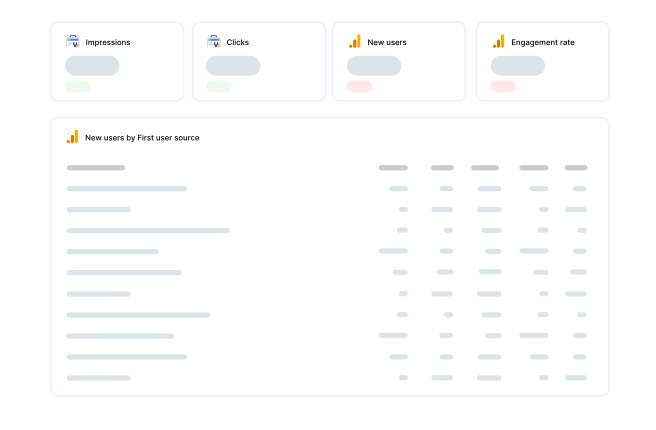
SEO Report
Organic traffic, keyword rankings and Search Console performance, automated each month.
View report template →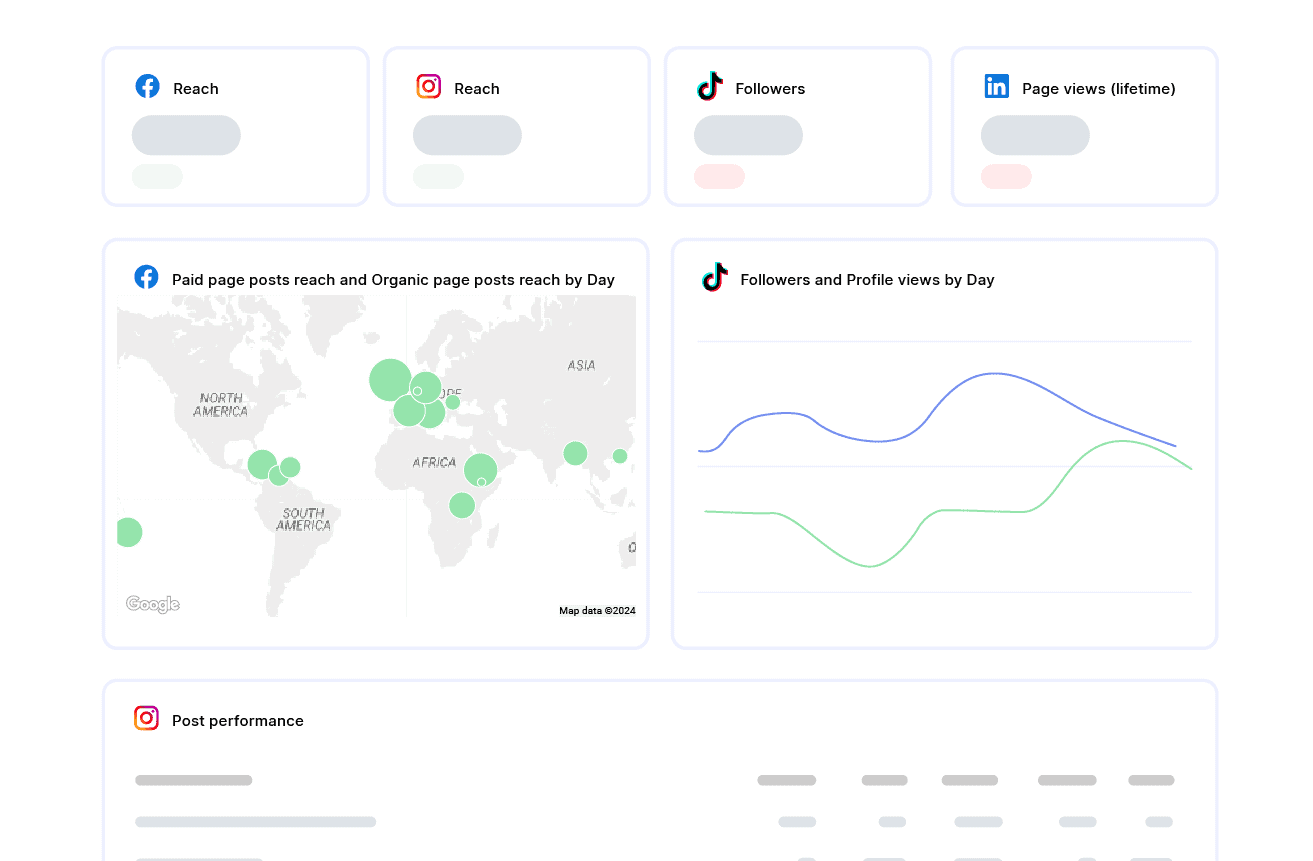
Social Media Report
Facebook, Instagram, LinkedIn and TikTok engagement and growth across every channel.
View report template →Client Testimonials
Discover Why Over 2,500 Agencies Trust Swydo
Swydo saves countless hours. An Excel report could easily take five or six hours. With Swydo, it takes 10 minutes, maybe 20.

The number one thing I love about Swydo is the customer support. I clicked the chat box and in less than 15 minutes I had a reply from Andrea.

What used to take days now takes minutes, cutting our reporting time by over 50%. An absolute game-changer!



Run This Every Month. Across Every Client. Automatically.
You’ve seen the number for one client. The next step is the same calculation, refreshed monthly, across your whole book. Swydo’s 14-day trial includes free human-assisted migration — our team rebuilds your first three client dashboards so month one shows real numbers.
No credit card · Cancel anytime · Free migration from any reporting tool