
“Saves us 8–16 hours a month”
“The math finally adds up”
“Productivity up 30%”
“Reporting is a non-issue now”
How Much Is Manual Reporting
Actually Costing Your Agency?
Plug in your client count, reporting cadence, and team rate. See the hours, the dollars, and the savings you’d recover by automating with Swydo — in under 60 seconds.
Reporting Time & Cost Calculator
See what manual client reporting is actually costing your agency — and what you’d save by automating with Swydo.
Start With Your Agency Type
Google Ads, Meta, GA4, SEO, LinkedIn, etc. Each platform account per client = 1 data source.
Your Current Monthly Reality
Total Reports
16
per month
Hours Spent
64
hours / month
Labor Cost
$4,800
per month
Your Estimated Swydo Plan
Swydo charges by data sources, not clients or users — so we’ve mapped your setup to their actual pricing tiers.
Total Data Sources
16
Monthly Swydo Cost
$96/mo
Cost per Report
$6.00
Monthly Cost: Manual Reporting vs. Swydo
Swydo bar includes subscription + residual labor for setup, review, and insight commentary.
Full Monthly Cost Breakdown
Manual labor cost
64 hrs × $75/hr
$4,800
Swydo subscription
16 data sources
$96
Residual labor (setup, review, insights)
~20% of original time
$960
Monthly Savings with Swydo
$3,744
Projected Annual Savings
$44,928
614 hours reclaimed for strategy, growth, and client work
ROI: 39× your Swydo investment
Stop the Spreadsheet Grind
Reclaim 614 hours a Year. Your Swydo Plan: $96/mo.
Swydo automates the reporting work your team is doing manually right now — pulling live data from Google Ads, Meta, GA4, SEO, and 30+ other sources. No credit card. No contract. See a live report in under 10 minutes.
No credit card required · Cancel anytime · Unlimited users & clients
How It Works
The Math Behind the Numbers
Nothing fancy — just an honest accounting of what monthly client reporting actually costs you, and what’s left after you replace the manual work with automation.
The Formula
Swydo total cost Data sources = Clients × Sources per client Subscription = Swydo tier (see below) Residual labor = 20% × Manual hours × Rate Swydo cost = Subscription + Residual labor
Savings Monthly savings = Manual cost − Swydo cost Annual savings = Monthly savings × 12
Swydo Pricing Tiers (Used Live in the Calculator)
$69/mo flat for the first 10 data sources, then $4.50 per source (11–100), $3.00 (101–500), and $2.00 (501+). The calculator does the tier math automatically when you move the sliders.
What Counts as a “Data Source”?
One platform account connected to one client. A client running Google Ads + Meta + GA4 = 3 data sources. Two clients on the same platform = 2 separate sources.
Why We Keep 20% Residual Labor
Automation removes data pulling and formatting — but you still spend time on setup, QA, and writing the “what happened and why” insight your client actually reads. We don’t pretend it goes to zero.
How We Picked the Agency Presets
Boutique through Enterprise reflect the median client count, data-source mix, and reporting cadence we see across 2,500+ Swydo accounts. They’re a starting point — adjust the sliders to your real setup.
The Hidden Tax
Why Reporting Time Is the Silent Margin Killer
Reporting feels like overhead because it is overhead — and it scales linearly with every new client you sign, until it eats your margin from both ends.
Manual reporting hours agencies actually log when they track it honestly.
Lost to data pulling, formatting, and weekly QA across a typical 15-client book.
For a mid-sized agency at $75/hr blended. Most owners never see this line on a P&L.
The trap is that reporting hours don’t show up as a discrete line item. They’re spread across every account manager’s week, hidden inside “client work,” and only surface when someone tries to leave on a Friday. By the time you notice the cost, it’s already paid for — every month, on autopilot.
The deeper problem is what those hours aren’t being spent on. Strategy. Optimisation. Pitching expansions. The senior people on your team are the most expensive to use as data-formatters, and they’re usually the ones doing it because no one else can be trusted with the client-facing version.
Reporting automation isn’t about a tool. It’s about repointing the capacity — turning eight hours of formatting into eight hours of work clients pay you more for.
Next Steps
What to Do With Your Number
Whatever the calculator showed you, here’s the playbook for turning it into a real change in how your agency runs.
Confirm the Input That Hurt the Most
Was it client count? Hours per report? Cadence? That’s the lever. Most agencies are surprised by how much “just one more weekly report per client” costs over twelve months. Re-run the calculator with the single most painful input adjusted and you’ll see your highest-leverage fix.
Audit Your Actual Reporting Time for One Week
Have every account manager log reporting hours separately for five working days. The averages you used in the calculator are usually conservative — real agencies log more than they think. The gap between your estimate and the real number is the number that should make the case for automation internally.
Pick the Three Reports You Build Most Often
Whatever your channel mix — PPC, SEO, social, full-funnel — three templates probably cover 80% of your client work. Browse the Swydo report templates library for ready-made starting points by channel, and use them as the baseline for what to automate first.
Map Your Data Sources to a Real Tool Stack
Count the platforms that feed each client report — Google Ads, Meta, GA4, LinkedIn, Search Console, your CRM. Check the Swydo integrations list against your actual stack so the cost projection in the calculator matches what you’d actually pay.
Spend Two Hours on a Trial, Not Two Weeks Deciding
Build one client’s report end-to-end inside Swydo’s 14-day trial. If it doesn’t save you the time the calculator projected, you’ll know in 90 minutes, not 90 days. No credit card needed.
The Swydo Difference
How Swydo Turns This From a Calculation Into Reality
The hours and dollars in the calculator above? Swydo is the mechanism that gets them back. Specifically built for agencies who report on multi-channel client performance and want predictable cost as they scale.
- 30+ native integrations across Google Ads, Meta, GA4, LinkedIn Ads, TikTok, Search Console, HubSpot, Mailchimp, call tracking, and more — no Zapier middle-layer.
- White-label on every plan — your logo, your brand colors, your custom domain. Not gated to higher tiers.
- Predictable pricing. $69/mo flat for the first 10 data sources, then $4.50 each. No per-client tax, no per-user fee, no surprise tier jumps at 25 clients.
- Build once, scale across every client. Master templates link to client reports — change a KPI definition once, every connected client updates.
- AI summaries inside scheduled emails. Your client sees the “what happened and why” before they open the PDF. Hands-off insight, every cycle.
- Alerts when something breaks. Data source disconnected? Goal missed? Email alerts come standard; Slack alerts available via the beta Slack integration.
- Free human-assisted migration. Moving from AgencyAnalytics, DashThis, Whatagraph, or Looker Studio? Our team rebuilds your reports for you in 2–5 days. Free.
- Unlimited users and unlimited clients. Add the whole team and every account. Cost stays tied to data sources, nothing else.
No credit card required · Cancel anytime · Free migration included
FAQ
Questions Agencies Actually Ask
How Long Does It Actually Take to Build a Client Marketing Report Manually?
The benchmark across 2,500+ agencies sits between 4 and 8 hours per client per month for a multi-channel report — and that’s once you have a template. Agencies running weekly cadences or 5+ channel reports routinely log 10–16 hours per client. The single biggest determinant is how many data sources you’re pulling from and whether you’re copy-pasting from each platform’s native UI or wrangling exports in spreadsheets.
The calculator’s default of 4 hours is intentionally conservative. If you’ve never tracked it, log a week and you’ll likely revise up.
Is Automated Reporting Actually Faster Than Looker Studio (Formerly Data Studio)?
For agencies running multi-client reporting at scale, yes — by a wide margin. Looker Studio is free and powerful, but each client report is essentially custom-built, white-label is manual, scheduling is awkward, and a team change to one connector cascades into hours of dashboard repair. Swydo automates the parts Looker Studio leaves to you: template-to-client linking, white-label, scheduled email delivery, AI summaries, and connection-health alerts.
The honest answer: Looker is best for one-off custom dashboards. Swydo is best when you’re running 10+ clients and want consistency, not creativity.
Why Does the Calculator Include “Residual Labor”?
Because no reporting tool — including Swydo — removes the work entirely. You still need someone to set up the first version of each client’s report, QA the data monthly, and write the insight commentary your client actually reads. We estimate that residual work at ~20% of the manual time. If we showed savings at 100% we’d be lying to you, and your CFO would notice in three months.
How Accurate Is This for an In-House Marketing Team vs. an Agency?
The math works for both — pick the “In-House Team” preset. The shape of the problem changes: in-house teams typically have fewer “clients” (brands, business units, or stakeholders) but more channels per brand and higher reporting cadence. The dollar savings tend to be smaller in absolute terms but proportionally similar, and the time savings often free up senior marketers from running QBR prep to doing the strategic work the role was hired for.
What if My Hourly Rates Aren’t on the Dropdown?
Use the closest tier. The five tiers cover roughly $45 (junior, sub-$50K base), $75 (mid, $60–80K base), $110 (senior, $90–120K base), $150 (lead/strategist, $130–160K base), and $200 (director/principal, $180K+ base) — all loaded for benefits and overhead at roughly 1.4×. If your blended team rate is between two tiers, pick the lower one — the calculator already errs conservative.
Does Swydo Actually Cost $69/Month for the First 10 Data Sources?
Yes, on the annual plan. Monthly billing is slightly higher. The $69 includes white-label, custom domain, AI summaries, scheduled emails, email alerts, unlimited users, and unlimited clients — none of that is gated to higher tiers. Above 10 sources, you pay $4.50/source (11–100), $3.00/source (101–500), and $2.00/source (501+).
Start your free 14-day trial to see the exact tier math against your own client count.
What if My Agency Uses Tools Swydo Doesn’t Integrate With?
Swydo has 30+ native integrations covering the majority of paid media, social, SEO, CRM, call tracking, and email platforms agencies actually use. If something’s missing, Swydo also supports custom data sources via Google Sheets — anything you can get into a sheet can flow into a Swydo report. That said: if your stack is heavy Shopify, Salesforce, or programmatic (StackAdapt, Basis, DV360), AgencyAnalytics has more native coverage and we’d tell you to look there first.
Start a free trial and connect your real stack in five minutes — fastest way to know for sure.
How Long Until I See the Savings the Calculator Projects?
Realistically, the first month is partial — you’re rebuilding templates and onboarding the team. Month two is when the time savings show up cleanly, and from month three onward the math compounds as you add more clients to the existing templates. Most agencies see a full payback inside 30 days for the subscription cost, and the labor reclaim is usually 60–80% of what the calculator projects (we keep the 20% residual line for a reason). The migration team rebuilds your existing reports inside the trial — that’s the fastest path to month-one results.
More Free Tools
Other Calculators Worth a Minute of Your Time
Built on your data
Everything You’d Report On, Already Connected
Swydo pulls live client data from 30+ marketing platforms into automated, white-label reports and dashboards — the same engine behind every number in this calculator.
 Google Ads
 Google Analytics
 Facebook Ads
 Facebook Insights
 Microsoft Ads
 LinkedIn Ads
 Instagram Ads
 TikTok Ads
 X (Twitter) Ads
 YouTube
 Snapchat Ads
 Google Sheets
Start From a Ready-Made Report Template
Click any template to open a live example report you can clone in one click.
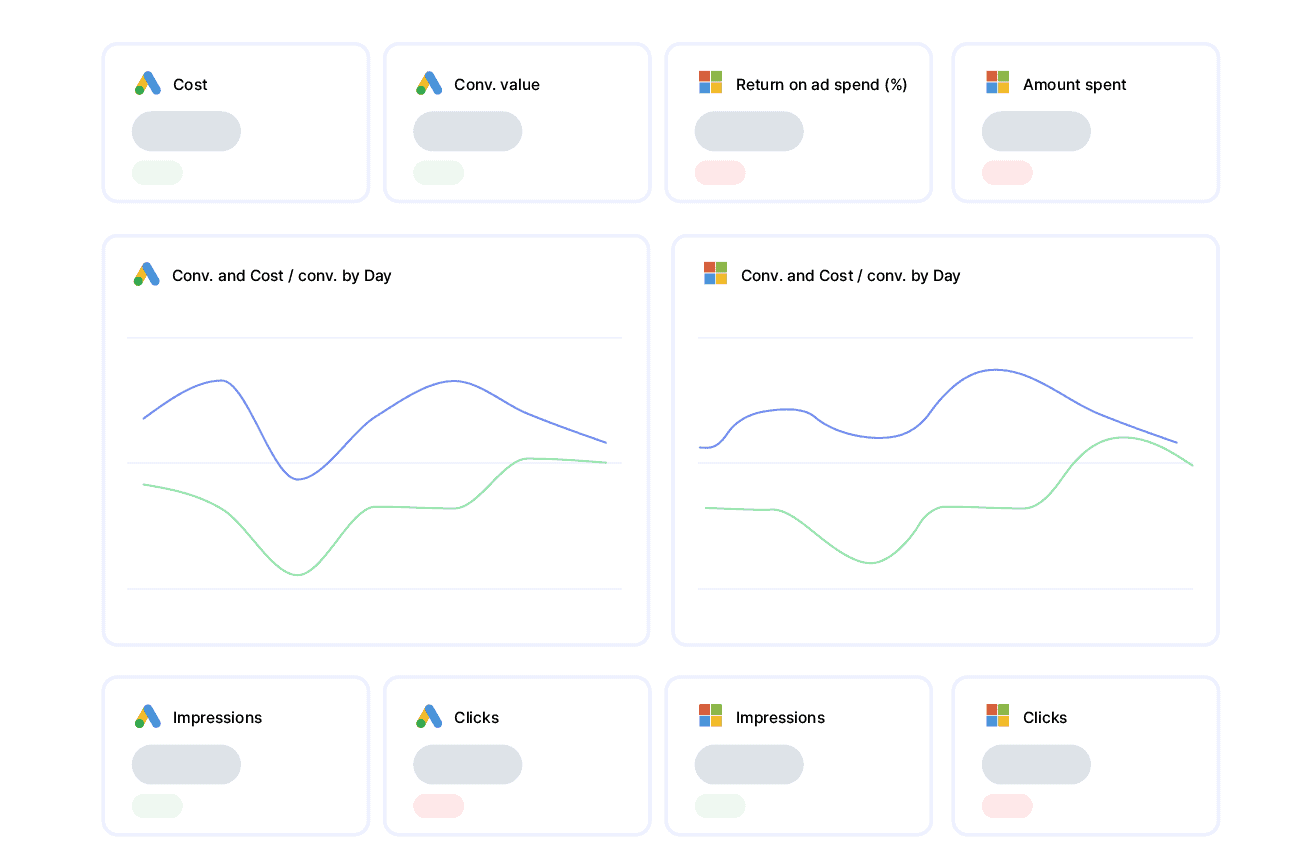
PPC Report
Google & Microsoft Ads spend, conversions, CPA and ROAS in one client-ready view.
View report template →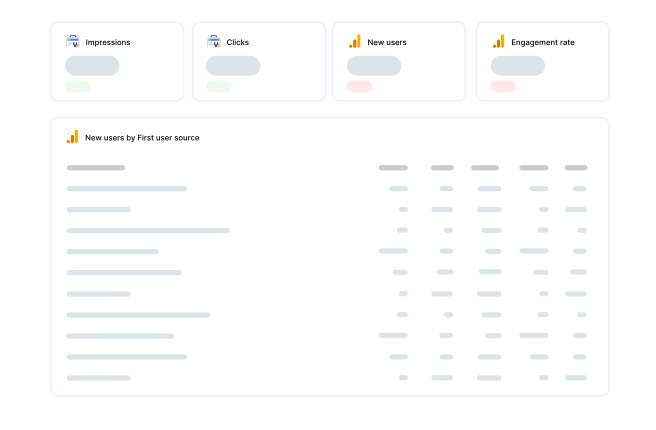
SEO Report
Organic traffic, keyword rankings and Search Console performance, automated each month.
View report template →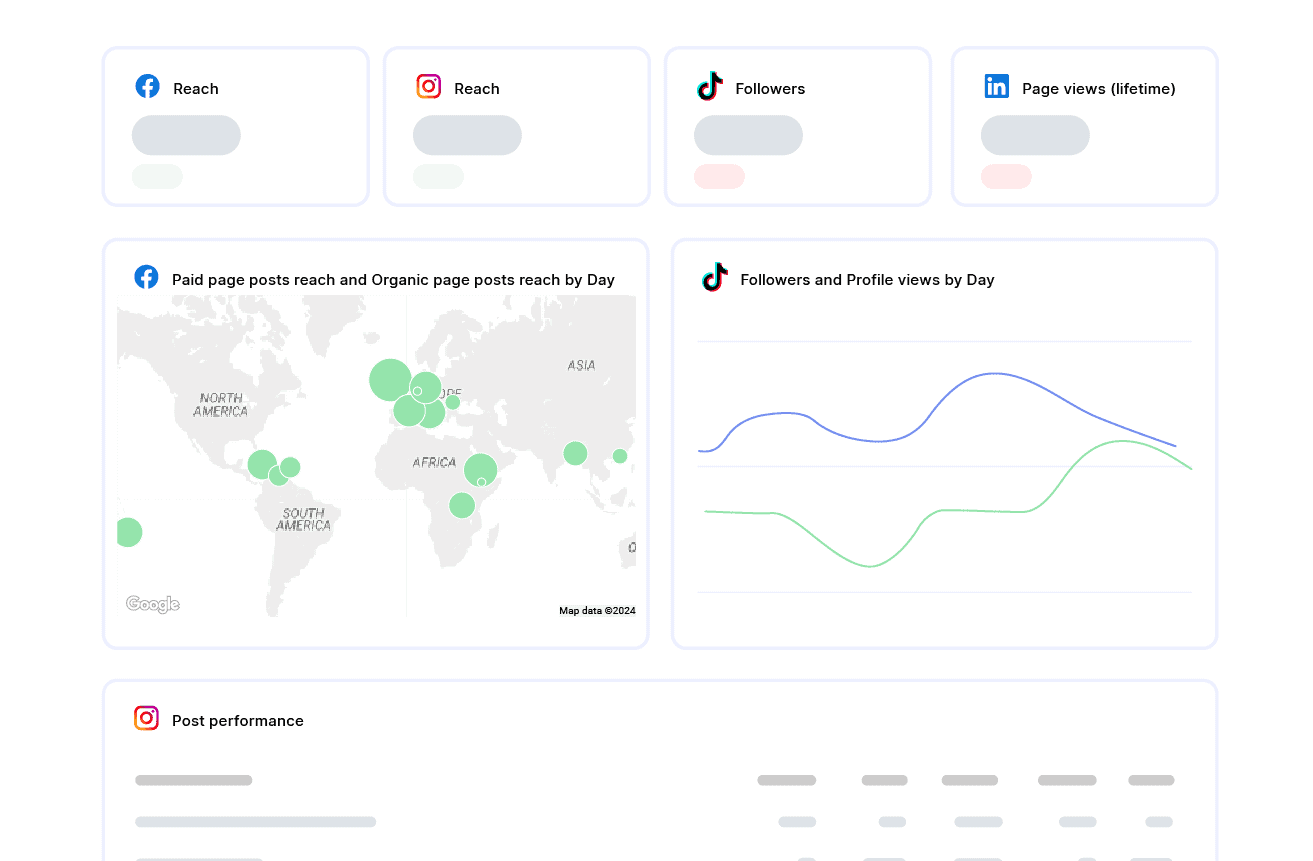
Social Media Report
Facebook, Instagram, LinkedIn and TikTok engagement and growth across every channel.
View report template →Client Testimonials
Discover Why Over 2,500 Agencies Trust Swydo
Swydo saves countless hours. An Excel report could easily take five or six hours. With Swydo, it takes 10 minutes, maybe 20.

The number one thing I love about Swydo is the customer support. I clicked the chat box and in less than 15 minutes I had a reply from Andrea.

What used to take days now takes minutes, cutting our reporting time by over 50%. An absolute game-changer!



Stop Calculating It. Start Saving It.
You’ve seen the number. The fastest path from this calculator to the savings inside it is a 14-day Swydo trial. Our team rebuilds your first three client reports for you — for free — so month one shows real numbers, not aspirational ones.
No credit card · Cancel anytime · Free migration from any reporting tool