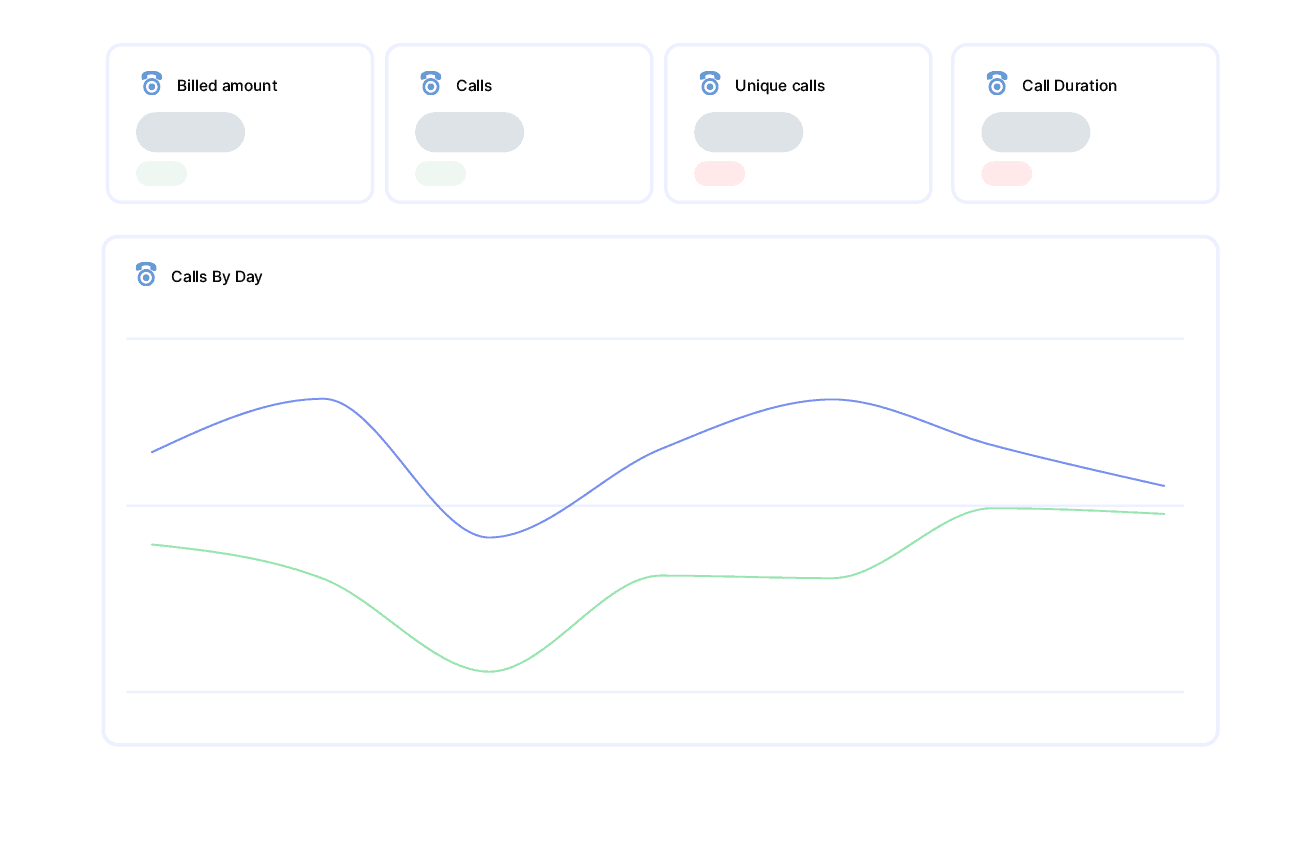
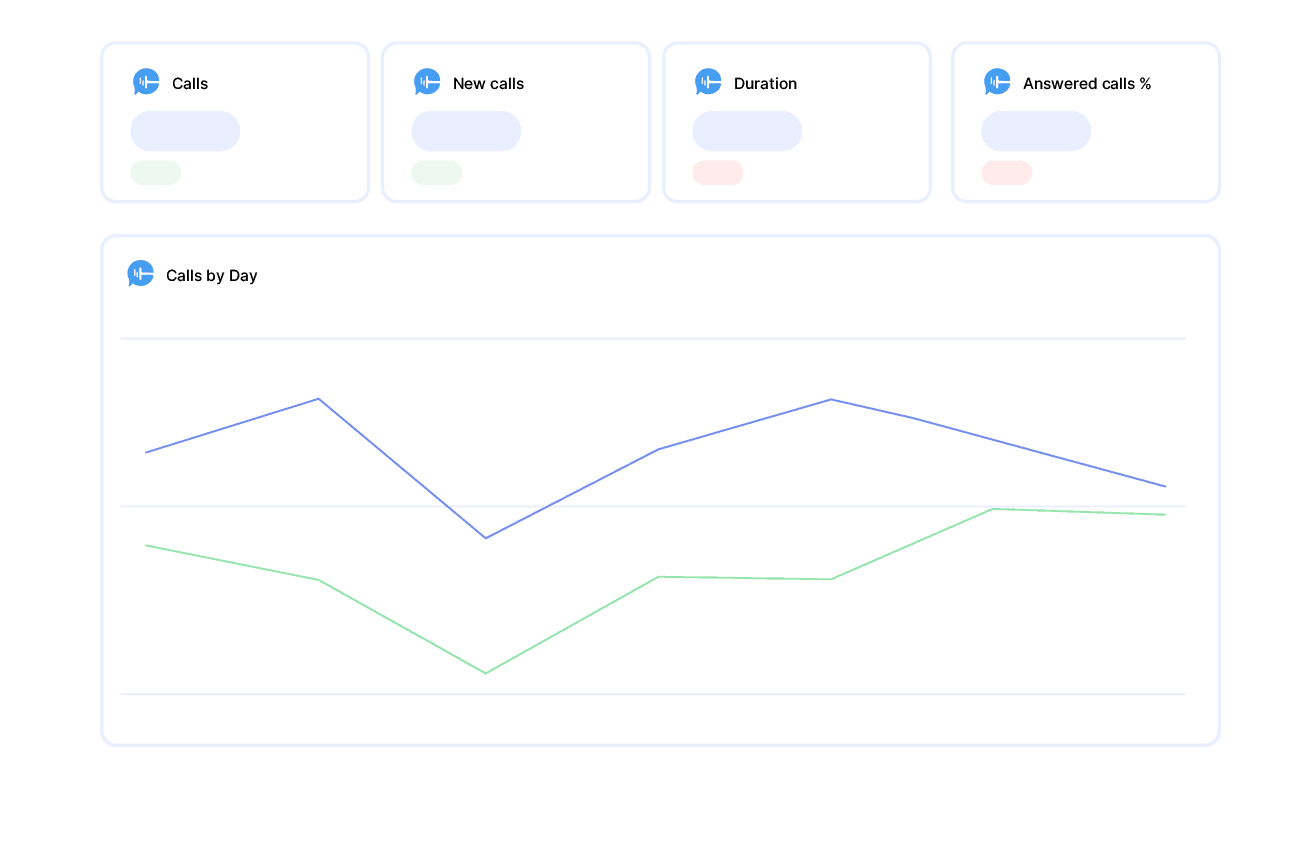
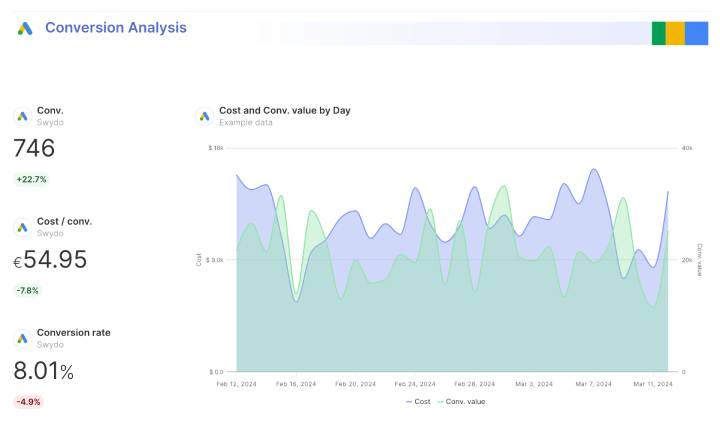
Understanding call data is crucial for optimizing customer interactions and improving ROI. Swydo’s call tracking reporting tool consolidates key CallTrackingMetrics (CTM) data like call volume, unique callers, average duration, conversion rates, revenue attribution, and caller location, providing a complete view of call performance.
Automate reports to measure campaign effectiveness, refine call handling strategies, and make data-driven decisions that enhance customer engagement.
▶ Get startedFree for 14 days
No credit card required
Cancel anytime
 2500+Customers
 80+Countries
 50,000+Monthly reports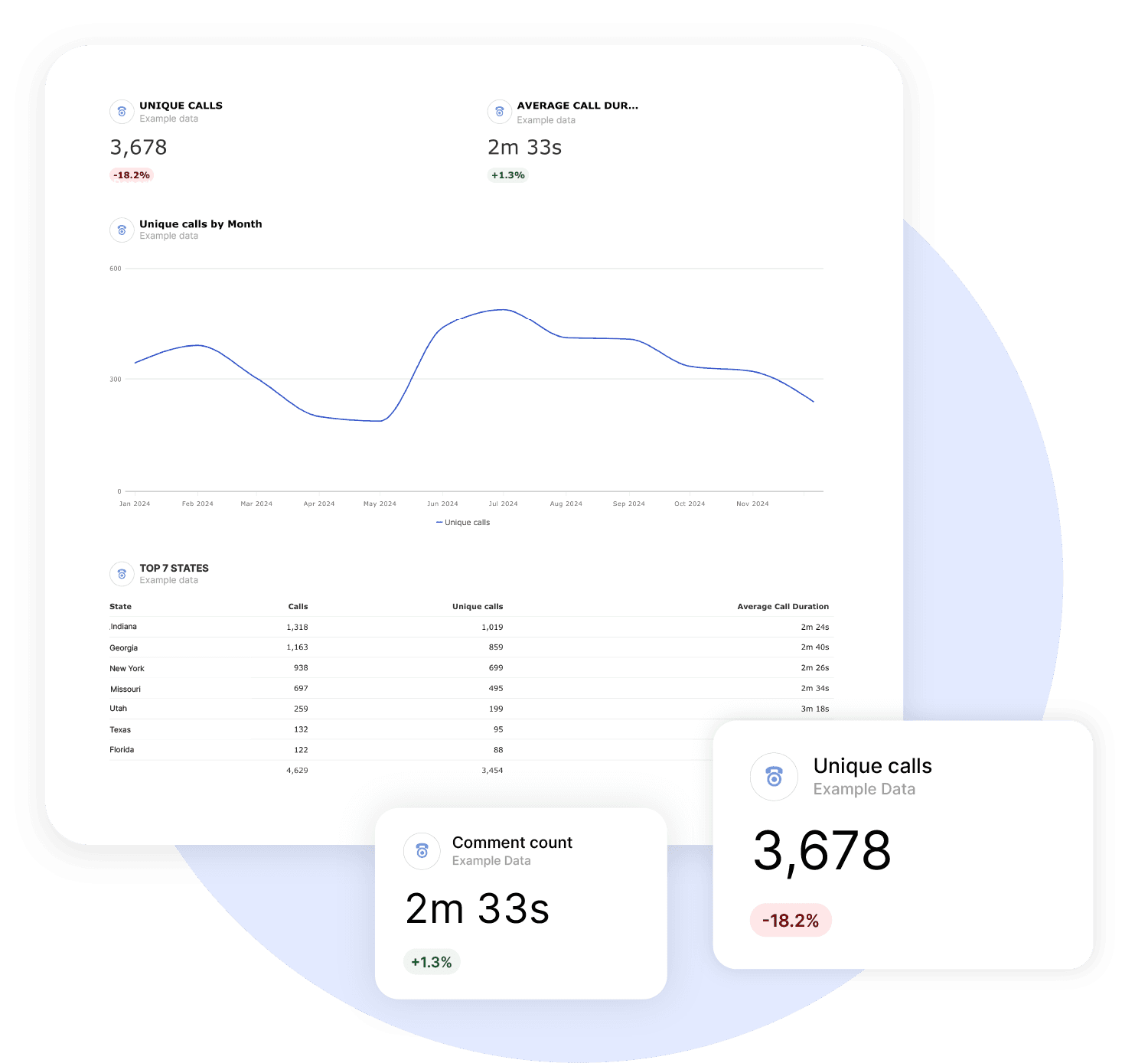
How it works

1. Select
Choose one of our predefined templates or create your own

2. Connect
Connect your data sources

3. Customize
Customize your data to meet your client’s needs

4. Share
Schedule and share a dashboard or PDF report with your team or clients
Heads up: API changes may affect what's shown here.
For the most accurate info, check the Advanced tab in your Swydo account. Missing a metric? Contact Support.
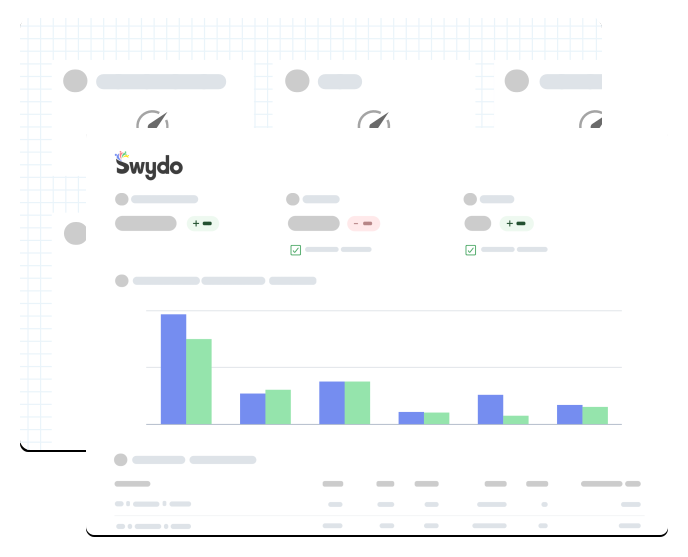
Effortless CallTrackingMetrics (CTM) Reporting Tool That Saves Time
Need a simple way to create a CallTrackingMetrics (CTM) report without juggling spreadsheets? Swydo’s CallTrackingMetrics (CTM) reporting software saves you time. Turn hours of manual tasks into minutes with our pre-built CallTrackingMetrics (CTM) report template.
Present your call tracking KPIs with Swydo’s data visualization tool, deliver a polished CallTrackingMetrics (CTM) report or interactive dashboard, and highlight results without the hassle. Update one master template, and every connected report refreshes automatically—no repeated tasks, no errors.
Save hours every monthTurn Your Marketing Objectives into Actual Results
Use our goal tracking and monitoring tools to keep clients updated on key CallTrackingMetrics (CTM) metrics like which marketing campaigns, website pages and keywords are driving phone calls and conversions! Quickly see whether you’re hitting your KPIs or need to pivot. This eliminates guesswork and supports data-driven decisions.
Turn raw data into clear insights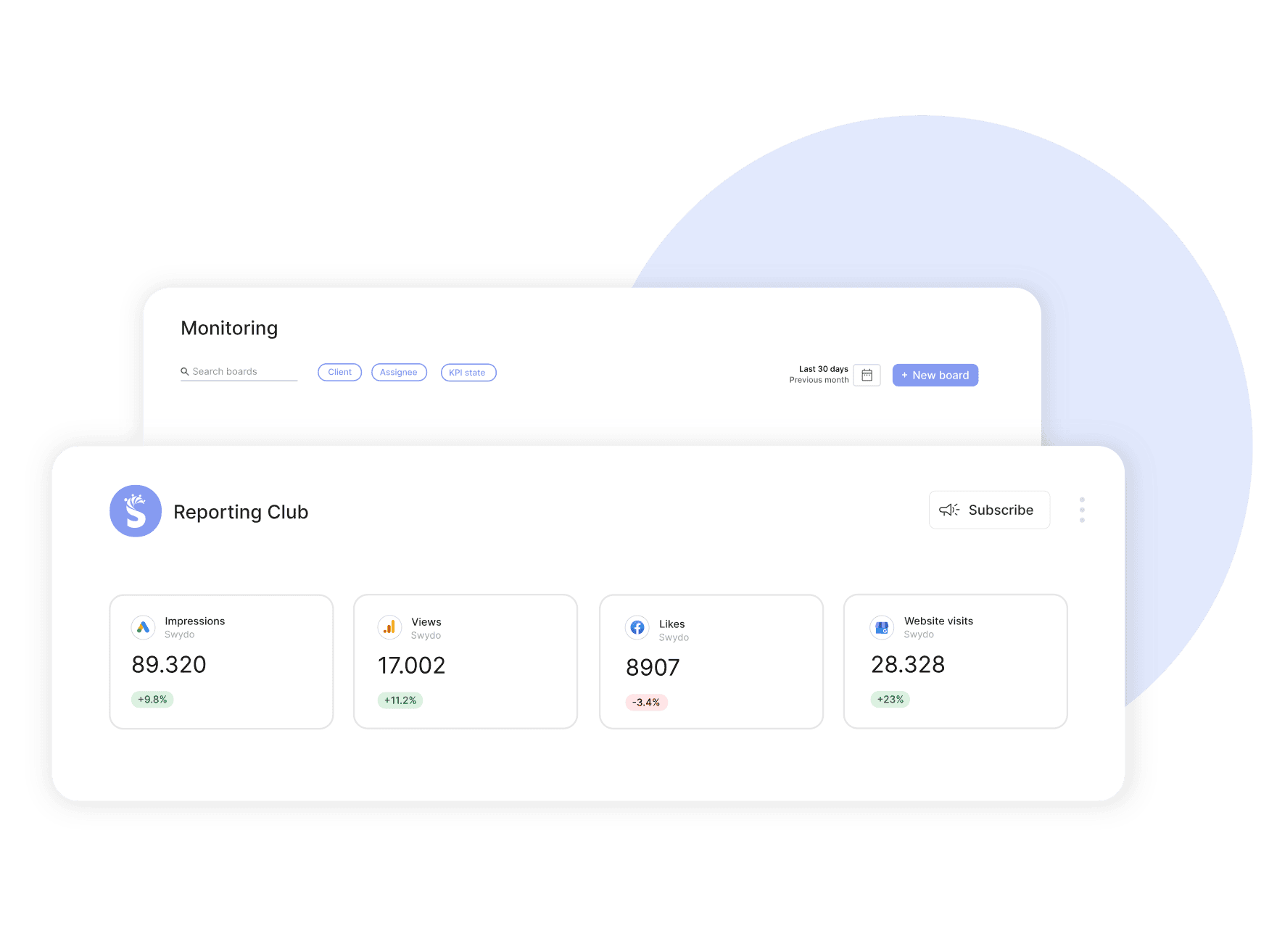
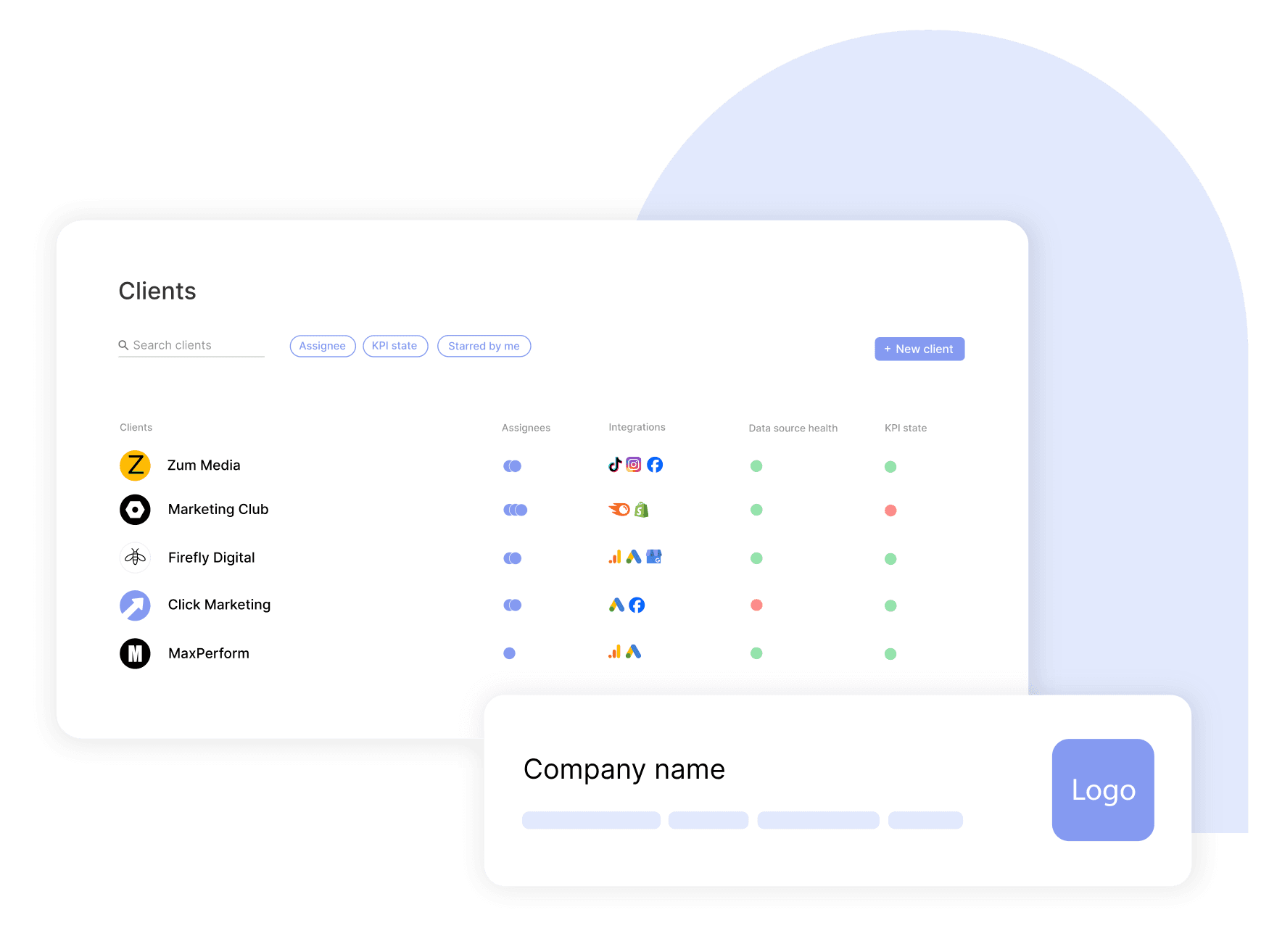
Easily Scale & Manage Multiple Clients
Manage multiple clients with ease and precision. Swydo equips agencies to onboard clients quickly with custom templates, update every client CallTrackingMetrics (CTM) report in a single click, and assign team roles for seamless collaboration. Control access, personalize delivery, and free up time to focus on growth—all from one platform.
Start scaling your reporting effortsPresent Your Brand with Confidence
Create white label CallTrackingMetrics (CTM) reports that reflect your agency’s look and feel. Include your logos, colors, and layouts to match your style. Use interactive dashboards on your custom domain URL for added trust. Show your expertise while delivering professional, ROI-focused updates.
Showcase your brand in every CallTrackingMetrics (CTM) report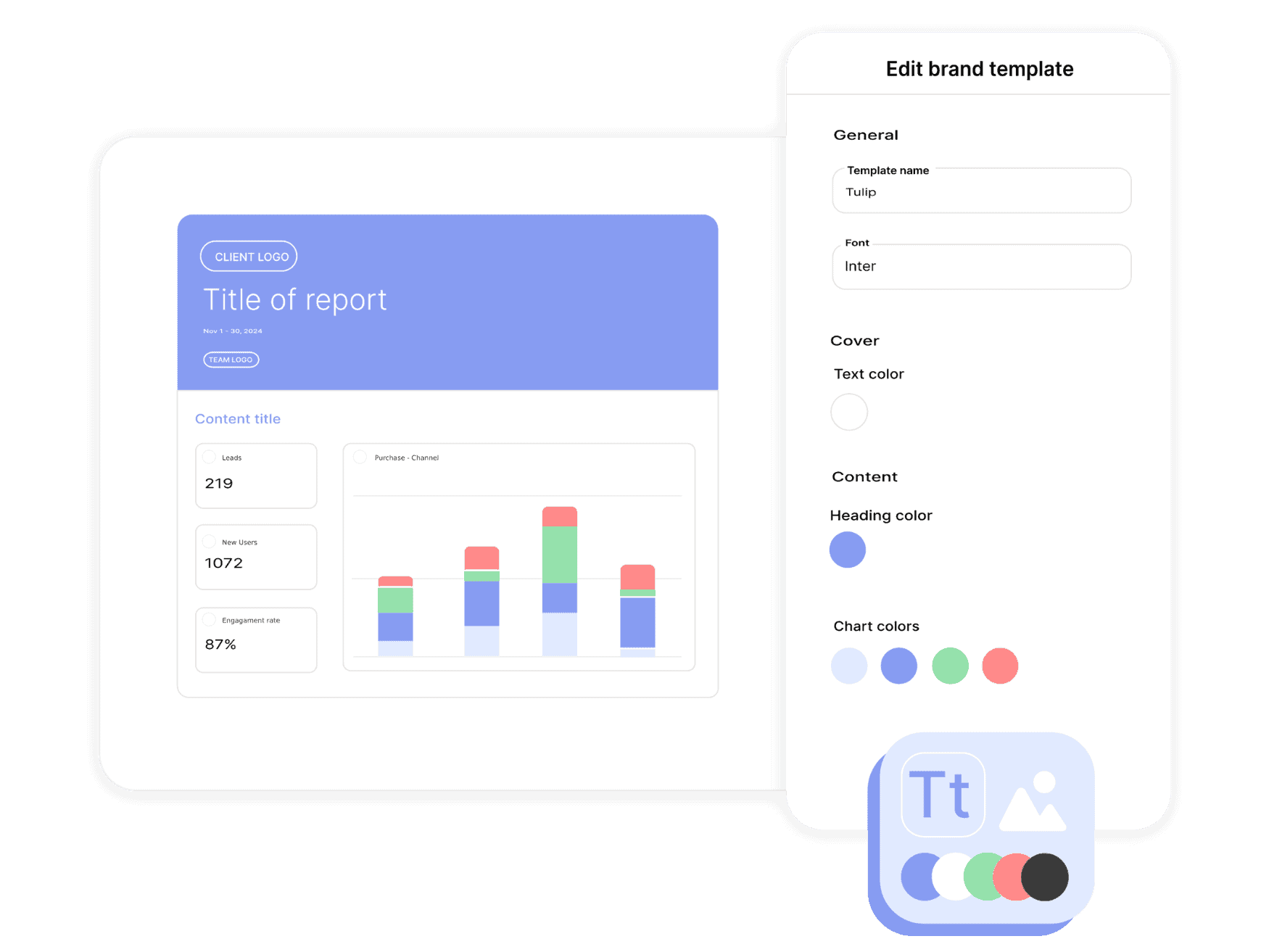
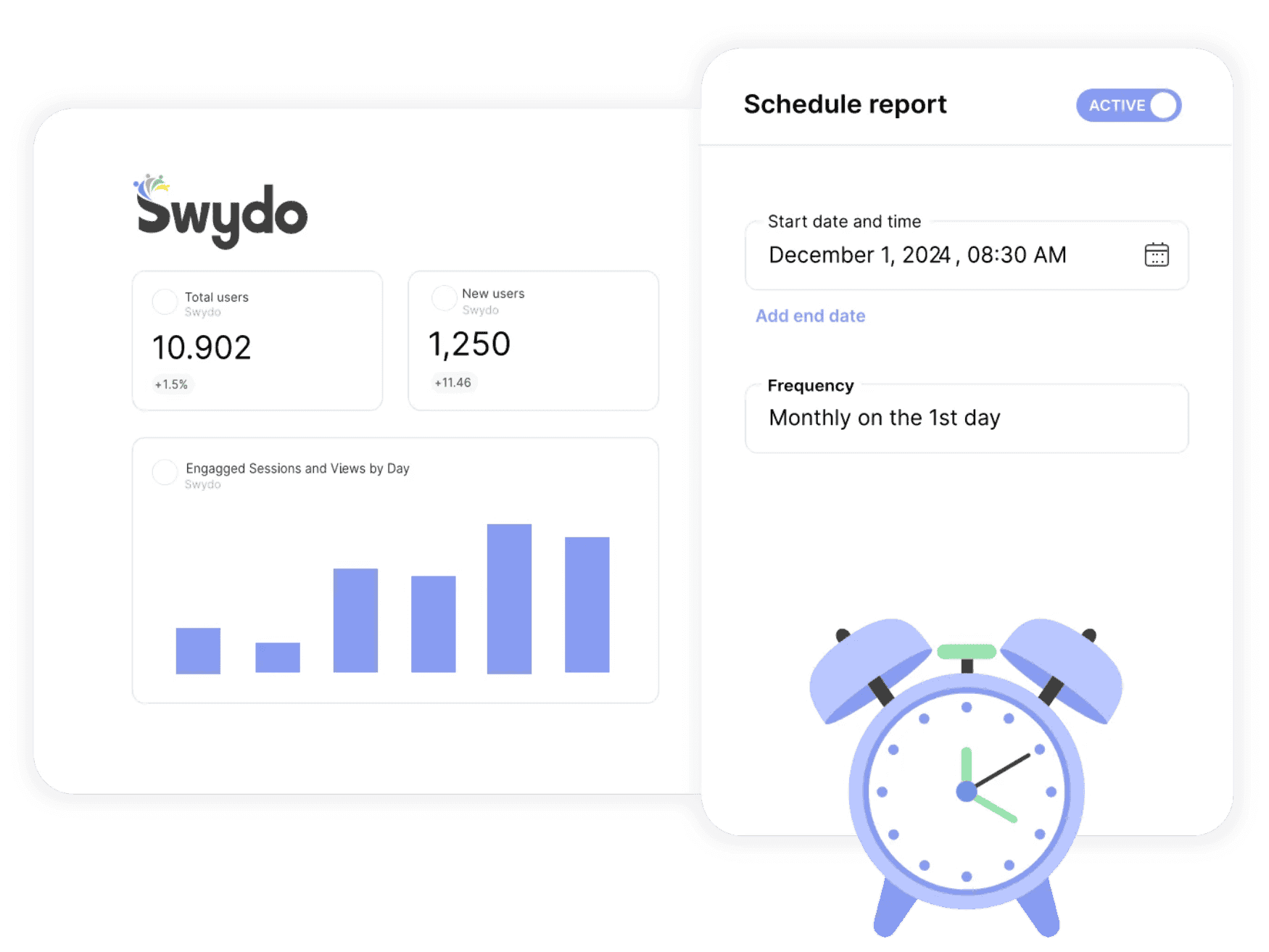
Automate Your Reporting Workflow
Set up automatic deliveries of your CallTrackingMetrics (CTM) dashboards or shareable PDF reports. Configure once and ensure clients receive timely updates daily, weekly, monthly, or quarterly. Swydo automatically retries failed emails, so you never miss a deadline.
Never forget to send another reportSpot & Fix Connection Issues Fast
Accurate reporting starts with reliable data connections. Swydo sends instant alerts if your CallTrackingMetrics (CTM) integration connection fails. Reauthorize in a few clicks, and see all data sources on one screen. Control costs by managing active or inactive data feeds.
Keep your data flowing and your reports accurate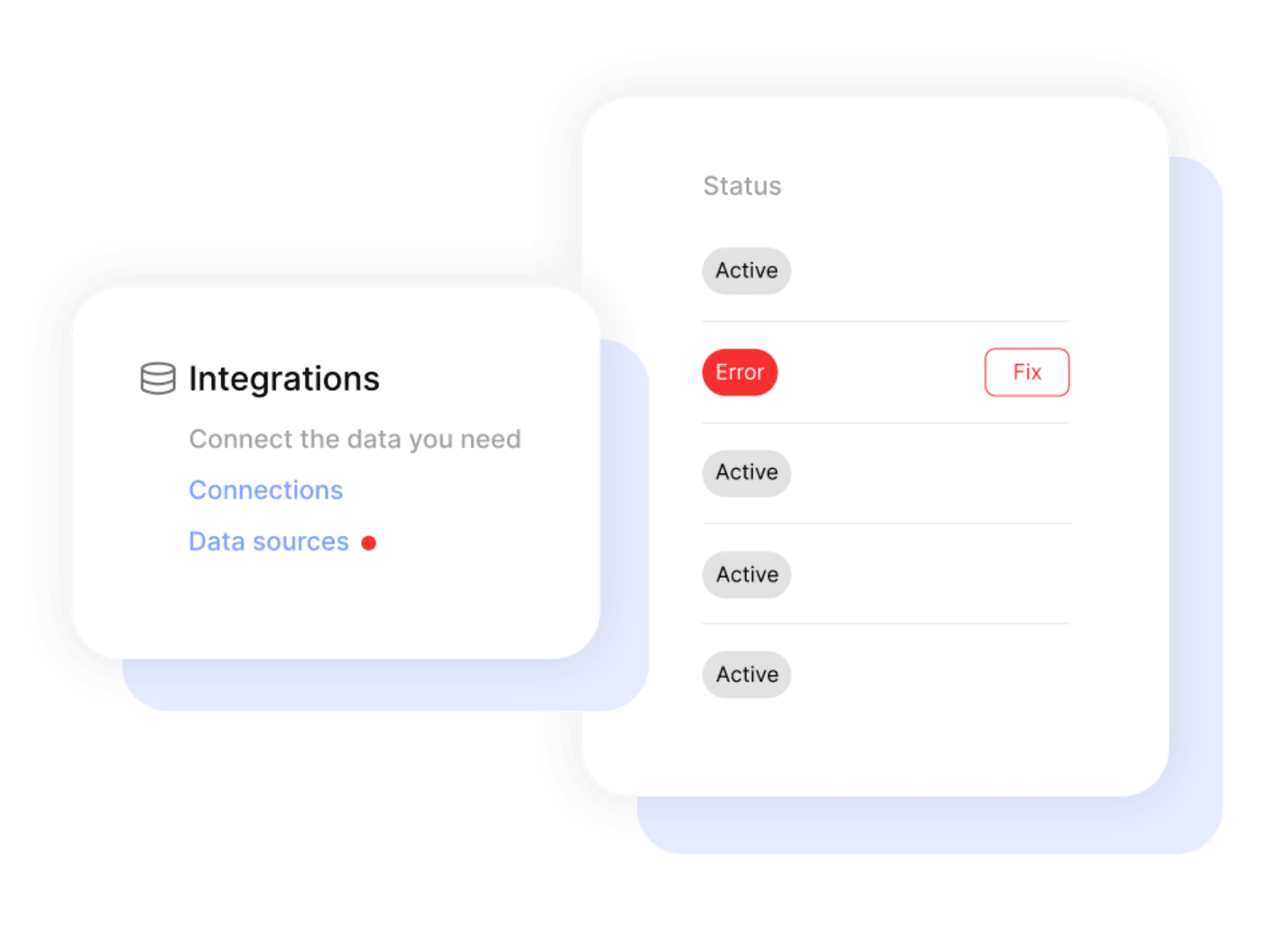

Get a single overview of top metrics for all your clients.

Get email alerts when results hit or miss targets.

Enjoy 99%+ report delivery with auto-resends.

Blend data from up to 5 ad platforms into one widget for a single, clear metric.

Blend data from up to 5 ad platforms into one widget for a single, clear metric.

Report-level and KPI status filters allow you to quickly identify issues and take action.

Bring all your PPC, SEO, social media and Google Analytics data together quickly and easily with hundreds of time-saving templates, predefined widgets, and KPIs.

Swydo enables you to build reports which reflect your brand by incorporating your logo, text styles, colors and personalized cover pages.

Swydo gives you the tools to dig deeper with monitoring boards, goals and target alerts, custom metrics, combined data sources, report filters, and more.

Once you’ve created a report, you can schedule and send that report automatically as frequently as needed - monthly, weekly, daily - whatever your clients need.

Customize reports to suit your clients’ needs. Build report templates and widgets from scratch. Provide executive summaries to help better understand the data.

Share your reports via PDF or use our online dashboard report option – whatever suits your clients or team best.
Easily Connect & Integrate Data in a Single Report
 Ahrefs Soon
 Google Merchant Center Soon
 Spotify Beta
 ChatGPT Ads New
 LinkedIn Personal Profile New
 Excel New
 Google Ads
 Google Analytics 4
 Facebook Ads
 Facebook Insights
 Microsoft Ads
LinkedIn Ads
Microsoft Ads
LinkedIn Ads
From your client page in Swydo, open the Data Sources tab and click New Data Source, then choose CallTrackingMetrics (CTM). For most platforms you’ll authorize via OAuth; a few (Klaviyo, CallRail, Call Tracking Metrics, ActiveCampaign) use an API key instead. Once authorized, pick the specific account, property, or page you want to report on. Each one becomes a data source you can drop into any report.
Yes. Every Swydo report supports widgets and KPIs from multiple data sources side by side, so a single report can pull from CallTrackingMetrics (CTM), Google Ads, GA4, Meta, and more. For paid-media platforms you can also blend up to five sources inside a single widget — useful for cross-channel ROAS, total spend, or unified conversion tables. Custom blended widgets aren’t available for non-ad platforms, but reports themselves can mix anything.
Yes. Swydo connects via OAuth or scoped API keys, encrypts data in transit over HTTPS, and stores access tokens with role-based controls. Swydo is GDPR-compliant and acts as a data sub-processor under a standard DPA. You can revoke any connection at any time, and on account closure all data and credentials are deleted within 90 days. Full details live on Swydo’s privacy and data-storage pages.
Swydo offers a 14-day free trial with no credit card required. Pricing is based on the number of data sources, not on users (seats are unlimited) or report volume. The flat plan includes 10 data sources, with a per-source rate beyond that which decreases as you scale. Frequency of reporting doesn’t affect cost. Use the calculator at swydo.com/pricing for an exact quote.
In CallTrackingMetrics, go to Settings → Account Settings → API Integration → enable API Access, then copy the Access Key and click “Show Secret Key” to reveal and copy the Secret Key. Paste both into Swydo when adding the CTM data source. Important: for clients on sub-accounts, you must use each sub-account’s individual API credentials — main-account credentials won’t expose sub-account data.
Yes. CTM’s attribution data — source, medium, campaign, keyword, landing page — flows into Swydo, letting you build a calls-by-source widget showing which channels drove attributed calls. Combine with channel spend to calculate cost per call by source. CTM’s conversion tracking (where calls are tagged as conversions) gives you call-level conversion-rate reporting too.
CTM exposes calls, form submissions, text messages, and chat conversations as separate conversion types in the API, all attributable to the same source dimensions. Build a unified Lead Volume widget combining all four, then layer in conversion-rate-per-channel calculations. For agencies with clients running multi-channel inbound — phone, web forms, SMS, chat — this is the most complete view CTM offers.
Yes. CTM’s call scoring (manual or AI-driven) and call tagging flow into Swydo as filterable dimensions. Build a quality section showing percentage of calls tagged as qualified, average call score, and breakdown by tag (e.g., new patient, existing customer, sales inquiry, support). Useful for clients where call volume alone misleads — what matters is the share of calls that are revenue-relevant.
Add CTM + Google Ads + Meta + GBP to your client, then build a full-funnel report: paid spend by channel, calls attributed by channel via CTM, qualified-call rate per channel, cost per qualified call. Particularly powerful for local-services and home-services agencies where the buying decision happens on a phone call rather than a web form.
Yes, but each sub-account requires its own API credentials connected as a separate data source. For multi-location or franchise clients, add each sub-account’s connection, then build a roll-up section showing calls and conversions across all locations, plus a per-location drill-down. Note that since each sub-account counts as a separate billable data source in Swydo, multi-location clients with many sub-accounts will scale your data-source count accordingly.
Sign up for a 14-day free trial or start a subscription. Then:
No, Swydo is designed to be user-friendly and self-service, so no technical skills are required to get started quickly. Our setup guides walk you through every step. If you need assistance, our support team is here to help.
For a quick overview on how to set up your CallTrackingMetrics (CTM) account, check out the integration tutorial on our help center.
Yes, Swydo implements industry-standard measures to protect your information. This includes secure data storage, encryption, and compliance with privacy regulations. Learn more here.
Yes, Swydo offers several filter options to help you refine your data and focus on the most relevant insights. Some of the key filter types include:
Yes, you can combine CallTrackingMetrics (CTM) data with multiple integrations into one comprehensive report. This allows you to:
Perfect for multi-channel campaigns and seamless reporting.
Swydo actively monitors your data sources to keep everything running smoothly. If there’s a disruption, such as a password change or account update, you’ll receive an alert in the app, and a detailed email with easy steps to resolve the issue.
We accept credit cards (Visa, Mastercard & American Express) and PayPal.
Yes! Our onboarding ensures a seamless start with:
While Swydo is self-service, our support team is always available to help set up your first reports.
Client testimonials
Free for 14 days, no credit card required, cancel at any time
Request a demo ▶ Get started