Free for 14 days
No credit card required
Cancel anytime
 2500+Customers
 80+Countries
 50,000+Monthly reports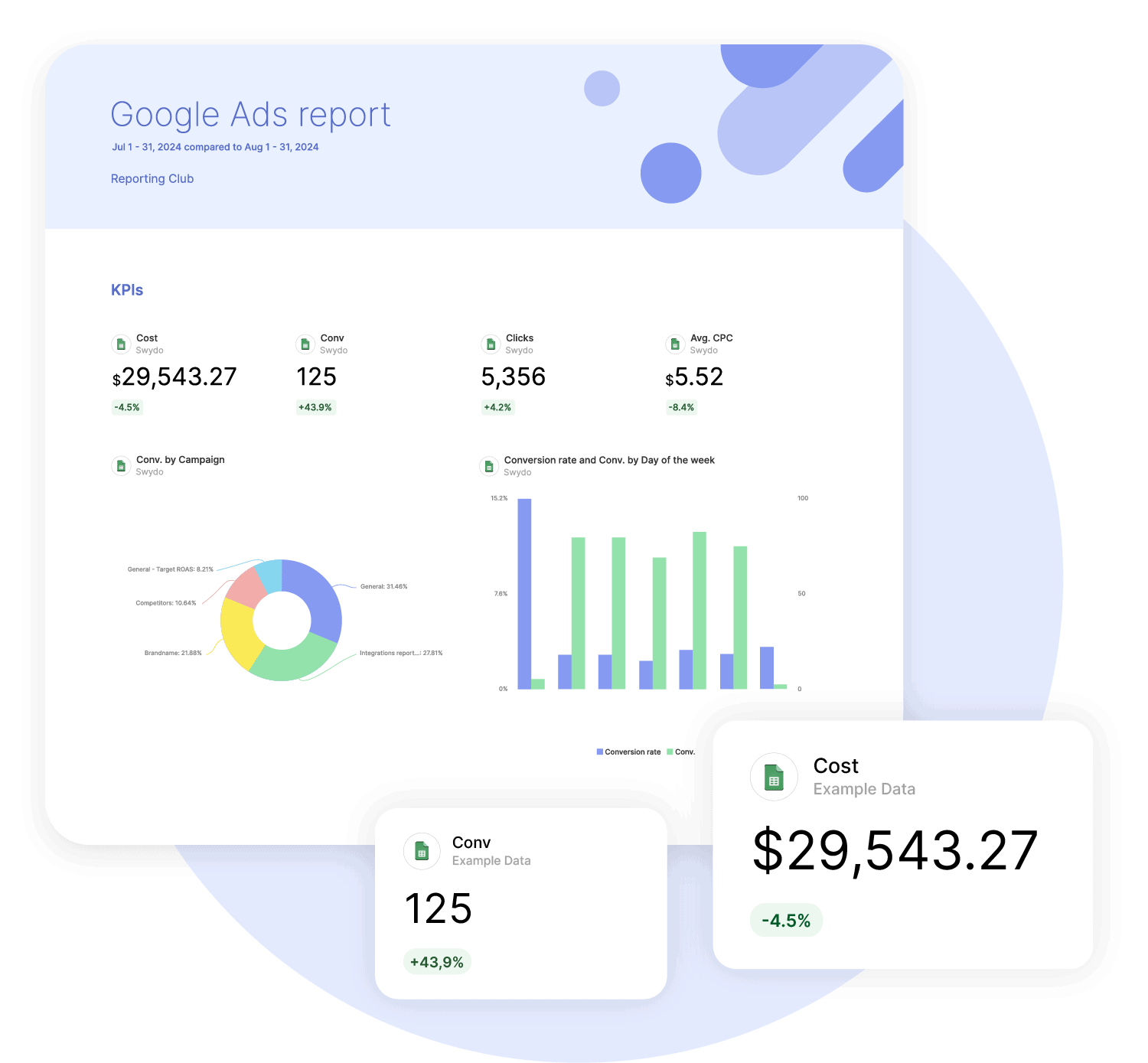
How it works

1. Select
Choose one of our predefined templates or create your own

2. Connect
Connect your data sources

3. Customize
Customize your data to meet your client’s needs

4. Share
Schedule and share a dashboard or PDF report with your team or clients
Build reports and dashboards with any sheets or CSV data file you have
Turn your Google spreadsheets and CVS files into interactive marketing dashboards and reports with Swydo’s Google Sheets integration for comprehensive, all-in-one reporting.
The Google Sheets integration gives you the flexibility to report on any third party data along with existing Swydo data connections such as Facebook, Google Ads and more. Just upload your csv files to a Google spreadsheet, connect your account via the Google Sheets integration, and start using Swydo as your all-in-one comprehensive data reporting solution for reports and dashboards.
Get startedEfficiently Track KPIs And Goals
Swydo’s Google Sheets and CSV reporting tool enables you to build custom KPIs and widgets from scratch so you can track and collaborate on goals to create alignment and accountability.
You’ll have full control over the information presented in your reports and dashboards, as well as who has access to what information.
Successfully track performance against targets, give actionable insights to help with decision making and help your clients set and reach their short and long term goals.
Get started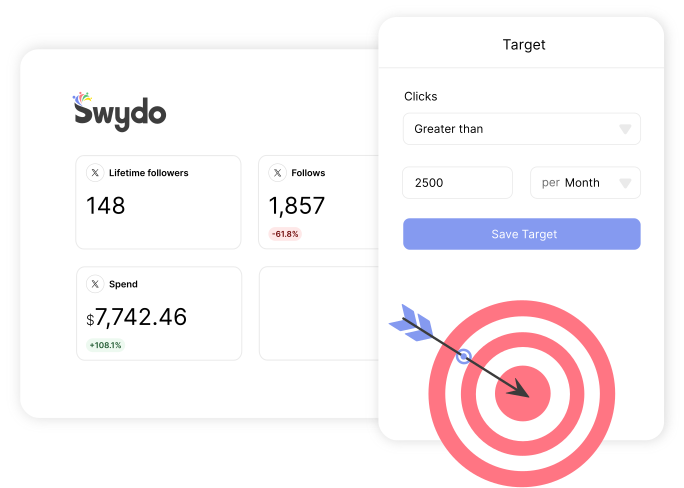
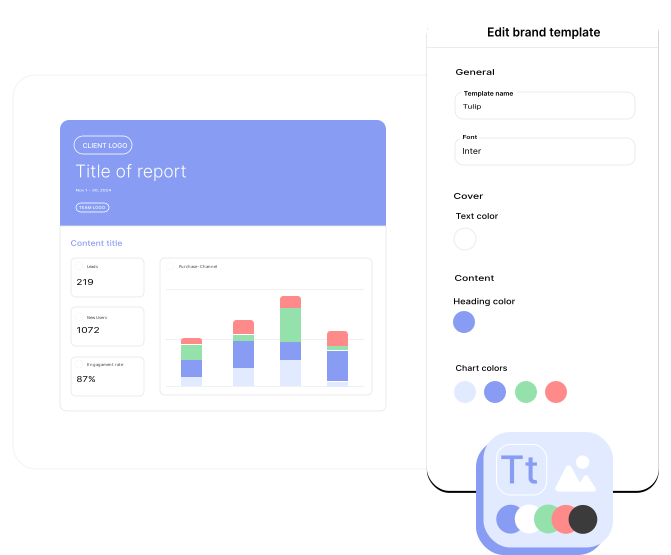
Build trust and align with your brand
Control the consistency, look and feel of all your client communication with branded Sheets and CSV templates by incorporating your logo, colors and fonts of your brand into your Swydo reports.
Our custom domain feature enables you to publish your dashboards and reports on your own domain, as well as using your own email address for sharing reports, which drives brand recognition, trust and deliverability.
Get startedAutomate Your Reporting Workflow
Set up automatic delivery of your Google Sheets reports as interactive dashboards or PDFs.
Schedule once, and let automation handle the rest. Sleep easy knowing your reports always reach clients or stakeholders.
Automatic resend if an email fails, plus delivery tracking that keeps you informed.
Automate your reporting and focus on what matters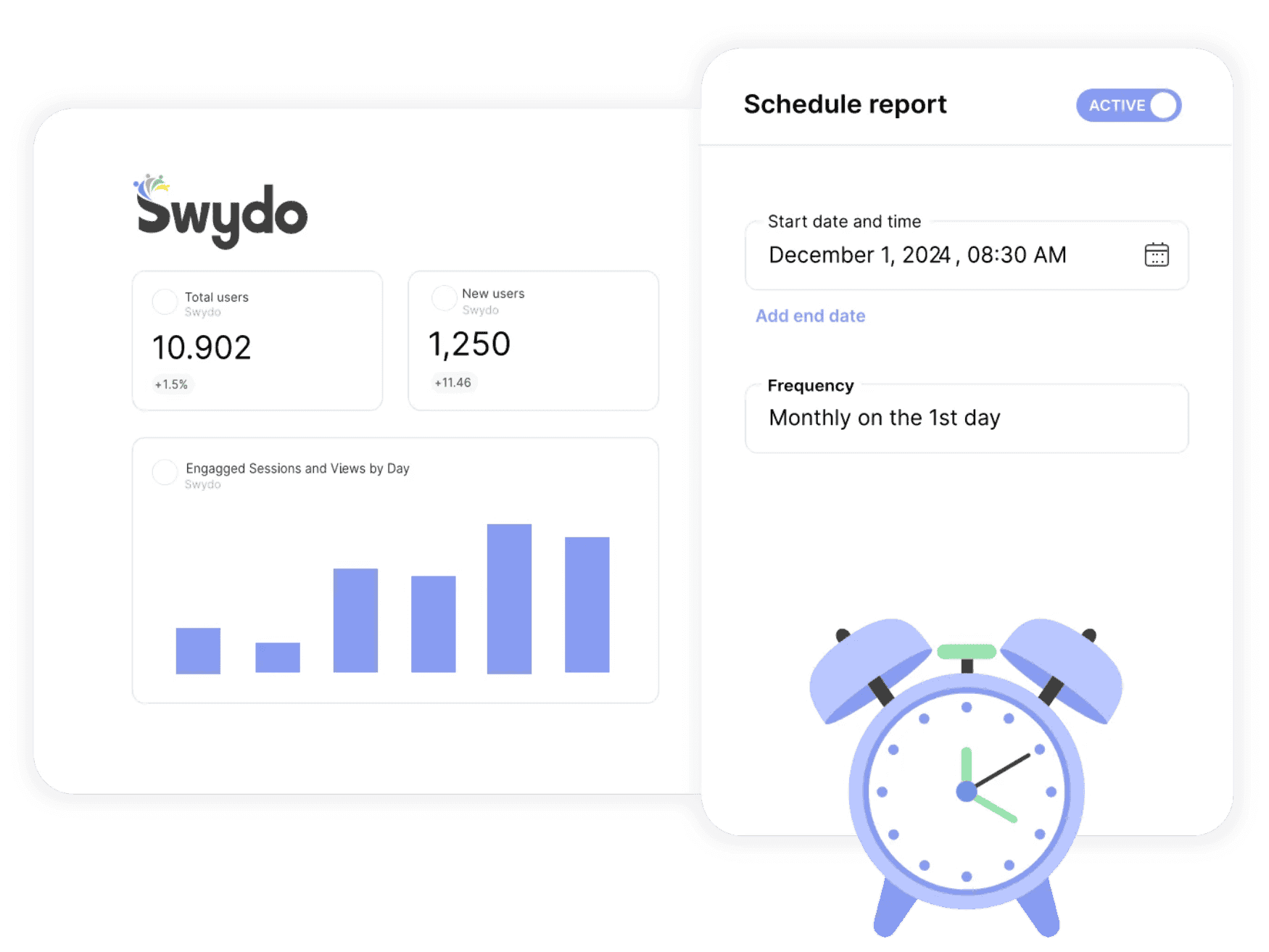

Get a single overview of top metrics for all your clients.

Get email alerts when results hit or miss targets.

Enjoy 99%+ report delivery with auto-resends.

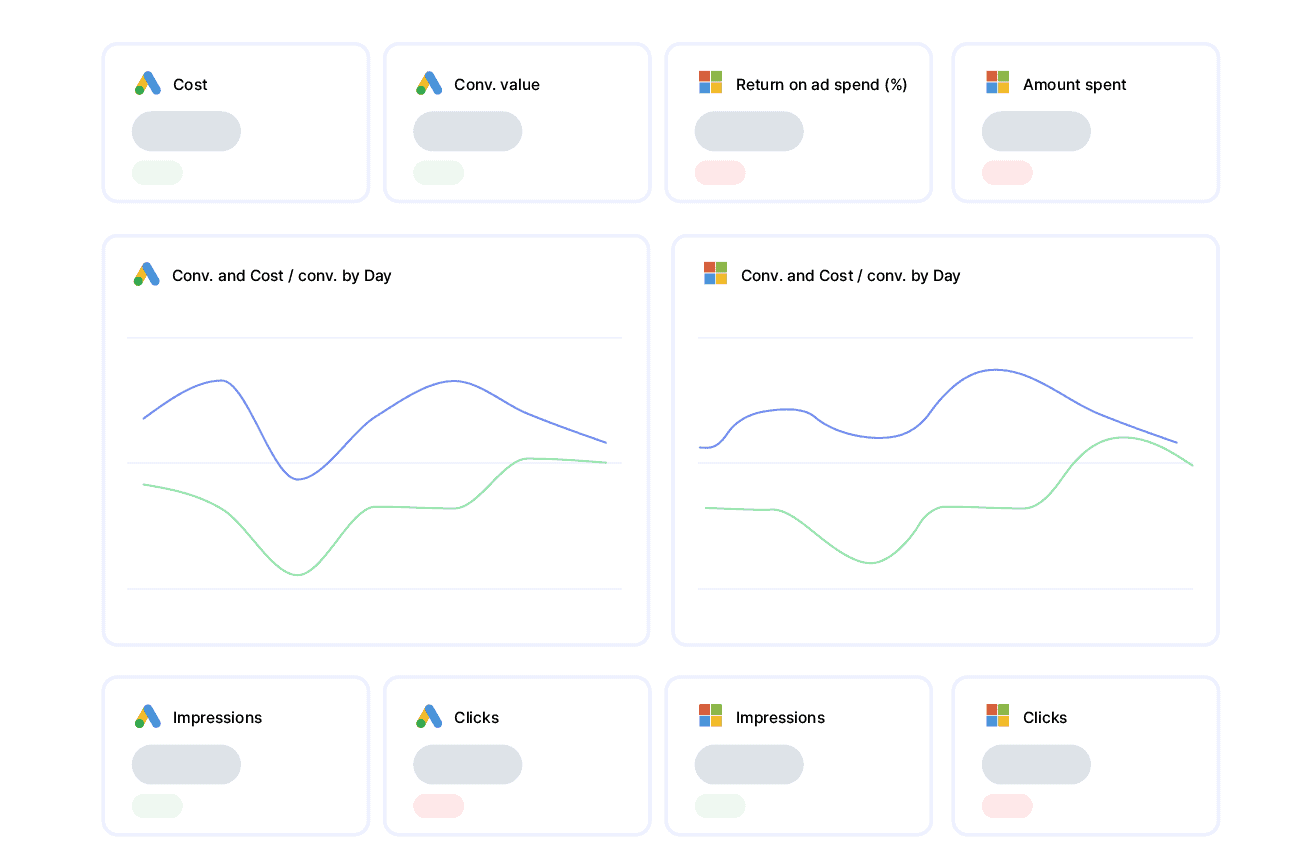
Blend data from up to 5 ad platforms into one widget for a single, clear metric.

Blend data from up to 5 ad platforms into one widget for a single, clear metric.

Report-level and KPI status filters allow you to quickly identify issues and take action.

Bring all your PPC, SEO, social media and Google Analytics data together quickly and easily with hundreds of time-saving templates, predefined widgets, and KPIs.

Swydo enables you to build reports which reflect your brand by incorporating your logo, text styles, colors and personalized cover pages.

Swydo gives you the tools to dig deeper with monitoring boards, goals and target alerts, custom metrics, combined data sources, report filters, and more.

Once you’ve created a report, you can schedule and send that report automatically as frequently as needed - monthly, weekly, daily - whatever your clients need.

Customize reports to suit your clients’ needs. Build report templates and widgets from scratch. Provide executive summaries to help better understand the data.

Share your reports via PDF or use our online dashboard report option – whatever suits your clients or team best.
Easily Connect & Integrate Data in a Single Report
From your client page in Swydo, open the Data Sources tab and click New Data Source, then choose Google Sheets. For most platforms you’ll authorize via OAuth; a few (Klaviyo, CallRail, Call Tracking Metrics, ActiveCampaign) use an API key instead. Once authorized, pick the specific account, property, or page you want to report on. Each one becomes a data source you can drop into any report.
Yes. Every Swydo report supports widgets and KPIs from multiple data sources side by side, so a single report can pull from Google Sheets, Google Ads, GA4, Meta, and more. For paid-media platforms you can also blend up to five sources inside a single widget — useful for cross-channel ROAS, total spend, or unified conversion tables. Custom blended widgets aren’t available for non-ad platforms, but reports themselves can mix anything.
Yes. Swydo connects via OAuth or scoped API keys, encrypts data in transit over HTTPS, and stores access tokens with role-based controls. Swydo is GDPR-compliant and acts as a data sub-processor under a standard DPA. You can revoke any connection at any time, and on account closure all data and credentials are deleted within 90 days. Full details live on Swydo’s privacy and data-storage pages.
Swydo offers a 14-day free trial with no credit card required. Pricing is based on the number of data sources, not on users (seats are unlimited) or report volume. The flat plan includes 10 data sources, with a per-source rate beyond that which decreases as you scale. Frequency of reporting doesn’t affect cost. Use the calculator at swydo.com/pricing for an exact quote.
Four rules: (1) the first row must be field/column names — these become your metric and dimension names, and they must all be unique; (2) no merged cells anywhere; (3) numeric columns must be Number-formatted in Sheets, currency columns must be Currency-formatted, percentages must be Percent-formatted, dates must be Date-formatted; (4) one sheet per dataset, no blank rows in the middle. If you change column names later, refresh the schema from the data-source three-dot menu.
Yes — this is one of Sheets’ main use cases for agencies. Pipe data from any third-party platform (a CRM, a niche ad platform, a custom database) into a Google Sheet via Zapier, Make, n8n, or a manual export. Connect that sheet to Swydo and use it like any other data source — build widgets, KPIs, blend it with native integrations in the same report. The Sheet becomes your bridge for “any platform Swydo doesn’t have a native integration for.”
When you add a Google Sheets widget, Swydo asks you to pick a “Date range field” — the column it should filter on. Only Date-formatted columns are valid options. If your sheet doesn’t have a date column (e.g., a static lookup table), choose “No date range” and the widget will use all rows regardless of report-level date range. For time-series reporting, ensure your date column is real Date type, not text.
Yes. The Sheet itself is a normal Google Sheet with whatever sharing permissions you configure in Drive. The Swydo connection just reads from it, so anyone with edit access in Google can update the data — Swydo will pick up changes on the next data refresh. Useful for agencies where account managers update offline KPIs (e.g., manual conversion data, client-reported metrics) that the Sheet then feeds into automated reports.
Open the data source list (in the client’s Data Sources tab), hover over the affected Google Sheets connection, click the three-dot menu, and select Refresh fields. Swydo will re-read the column headers and surface any new columns as available metrics or dimensions. Do this any time you add, rename, or restructure columns in the underlying sheet.
Google Sheets itself supports up to 10 million cells per workbook, and Swydo can handle large sheets, but performance degrades on very wide and very tall datasets — widget refresh times stretch noticeably past ~50,000 rows. Best practice: keep one Sheet focused on one dataset (e.g., one Sheet for monthly KPIs, another for daily logs), and archive old data into separate sheets when it’s no longer needed for reporting.
Sign up for a 14-day free trial or start a subscription. Then:
No, Swydo is designed to be user-friendly and self-service, so no technical skills are required to get started quickly. Our setup guides walk you through every step. If you need assistance, our support team is here to help.
For a quick overview on how to set up your integration account, check out the integration tutorial on our help center.
Yes, Swydo implements industry-standard measures to protect your information. This includes secure data storage, encryption, and compliance with privacy regulations. Learn more here.
Yes, Swydo offers several filter options to help you refine your data and focus on the most relevant insights. Some of the key filter types include:
Yes, you can combine integration data with multiple integrations into one comprehensive report. This allows you to:
Perfect for multi-channel campaigns and seamless reporting.
Swydo actively monitors your data sources to keep everything running smoothly. If there’s a disruption, such as a password change or account update, you’ll receive an alert in the app, and a detailed email with easy steps to resolve the issue.
We accept credit cards (Visa, Mastercard & American Express) and PayPal.
Yes! Our onboarding ensures a seamless start with:
While Swydo is self-service, our support team is always available to help set up your first reports.
Client testimonials
Free for 14 days, no credit card required, cancel at any time
Request a demo ▶ Get started