Swydo brings LinkedIn Personal Profile follower growth, impressions, reach, and engagement into automated reports and dashboards.
Add personal profile results alongside LinkedIn Pages, LinkedIn Ads, and your other marketing channels.
Use the ready-to-use template, preset KPIs, widgets, and example data to get started faster.
Free for 14 days
No credit card required
Cancel anytime
 2500+Customers
 80+Countries
 50,000+Monthly reports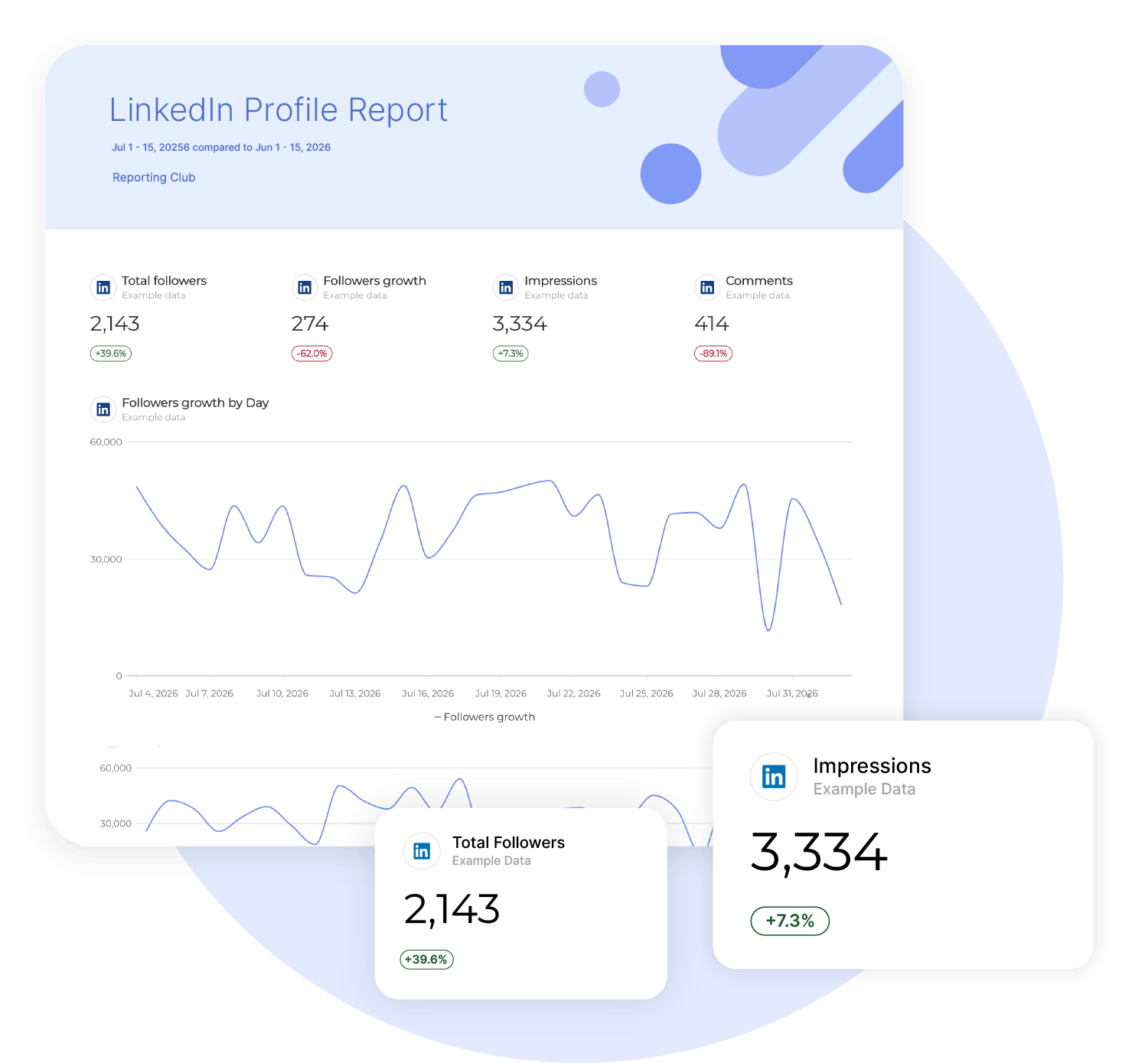
How it works

1. Select
Choose one of our predefined templates or create your own

2. Connect
Connect your data sources

3. Customize
Customize your data to meet your client’s needs

4. Share
Schedule and share a dashboard or PDF report with your team or clients
Heads up: API changes may affect what's shown here.
For the most accurate info, check the Advanced tab in your Swydo account. Missing a metric? Contact Support.
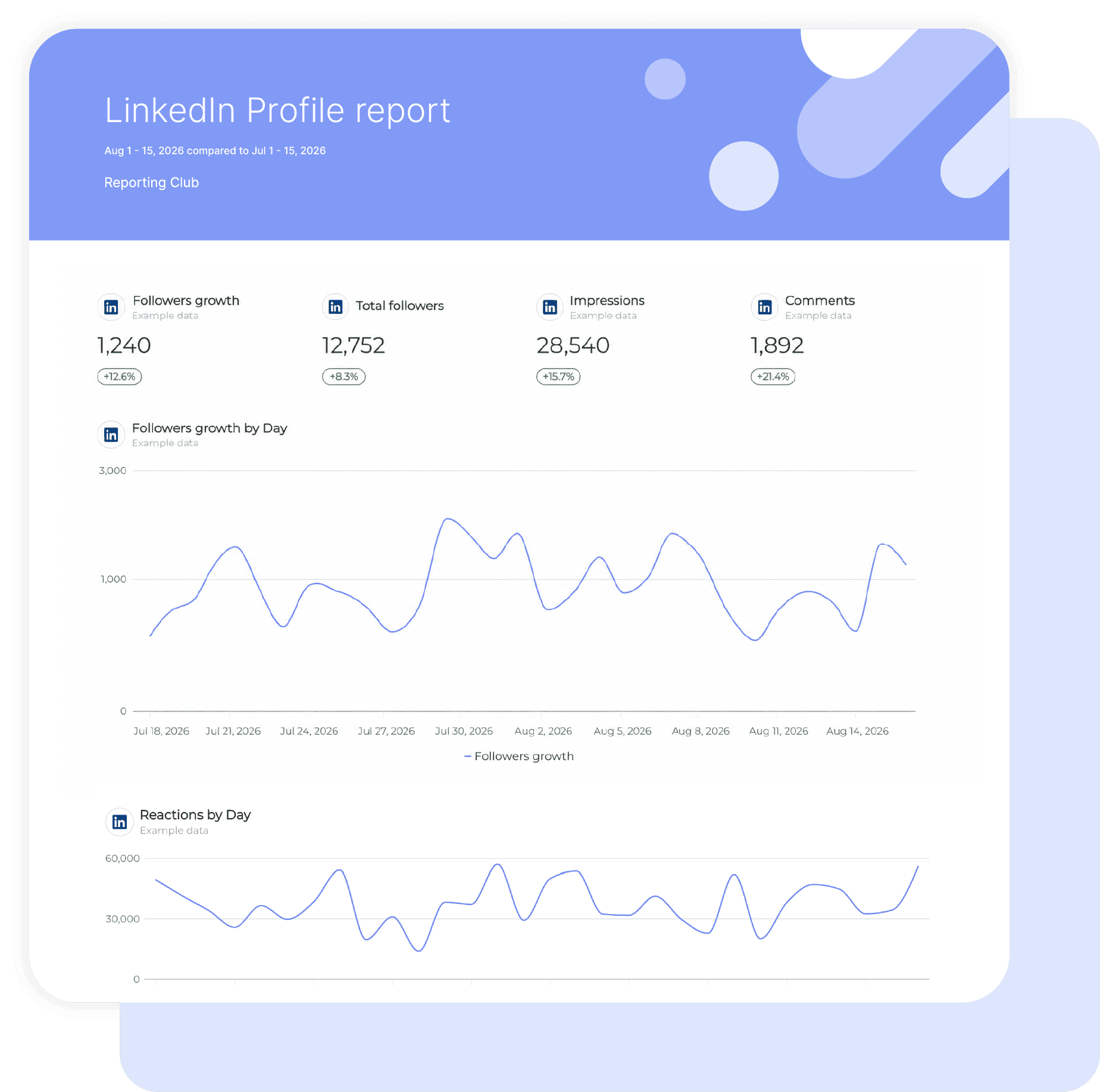
Build LinkedIn Profile Reports Once, Then Reuse Them
Turn LinkedIn Personal Profile metrics into repeatable Swydo reports and dashboards.
Start with the ready-to-use template, then add follower growth, impressions, reach, and engagement beside LinkedIn Pages, LinkedIn Ads, and other supported channels.
Shape the KPIs, widgets, and data visualizations around each client or stakeholder instead of rebuilding the report by hand.
Save time on profile reportingKeep Personal Brand KPIs on Track
Use Swydo’s goal tracking
and monitoring tools to set targets for personal profile KPIs and see where performance needs attention.
Keep follower growth, impressions, and engagement visible between reporting cycles, so your team can respond before the next scheduled update.
Turn profile data into clear next steps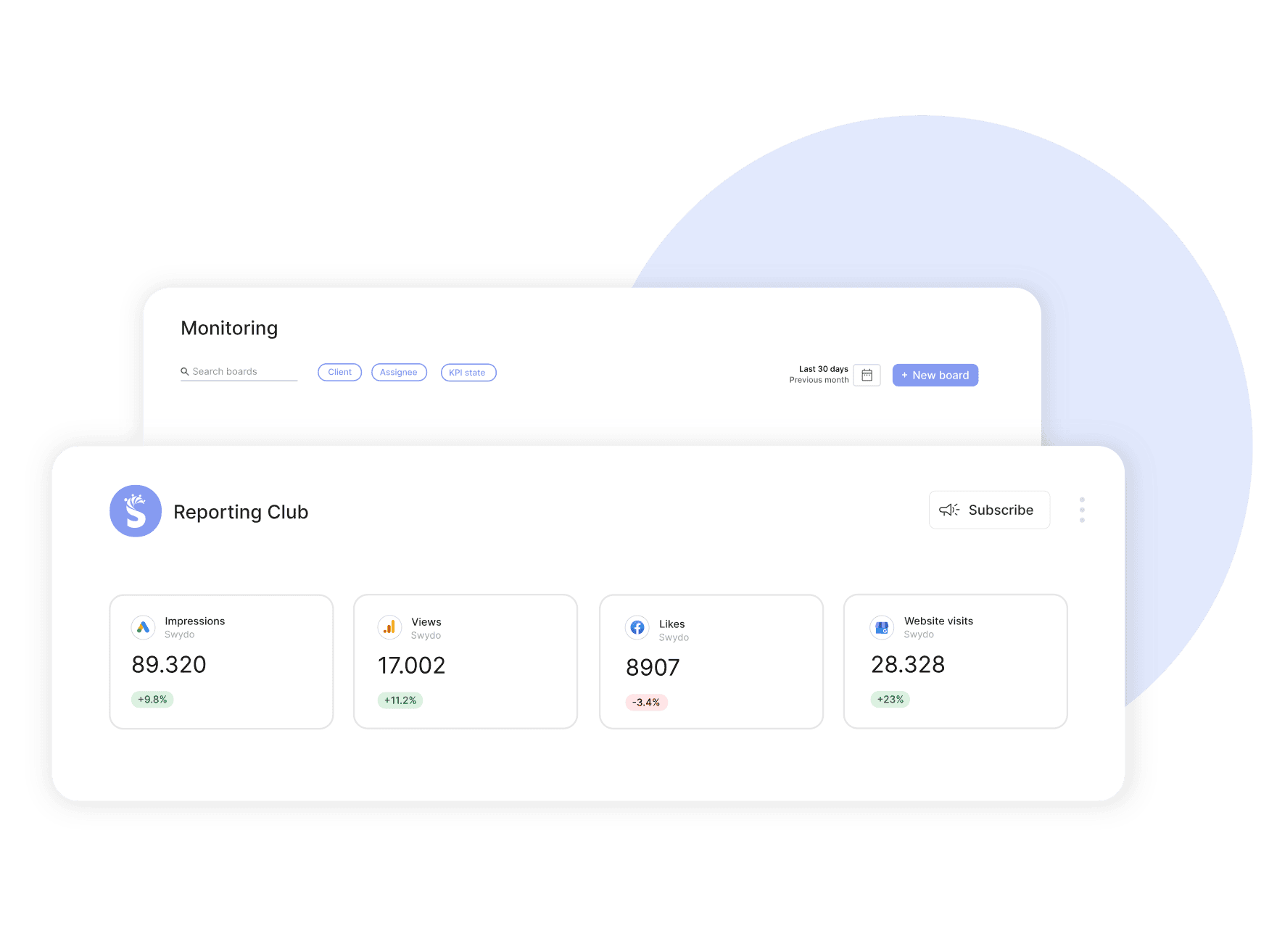
Manage Multiple Profiles With a Repeatable Setup
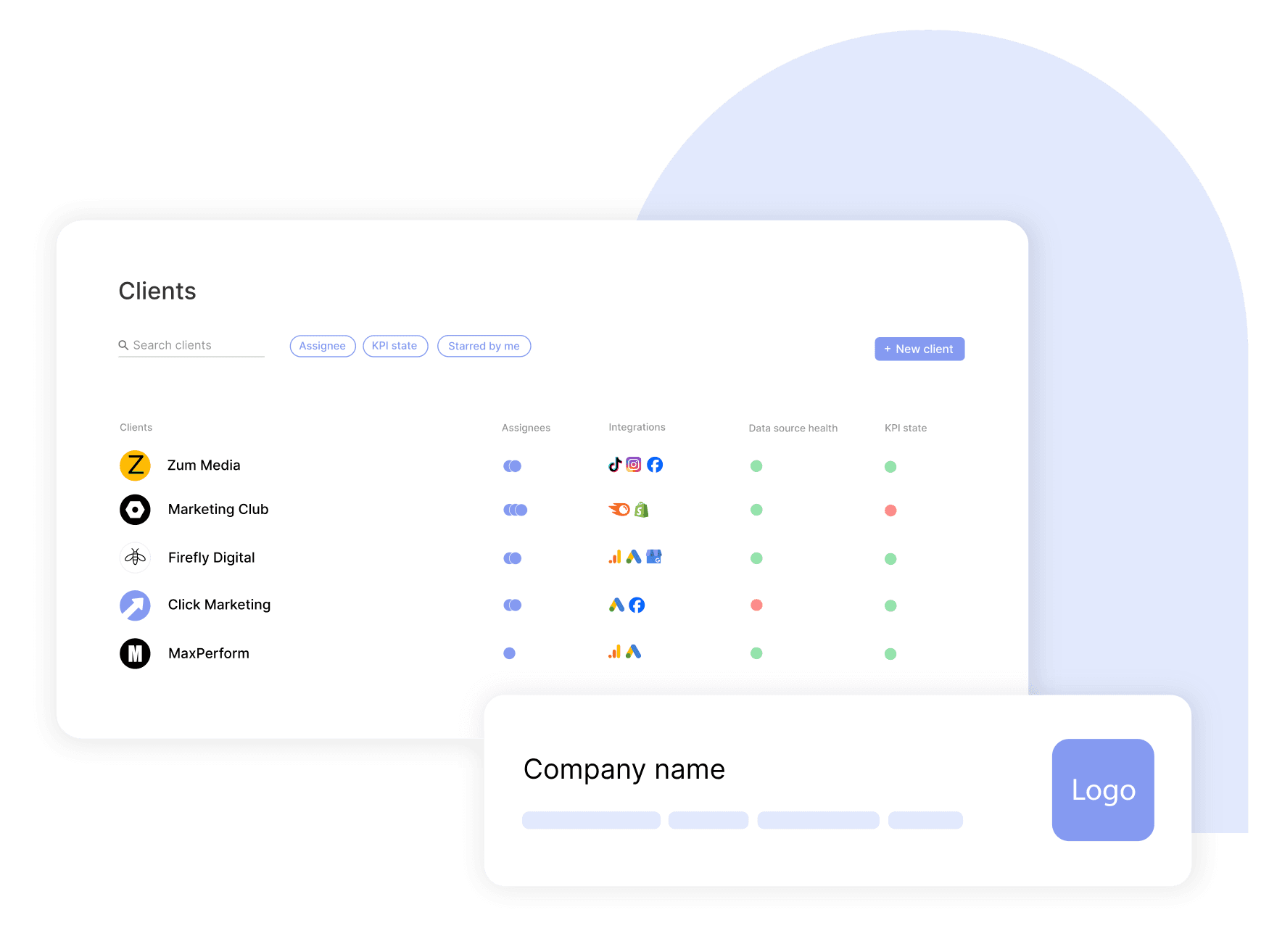
Connect multiple personal profiles as separate data sources under one client and place them in the same report.
Reuse linked report templates to keep the structure consistent across accounts, then assign team access so each contributor works with the clients they manage.
Scale profile reporting across clientsPresent Profile Results Under Your Brand
Apply your agency’s logo, colors, layout, and custom domain with Swydo’s white-label reporting.
Give every dashboard and PDF the same polished look across every client, so personal profile performance feels like a planned part of the marketing report rather than an extra attachment sent at the end.
Brand every profile report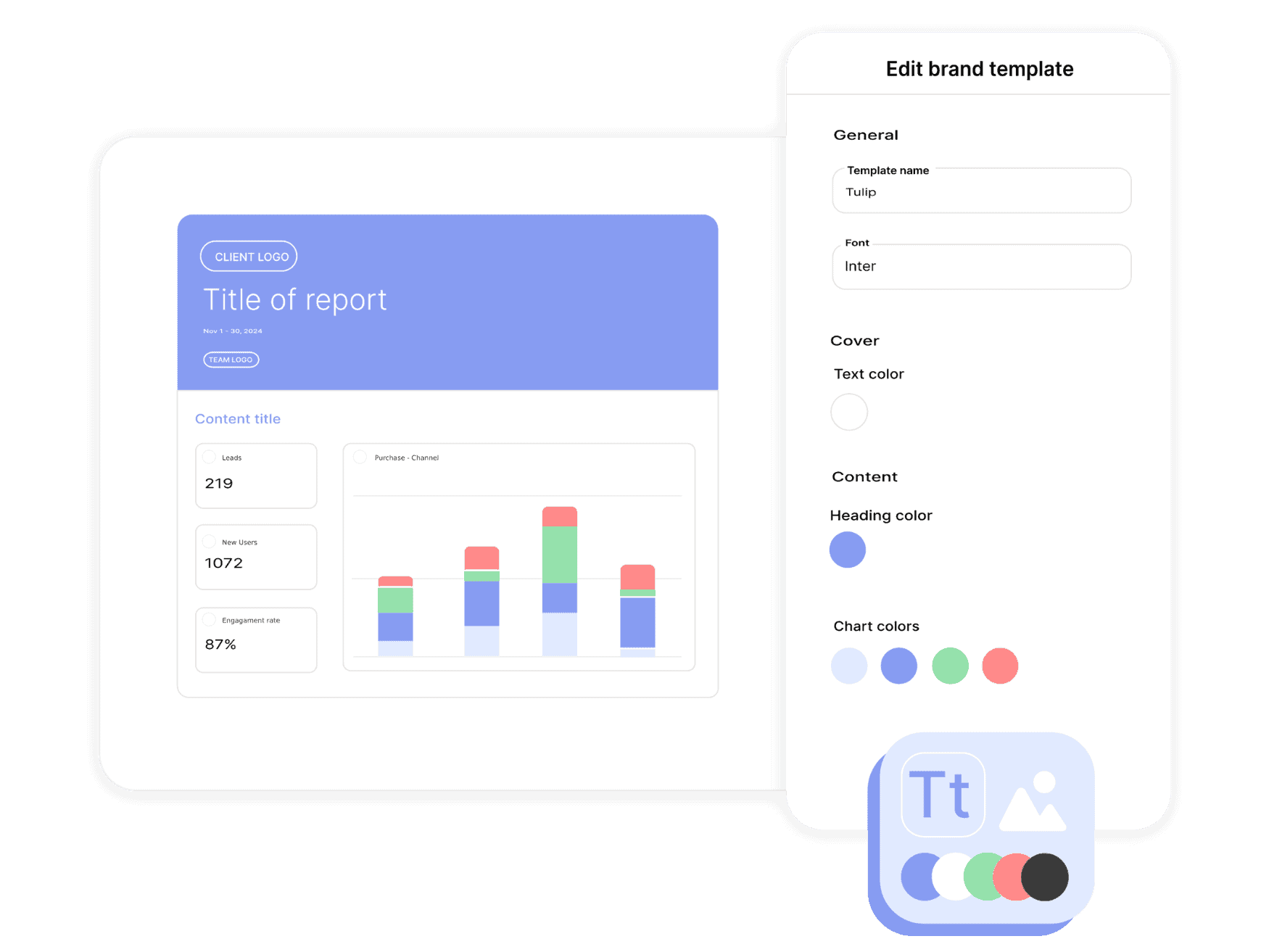
Send Profile Reports on Schedule
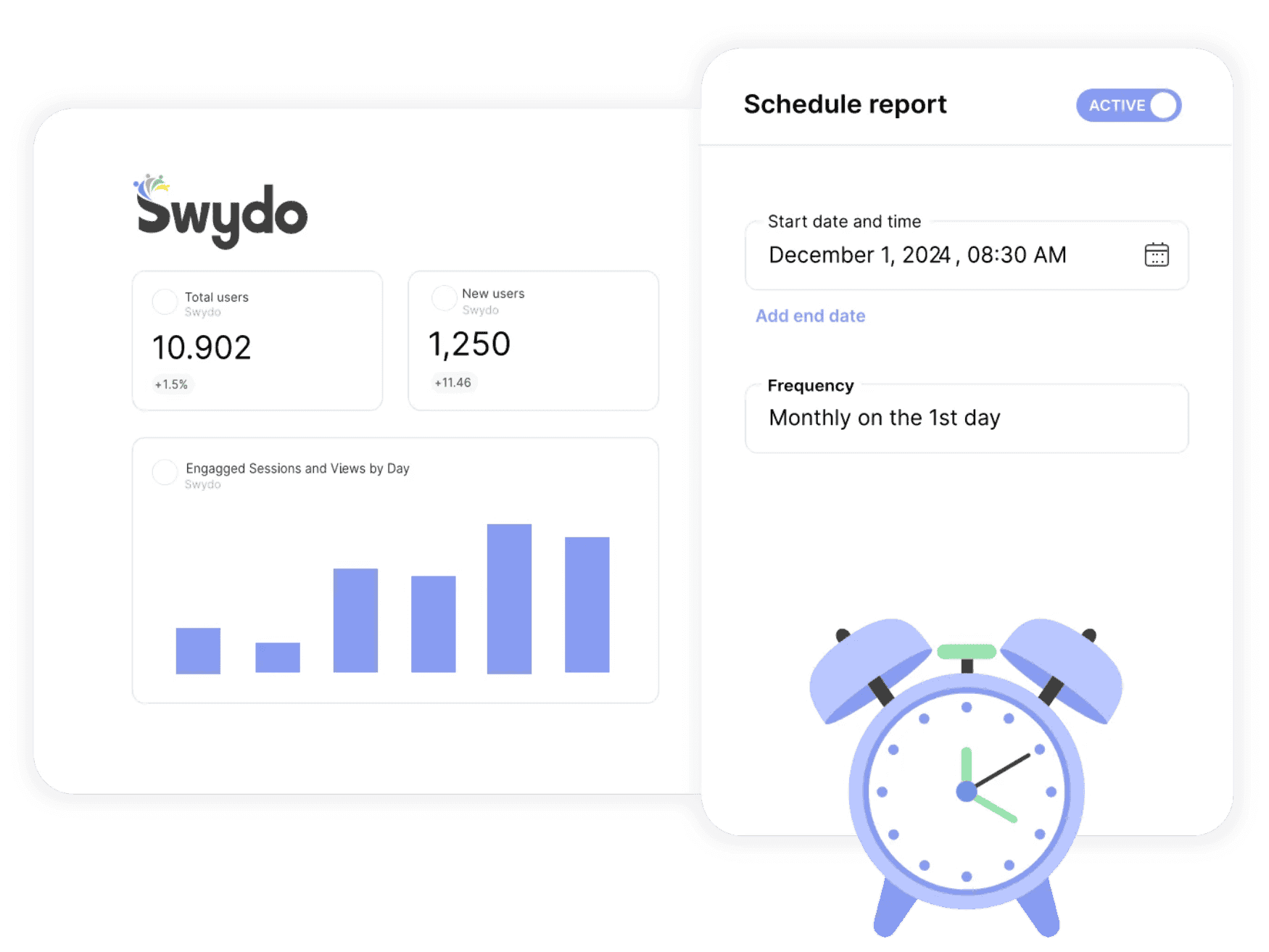
Schedule LinkedIn Personal Profile reports around each client’s reporting cycle.
Choose the recipients, date range, frequency, and export format, then send reports daily, weekly, or monthly.
Use Swydo’s send log to check whether a report was delivered or needs attention, without adding another manual task to your calendar.
Automate recurring report deliveryFind Connection Problems Before Reporting Day
Swydo’s automated data-source health checks show when a connection needs attention.
Review connection status in one place and reauthorize the source when permissions change.
This gives your team a clear place to start and makes the issue easier to fix before the next client report is due.
Keep profile data connected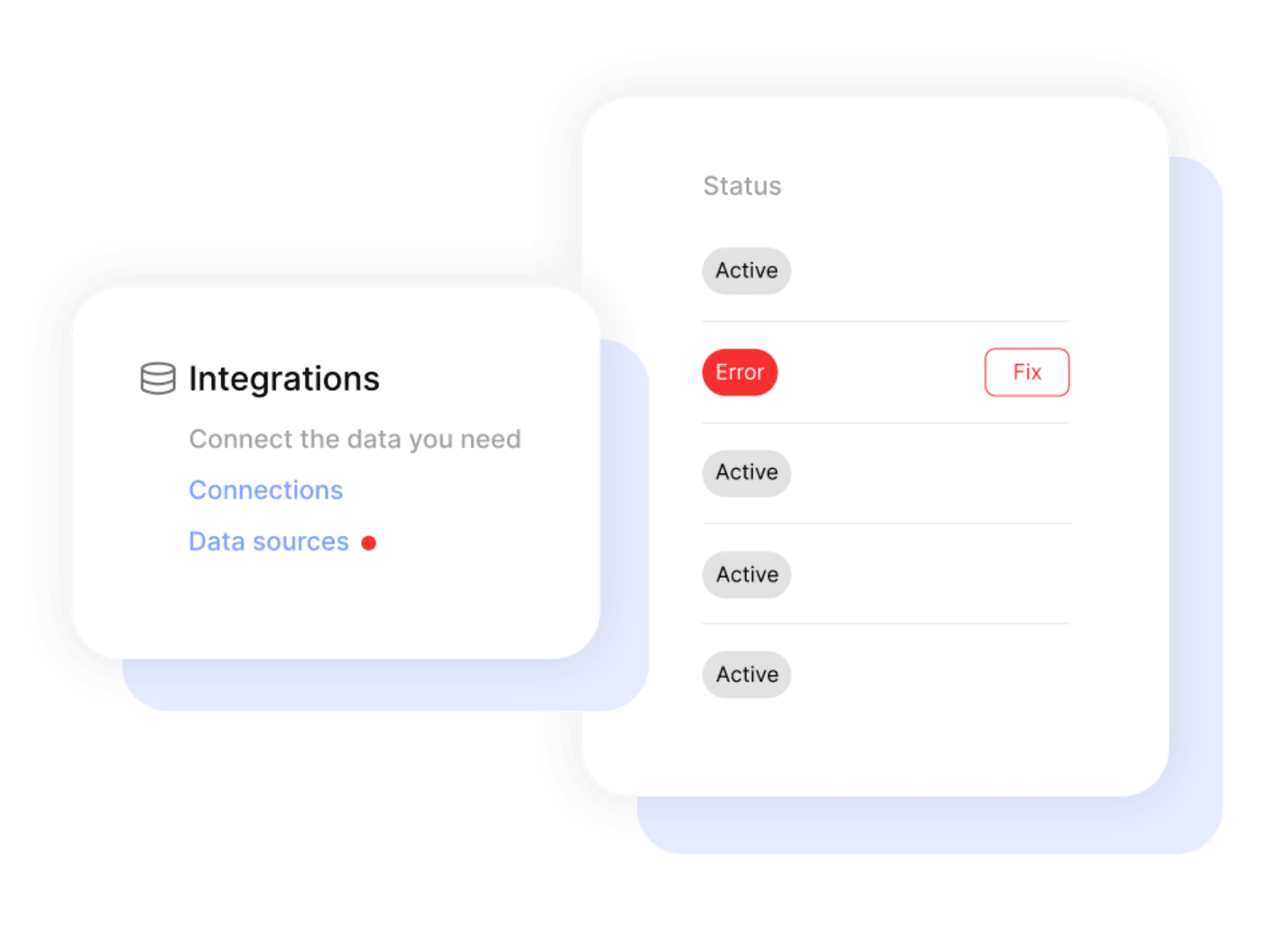

Get a single overview of top metrics for all your clients.

Get email alerts when results hit or miss targets.

Enjoy 99%+ report delivery with auto-resends.

Blend data from up to 5 ad platforms into one widget for a single, clear metric.

Blend data from up to 5 ad platforms into one widget for a single, clear metric.

Report-level and KPI status filters allow you to quickly identify issues and take action.

Bring all your PPC, SEO, social media and Google Analytics data together quickly and easily with hundreds of time-saving templates, predefined widgets, and KPIs.

Swydo enables you to build reports which reflect your brand by incorporating your logo, text styles, colors and personalized cover pages.

Swydo gives you the tools to dig deeper with monitoring boards, goals and target alerts, custom metrics, combined data sources, report filters, and more.

Once you’ve created a report, you can schedule and send that report automatically as frequently as needed - monthly, weekly, daily - whatever your clients need.

Customize reports to suit your clients’ needs. Build report templates and widgets from scratch. Provide executive summaries to help better understand the data.

Share your reports via PDF or use our online dashboard report option – whatever suits your clients or team best.
Easily Connect & Integrate Data in a Single Report
Yes. LinkedIn Personal Profile, LinkedIn Pages, and LinkedIn Ads can appear in the same Swydo report or dashboard alongside your other supported marketing channels.
The profile owner authorizes the connection before Swydo can retrieve personal profile analytics. LinkedIn requires a dedicated reporting permission for access to member-post analytics data.
Differences can occur because LinkedIn describes member analytics data as estimates or best-effort accurate. LinkedIn also notes that aggregated reshares, reactions, and comments may not match the figures shown in its interface.
Historical availability varies by metric because LinkedIn applies different windows to follower insights, members reached, video analytics, and other post data.
Yes. Connect each personal profile as a separate data source, then place those profiles in the same client report or in separate sections. Each connected profile counts as one data source for Swydo pricing.
You can report on total followers, follower growth, impressions, members reached, reactions, comments, and reshares. Total followers is a lifetime metric, so it does not have a time dimension.
Sign up for a 14-day free trial or start a subscription. Then:
No, Swydo is designed to be user-friendly and self-service, so no technical skills are required to get started quickly. Our setup guides walk you through every step. If you need assistance, our support team is here to help.
For a quick overview on how to set up your LinkedIn Personal Profile account, check out the integration tutorial on our help center.
Yes, Swydo implements industry-standard measures to protect your information. This includes secure data storage, encryption, and compliance with privacy regulations. Learn more here.
Yes, Swydo offers several filter options to help you refine your data and focus on the most relevant insights. Some of the key filter types include:
Yes, you can combine LinkedIn Personal Profile data with multiple integrations into one comprehensive report. This allows you to:
Perfect for multi-channel campaigns and seamless reporting.
Swydo actively monitors your data sources to keep everything running smoothly. If there’s a disruption, such as a password change or account update, you’ll receive an alert in the app, and a detailed email with easy steps to resolve the issue.
We accept credit cards (Visa, Mastercard & American Express) and PayPal.
Yes! Our onboarding ensures a seamless start with:
While Swydo is self-service, our support team is always available to help set up your first reports.
Client testimonials
Free for 14 days, no credit card required, cancel at any time