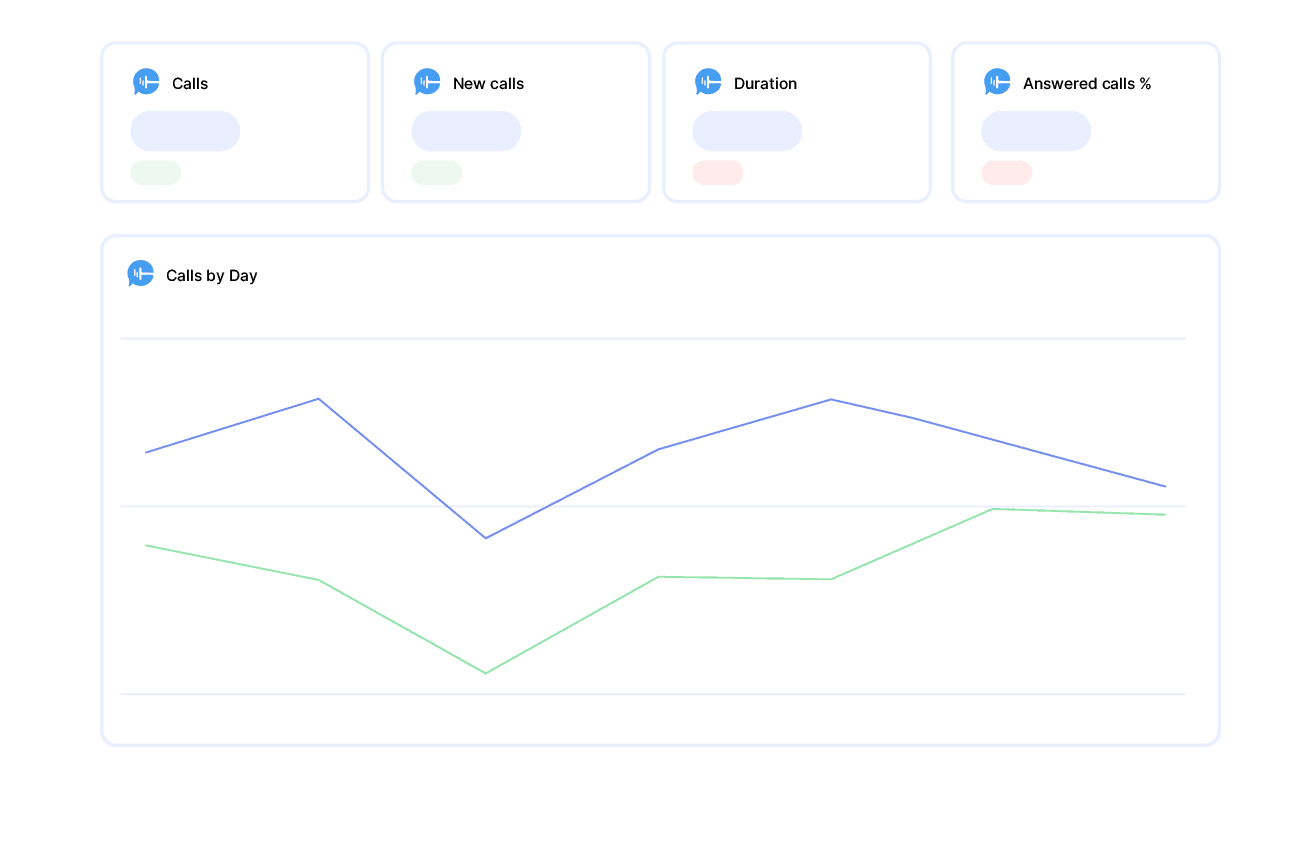
CallRail Call Analytics Report

CallRail Report Template

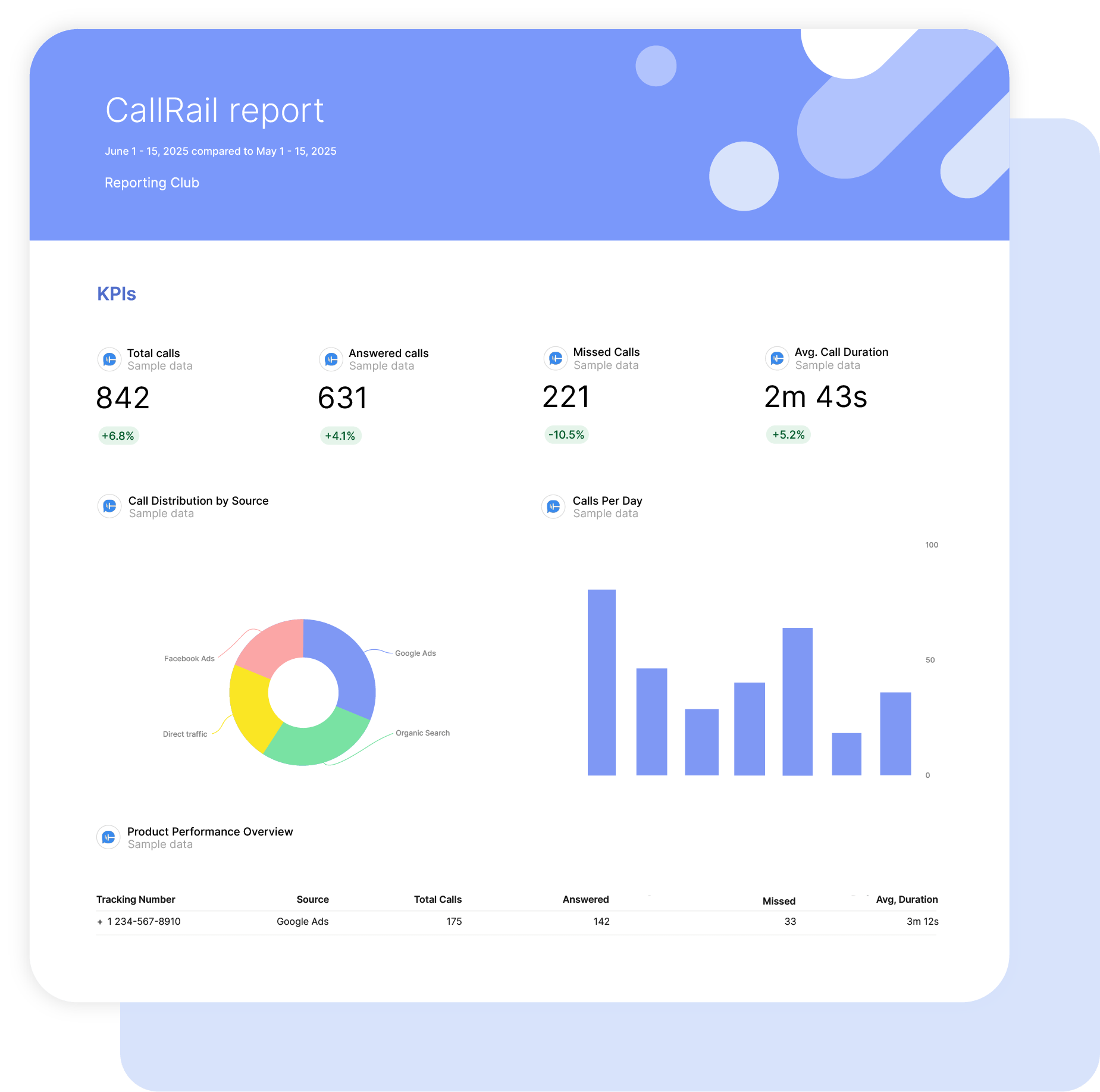
Using Swydo’s CallRail report template, discover which marketing campaigns, website pages, and keywords generate phone calls and conversions.

Gain valuable insights into the effectiveness of your marketing efforts in generating and handling phone calls. These metrics and KPIs will help you improve your marketing optimization strategies, enhance customer engagement, and increase conversion rates.

Data sources CallRail
Preview ▶ Get started

Free for 14 days

No credit card required

Cancel anytime

CallRail Call Analytics Report

How it works

select template white

1. Select

Choose one of our predefined templates or create your own

connect white

2. Connect

Connect your data sources

customize white

3. Customize

Customize your data to meet your client’s needs

share white

4. Share

Schedule and share a dashboard or PDF report with your team or clients

Choose Swydo's CallRail Report Template

Save time, impress clients, and grow your agency with Swydo's automated reporting solutions.

Swydo item

Save Hours
Streamline reporting and reclaim your day.

Swydo item

Actionable Insights
Present key CallRail report metrics in a way that clients instantly understand.

Swydo item

All-in-One Reporting
Visualize, share, and manage all your CallRail data from one spot.

Swydo item

Custom Branded Reports
Present clients with tailored, on-brand CallRail reports.

Swydo item

Agency Mark-up
Set your agency markup once. Flat or percentage & auto-apply.

Swydo item

Win More Business
Impress in pitches with CallRail reports that showcase your expertise.

Why Your Agency Needs a CallRail Report Template

Your clients think phone calls are “untrackable” and keep questioning your digital marketing ROI. Meanwhile, you’re drowning in CallRail data that could prove 40% of their leads actually come from phone calls—if only you could present it properly.

Most agencies lose high-value clients because they can’t prove phone attribution. When a client’s $50,000/month Google Ads budget drives 200 phone calls but you only report on 50 form fills, you look incompetent. They don’t see the complete lead picture.

CallRail captures everything—first-touch keywords, multi-channel journeys, actual conversation data—but presenting this data coherently separates elite agencies from order-takers. Your competition shows click metrics while you reveal the complete customer journey from ad click to qualified phone lead.

Stop losing credibility over “mystery” phone conversions. This CallRail report template transforms complex attribution data into executive-ready insights that prove your campaigns drive real business growth, not just website traffic.


What Makes Swydo’s CallRail Report Template Different?

Call Attribution Intelligence
Track attribution that matters for phone leads: first-touch and last-touch campaign tracking, keyword-level phone attribution, and multi-channel lead journeys. No guesswork—just complete phone lead attribution.

Phone Lead Performance Focus
CallRail isn’t web analytics. Our template highlights call answer rates, call duration trends, and geographic lead distribution that proves phone marketing effectiveness beyond basic traffic metrics.

Custom Call Calculations
Create powerful custom calculations like call-to-lead conversion rates, qualified call percentages, and geographic performance analysis. Combine any CallRail metrics to tell your unique phone lead success story.


What To Include In A CallRail Report

Create professional, white-label CallRail report templates that track critical call metrics, deliver actionable insights, and prove campaign effectiveness with CallRail’s comprehensive phone tracking data.

Executive Summary With CallRail Performance Indicators

What to include in your CallRail report summary:

  • Call Volume & Quality – Track Total Calls, Unique Callers, and Answered Call Percentage for immediate campaign impact
  • Lead Attribution Success – First-touch and last-touch attribution showing which campaigns, keywords, and devices drive phone leads
  • Call Performance Metrics – Average call duration and missed call percentages from target audience
  • Lead Conversion Tracking – Lead volume and tagged lead performance using CallRail’s conversion tracking capabilities

Perfect for stakeholder presentations and quarterly call tracking performance reviews.

Core CallRail Performance Metrics

Foundation metrics every CallRail report template should track:

  • Call Answer Rate – Answered vs. missed call percentages with performance trend analysis
  • Average Call Duration – Call quality indicator across different campaigns and traffic sources
  • Total Calls & Unique Callers – Lead volume exposure with new vs. returning caller identification
  • Call Source Attribution – Campaign and keyword attribution for complete lead source tracking

Essential metrics that demonstrate CallRail campaign health and phone lead generation effectiveness.

CallRail Lead Attribution Performance

What to include for attribution optimization insights:

  • First-Touch Attribution – Initial campaign exposure tracking with keywords, device, and campaign attribution
  • Last-Touch Attribution – Final interaction before phone call with landing page parameters and GCLID tracking
  • Geographic Performance – City and state-level call tracking for local campaign optimization and territory analysis
  • Call Timing Analysis – Start time patterns for optimal campaign scheduling and staffing recommendations

Show exactly which CallRail campaigns and touchpoints generate the highest quality phone leads.

CallRail Call Quality Analytics

Phone performance metrics for CallRail report templates:

  • Call Duration Analysis – Average call duration trends and optimization opportunities for lead quality improvement
  • Answer Rate Optimization – Answered vs. missed call performance with follow-up strategy recommendations
  • Voicemail Performance – Voicemail engagement tracking and missed call recovery opportunities
  • Phone Number Performance – Individual tracking number performance and campaign-specific phone line analysis

Demonstrate CallRail’s call quality metrics with actionable insights for campaign optimization.

CallRail Lead Management Integration

Essential lead tracking data for CallRail report templates:

  • Lead Volume Tracking – Total leads generated with call-to-lead conversion analysis
  • Lead Tagging Performance – Custom tag utilization and lead qualification tracking
  • Lead Value Analysis – Lead value assignment and high-value lead identification
  • Conversion Milestone Tracking – Lead progression through qualification milestones and sales funnel stages

Show how CallRail tracks lead quality and progression beyond initial phone contact.

CallRail Campaign Source Intelligence

Attribution performance metrics to include:

  • Source & Medium Analysis – Campaign source performance with detailed medium attribution
  • Keyword Attribution – Which search terms and keywords drive the highest quality phone calls
  • Campaign Journey Tracking – First-touch to last-touch attribution showing complete customer journey
  • Device & Referrer Analysis – Device-specific performance and referrer source optimization

Leverage CallRail’s attribution tracking to show lead quality across different marketing channels.

Custom CallRail Metrics & Calculations

Powerful custom metrics you can create with available CallRail data:

  • Call-to-Lead Conversion Rate – (Total Leads ÷ Total Calls) × 100 for conversion efficiency tracking
  • Qualified Call Percentage – (Answered Calls ÷ Total Calls) × 100 for call quality measurement
  • Average Lead Value – (Total Lead Value ÷ Total Leads) for ROI optimization analysis
  • Geographic Conversion Rate – City/state-specific conversion analysis for territory optimization

Combine any CallRail metrics to create powerful insights unique to your client’s phone lead success story.

Strategic Recommendations & Next Steps

What every CallRail report template needs for actionable optimization:

  • Call Handling Optimization – Improve answer rates and reduce missed call percentages for better lead capture
  • Attribution Strategy Refinement – Optimize campaign attribution based on first-touch vs. last-touch performance data
  • Geographic Targeting – Local market performance recommendations based on city and state call data
  • Campaign Timing Optimization – Adjust campaign schedules based on call start time patterns and answer rates

Position your agency as a call tracking expert with data-driven optimization strategies that prove phone lead effectiveness.

CUSTOMIZATION

Customize Your Callrail Report

FiltersLeverage a variety of filters to show more specific data points to quickly identify issues and take swift action.

SchedulingAutomate and share your dashboards and reports on a schedule that best meets your needs.

White labelReflect your brand by incorporating your logo and brand colors into your reports. You can also use your domain to share and send your reports.

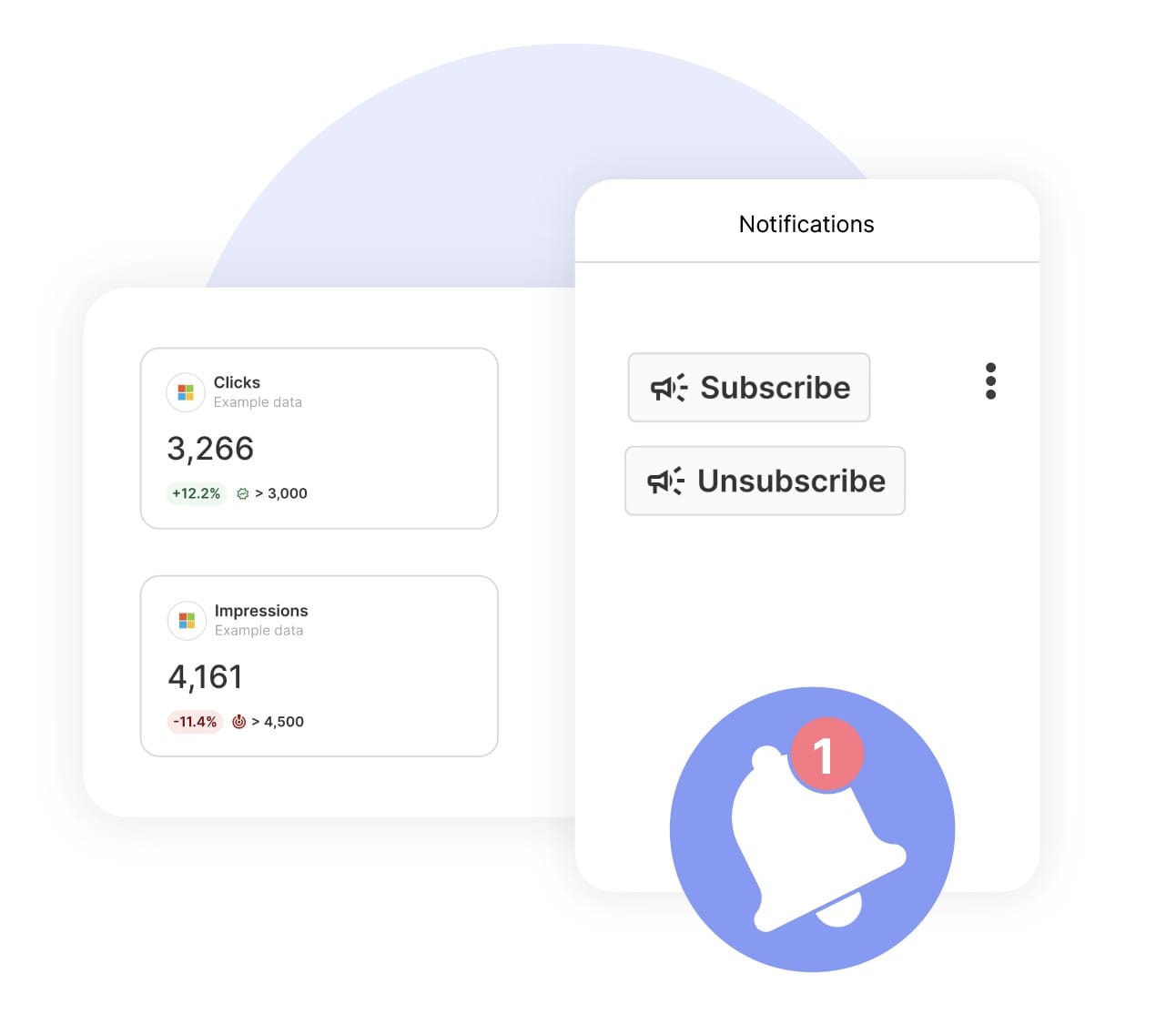
GoalsSet and track goals to gain insight into performance, trends and progress toward your goals.

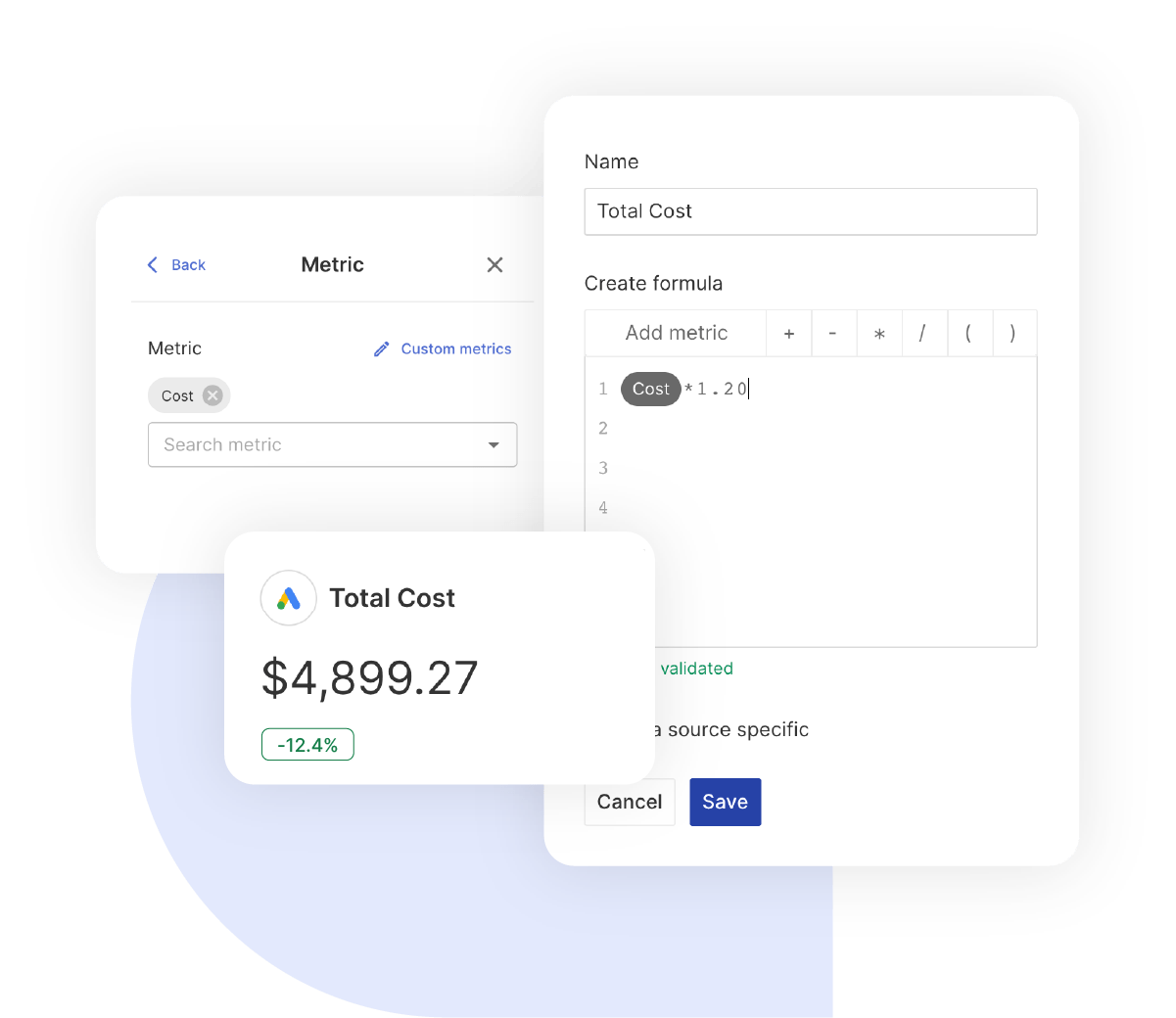
Custom MetricCombine two metrics from the same data source to calculate an entirely new custom metric.

Multi-language reportsCreate reports for your clients in 14 available languages through our automatic and editable translation feature.

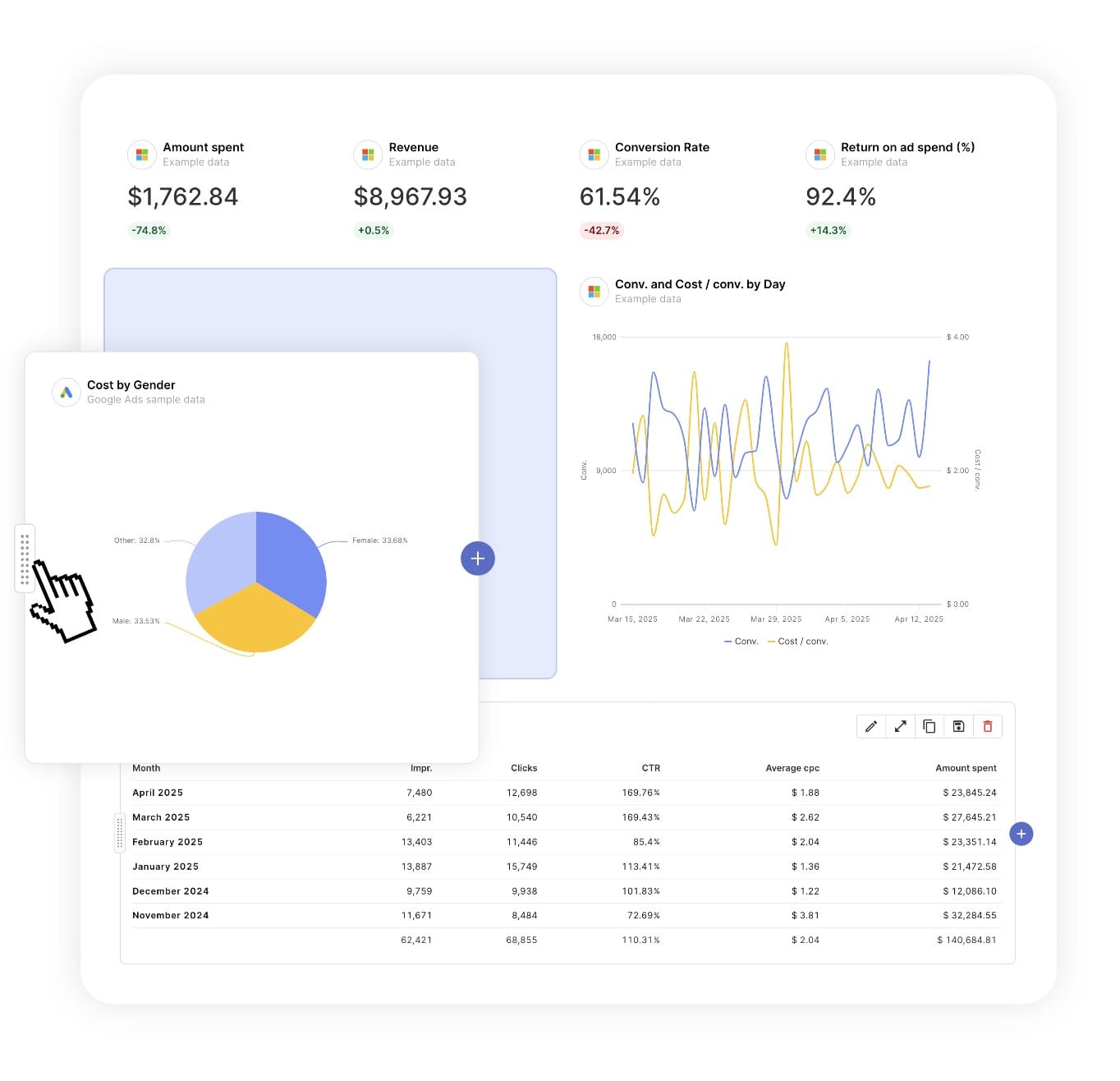
Report DesignResizable widgets allow you to adjust the presentation of KPIs, charts, tables, text, and images to focus clients on key data and insights.

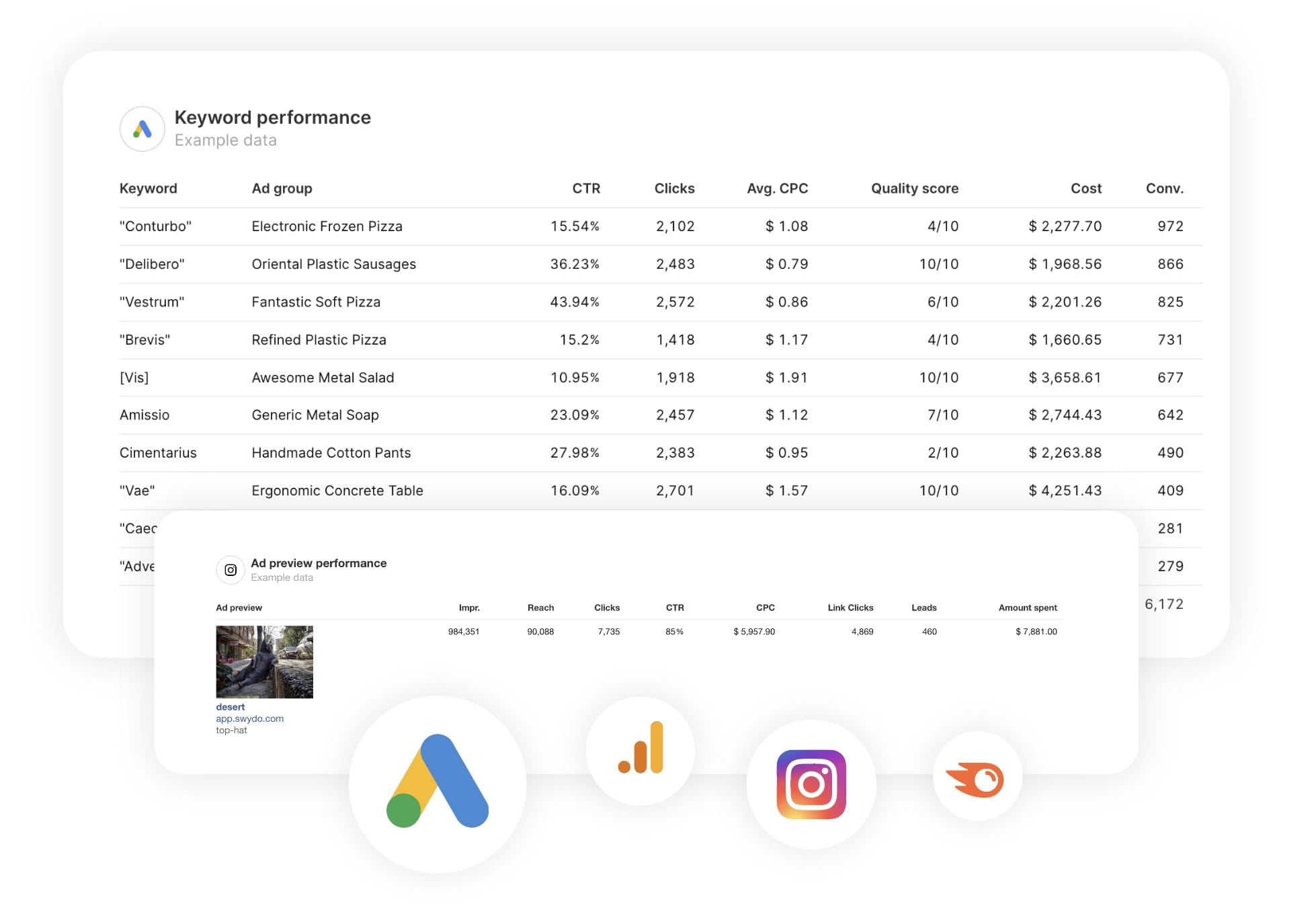
Text and ImagesProvide context to clients or stakeholders through descriptive text widgets. Incorporate images, such as ad assets, to improve client communication and understanding.

Flexible Date RangesEasily compare data across different time periods. Fully control the date range of your overall reports or specific KPIs, charts, and tables to highlight trends.

See all features
Call Analytics Report Templates

Choose a template, connect your ad accounts, and deliver professional ecommerce reports in minutes.

Connect With Your Favorite Data Sources

Easily Connect & Integrate Data in a Single Report

FAQ

Frequently Asked Questions

  • Can I move my existing CallRail reports to Swydo?

    Yes. If you’re switching from another reporting tool you don’t have to rebuild everything by hand. Swydo’s migration service recreates your existing client reports and dashboards inside Swydo, so your team keeps its layouts and clients see no disruption. Connect your CallRail data, hand over your current reports, and pick up where you left off. See the migration service →

  • Can I white-label CallRail reports with my agency's branding?

    Yes. Add your logo, brand colors and fonts, then host live dashboards on your own domain (reports.youragency.com) and verify your sending domain so scheduled reports arrive from your brand with no “via Swydo” tag. Dashboards can be password-protected, the Send Log shows which clients opened and clicked each report, and you can embed Crisp chat in a client dashboard so questions get answered in context. See white-label features →

  • Is my CallRail data secure, and is Swydo GDPR-compliant?

    Yes. Swydo connects through OAuth wherever the platform supports it, and scoped API keys for Klaviyo, CallRail, CallTrackingMetrics and ActiveCampaign, so you only share the access you authorize and can revoke it at any time. Swydo is GDPR-compliant, your data stays yours and is never used to train AI models, and you can switch on two-factor authentication for every sign-in. Deleted reports stay recoverable for 90 days and archived clients for 365 days. Read our data privacy and security details →

  • What does Swydo cost after the free trial, and can I pause or cancel?

    The 14-day trial needs no credit card. Plans start at $69/month and include 10 data sources, Additional data sources cost $2–$4.50 each, and the per-source rate drops as you scale — no per-client fees, no per-user fees, and unlimited seats. Reporting frequency never changes the price. If you hit a quiet stretch you can pause your subscription for $10/month and reactivate when you need it, and you can cancel any time with no auto-renewal trap. See full pricing → or book a 15-minute pricing walkthrough →

  • What should a CallRail report include?

    A CallRail report should turn calls and form leads into a clear performance story. Include total calls, first-time vs repeat callers, missed calls, call duration and source attribution, plus form-submission metrics and milestone fields for lead stages. Tie calls back to the campaigns that drove them so clients see what generates leads. Preview the template →

  • What CallRail metrics can I track in Swydo?

    Swydo reports CallRail calls, first-time vs repeat, missed calls, duration and source attribution, plus Form Submission metrics and Milestone fields. Connect it with your API key. Custom metrics let you build cost-per-call KPIs when paired with ad spend. See the CallRail integration →


  • How often should I send CallRail reports?

    Monthly suits most clients, with weekly for high call volume or during a campaign push. A live dashboard lets clients watch calls come in between reports. See scheduling →

  • How do I set up and automate a CallRail report?

    About 10 minutes — paste your CallRail API key, choose the account, and load the template. It refreshes daily, then schedules itself. Free for 14 days, no credit card required. Start your free trial →

  • Can I tie calls to my paid and local campaigns?

    Yes. Pair CallRail data with Google Ads, Business Profile and GA4 in one report to attribute calls to the channels that generated them. See all integrations →

Client testimonials

Discover Why Over 2,500 Agencies Trust Swydo


View all customer stories

Create your free online marketing report in minutes

Free for 14 days, no credit card required, cancel at any time

Request a demo Get started