ChatGPT Ads Report

ChatGPT Ads Report Template

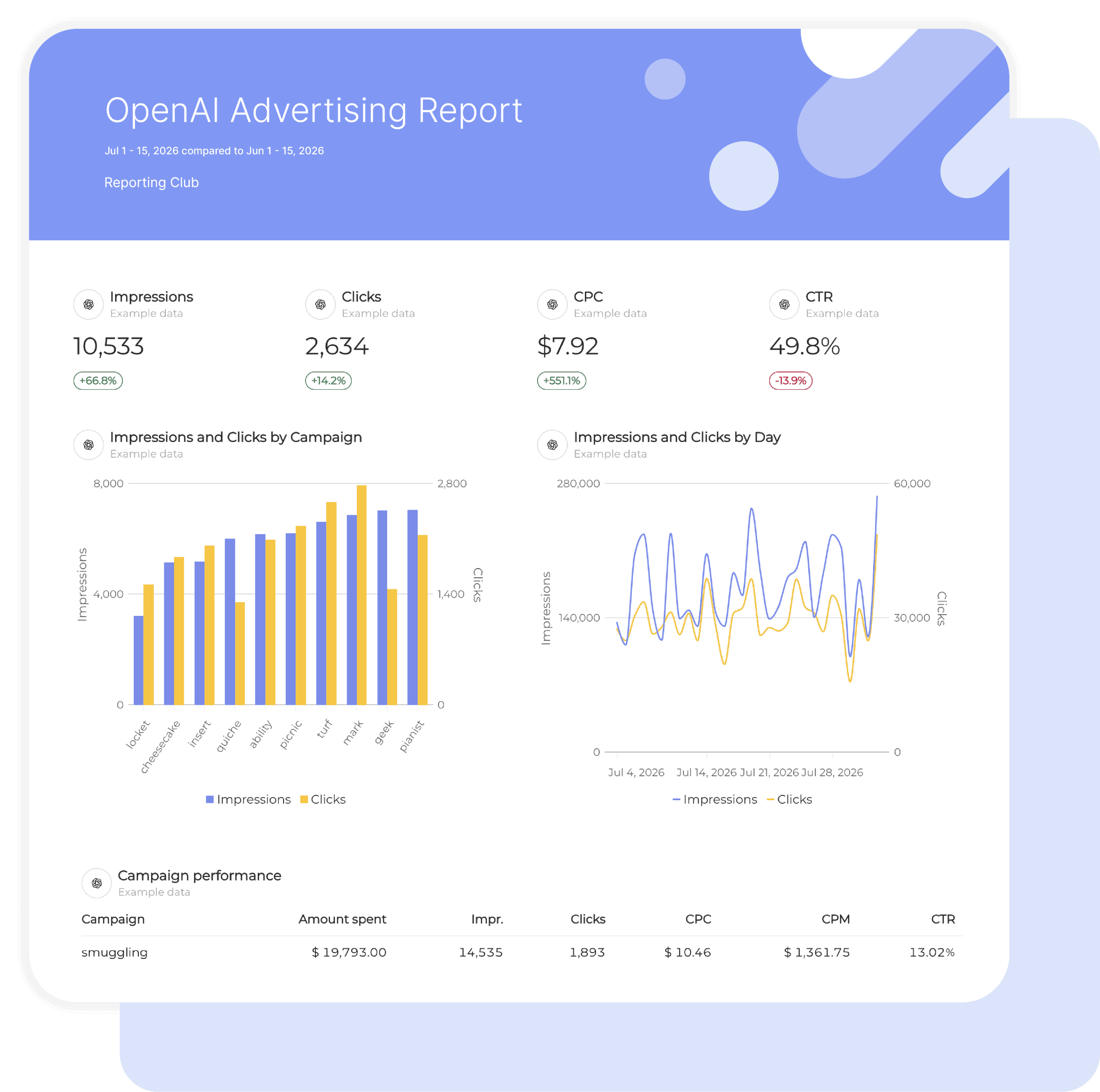
Swydo’s pre-built ChatGPT Ads report template turns your OpenAI Advertising data into a clear performance story.

Track spend, clicks, and reach on the newest paid channel, and present it beside Google Ads, Microsoft Ads, and Meta in one automated dashboard.

Perfect for agencies and marketers who need to prove the value of an early ChatGPT Ads test to clients and report on a brand-new channel without building anything from scratch.

Data sources ChatGPT Ads
Preview ▶ Get started

Free for 14 days

No credit card required

Cancel anytime

ChatGPT Ads Report

How it works

select template white

1. Select

Choose one of our predefined templates or create your own

connect white

2. Connect

Connect your data sources

customize white

3. Customize

Customize your data to meet your client’s needs

share white

4. Share

Schedule and share a dashboard or PDF report with your team or clients

Choose Swydo's ChatGPT Ads Report Template

Save time, impress clients, and grow your agency with Swydo's automated reporting solutions.

Swydo item

Save Hours
Skip the manual export. ChatGPT Ads data refreshes automatically inside every report.

Swydo item

Actionable Insights
Present ChatGPT Ads spend, clicks, and CTR in a way clients understand on the first read.

Swydo item

All-in-One Reporting
ChatGPT Ads next to Google, Microsoft, Meta, and LinkedIn Ads in a single report.

Swydo item

Custom Branded Reports
Deliver ChatGPT Ads reports under your agency’s logo, colors, and domain.

Swydo item

Agency Mark-up
Set your agency markup once. Flat or percentage & auto-apply.

Swydo item

Win More Business
Bring clear, professional ChatGPT Ads reporting into your next pitch.

Why Your Agency Needs a ChatGPT Ads Report Template

ChatGPT Ads is the first new paid channel in years that clients are asking about before their agency brings it up. That puts you in a strange position: you are expected to test it, explain it, and report on it, all while the platform is still young and the native dashboard offers little to hand a client.

The first question every client asks about a new channel is the same one they ask about every old channel. What did we spend, and what did we get? Answer it with a screenshot and you look like you are experimenting. Answer it with a branded report that sits beside their Google Ads numbers and you look like the agency that got there first.

This ChatGPT Ads report template pulls impressions, clicks, spend, CTR, CPC, and CPM straight from OpenAI Advertising into a client-ready report. No exports, no spreadsheet reformatting, no explaining the platform from zero every month.


What Makes Swydo’s ChatGPT Ads Report Template Different?

Native OpenAI Advertising Connection
Swydo connects directly to ChatGPT Ads and reports the metrics the platform exposes: impressions, clicks, spend, CTR, CPC, and CPM. Nothing scraped, nothing estimated.

Cross-Channel Context
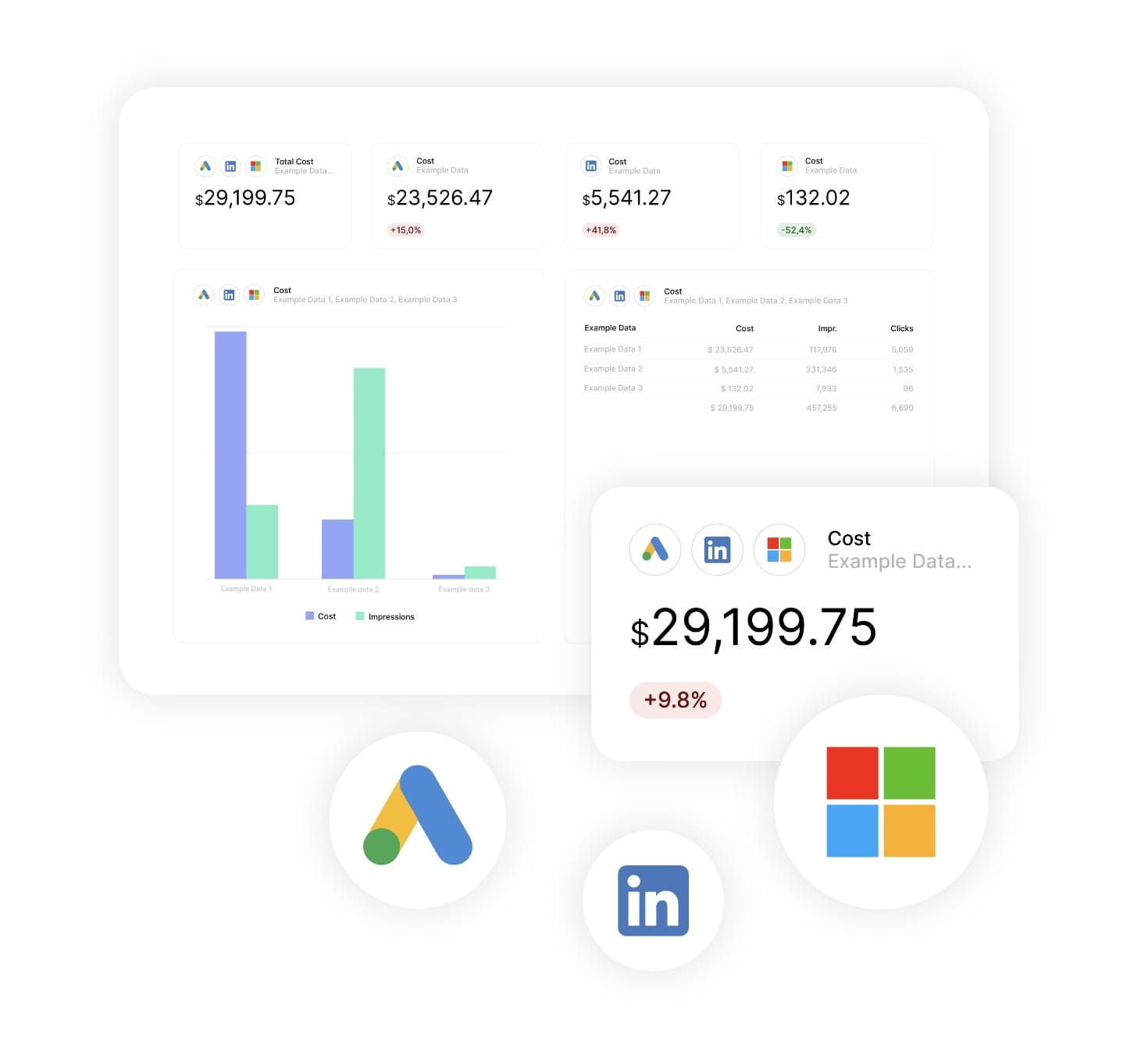
A CPC on its own means little. Place ChatGPT Ads beside Google Ads and Microsoft Ads in the same report, or blend them in a Combined Data Sources widget for total paid spend and blended CPC across up to five platforms.

Honest About Its Limits
ChatGPT Ads does not yet report conversions or revenue into Swydo. The template pairs the channel with Google Analytics 4 so you can show sessions and conversions from ChatGPT traffic without inventing numbers the platform does not provide.


What To Include In A ChatGPT Ads Report

Create professional, white-label ChatGPT Ads report templates that track spend efficiency, reach, and click performance on OpenAI Advertising, and put the channel in context with the rest of the paid mix.

Executive Summary With ChatGPT Ads Performance Indicators

What to include in your ChatGPT Ads report summary:

  • Total Spend: What the client invested in ChatGPT Ads this period, with period-over-period comparison.
  • Clicks & CTR: How much traffic the channel generated and how efficiently it earned those clicks.
  • CPC & CPM: Cost per click and cost per thousand impressions for a quick read on efficiency.
  • Share of Paid Spend: ChatGPT Ads as a percentage of total paid budget across all connected ad platforms.

Perfect for stakeholder presentations and monthly paid media reviews where ChatGPT Ads is one line in a bigger budget.

Spend and Budget Pacing

Budget metrics every ChatGPT Ads report template should track:

  • Spend: Total cost for the period with period-over-period change.
  • Spend Trend: Daily or weekly spend charted to show pacing against the test budget.
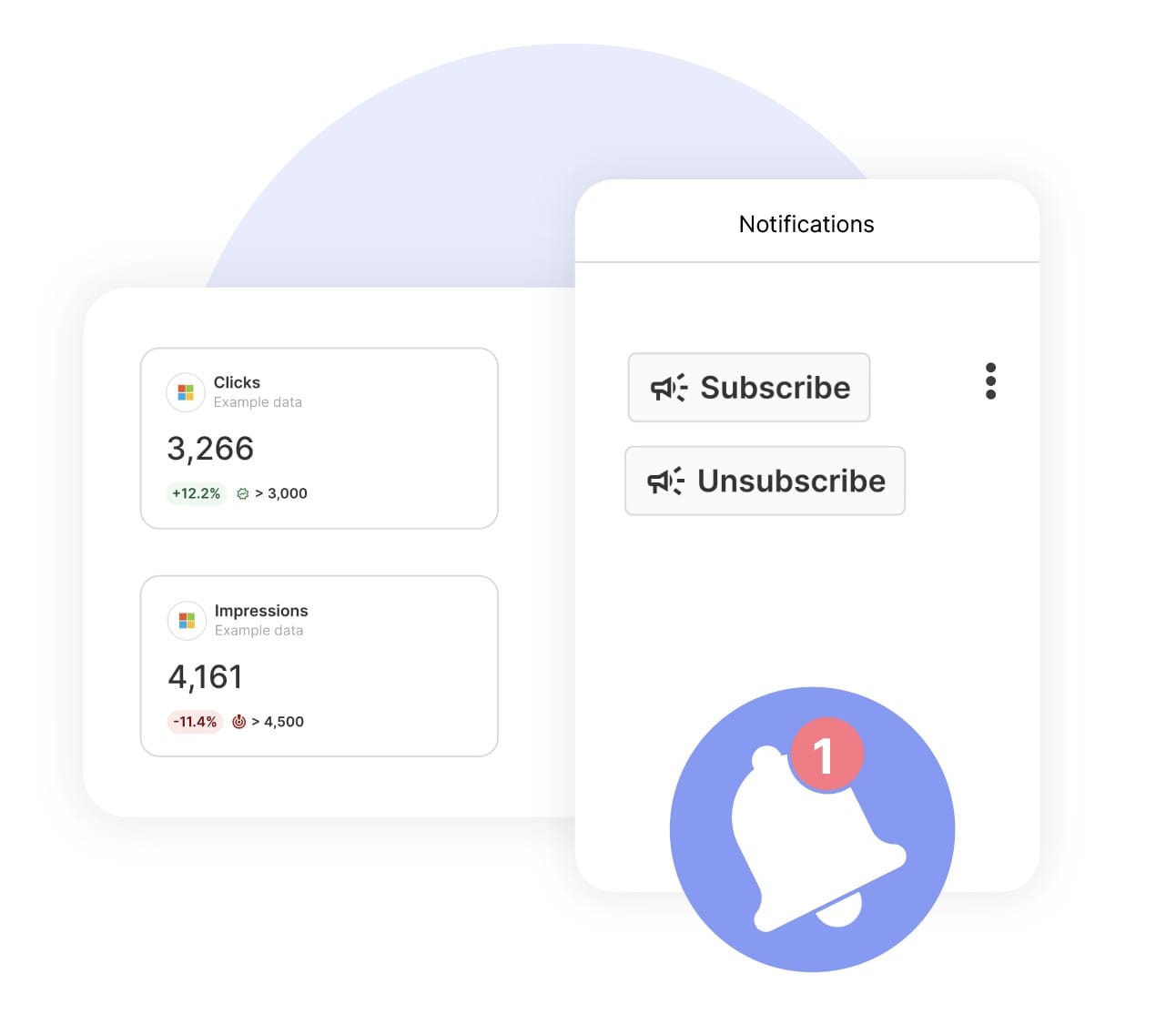
  • Spend Goal: A Swydo Goal set on spend so the client can see whether the test is on budget without asking.
  • Spend Alert: A monitoring alert that emails you before an early-stage channel overspends.

Show clients exactly where the test budget went and prove you kept it under control.

Reach and Impression Metrics

Visibility metrics to include:

  • Impressions: How many times ChatGPT Ads served the client’s ad, with period-over-period comparison.
  • CPM: Cost per thousand impressions, the cleanest benchmark against display and social CPMs.
  • Impression Trend: Period-over-period change showing whether reach is scaling or plateauing.
  • Impression Share of Paid Mix: ChatGPT Ads impressions as a portion of impressions across all connected ad sources.

Give clients a sense of how much visibility a new channel is buying compared with the platforms they already know.

Click Performance Tracking

Traffic and efficiency metrics to include:

  • Clicks: Total clicks from ChatGPT Ads with percentage change.
  • CTR: Clicks divided by impressions, the first signal that ad copy fits the conversational placement.
  • CPC: Cost per click, compared directly with Google Ads and Microsoft Ads CPC in the same report.
  • Click Trend: Period-over-period comparison showing whether efficiency improves as the test matures.

Demonstrate whether ChatGPT Ads is earning attention at a cost the client can live with.

Cross-Channel Paid Media Comparison

What to include when ChatGPT Ads is one channel among several:

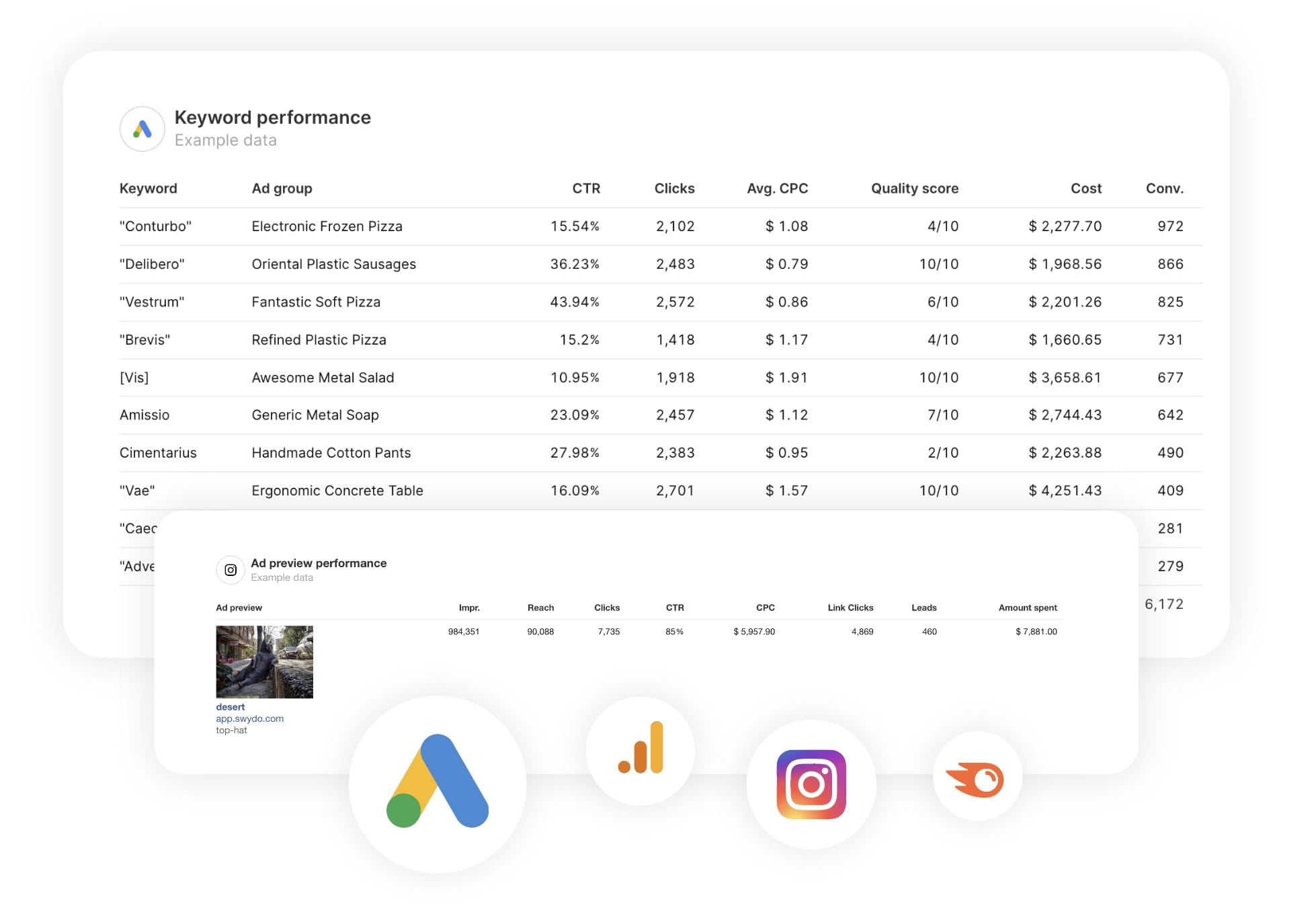
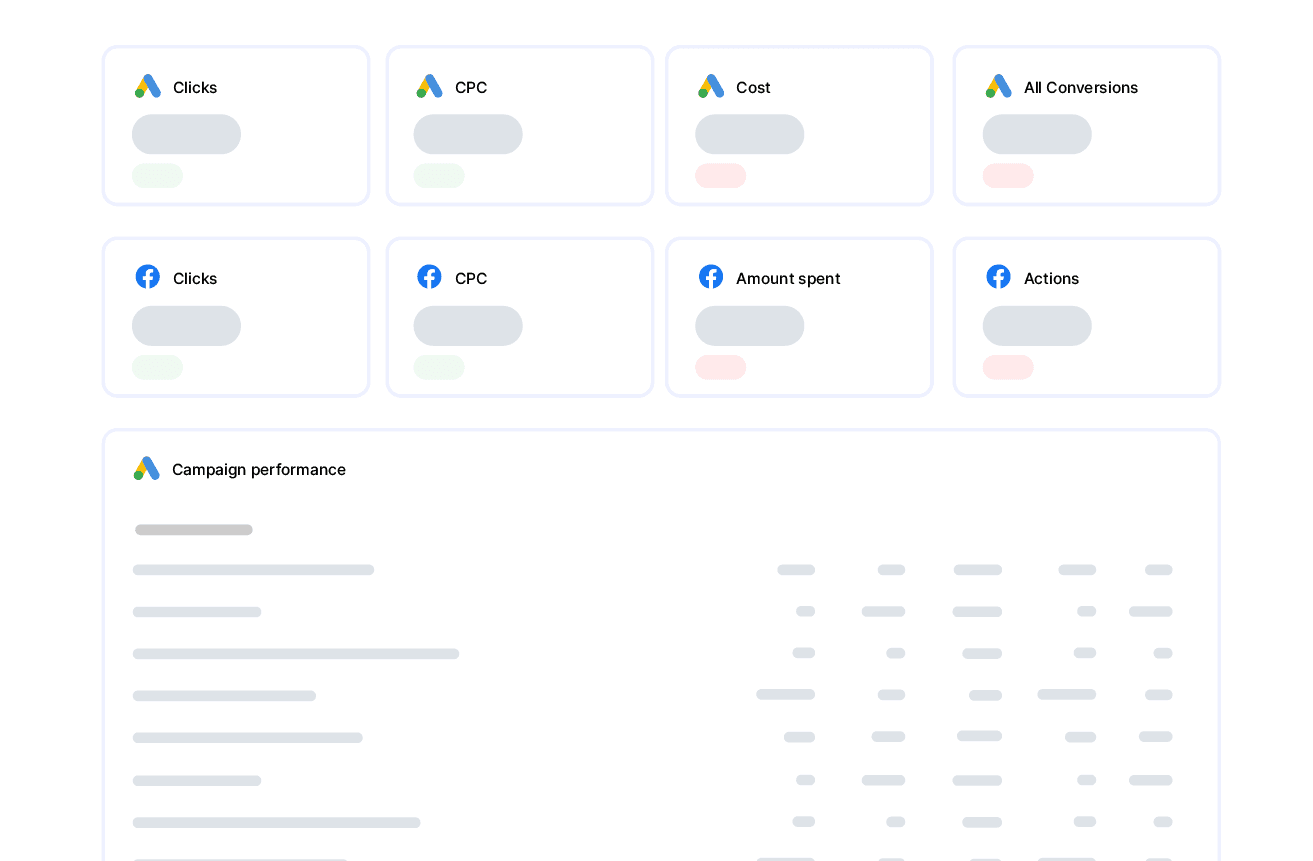
  • Side-by-Side Table: Spend, impressions, clicks, CTR, CPC, and CPM for ChatGPT Ads, Google Ads, Microsoft Ads, Meta Ads, and LinkedIn Ads in one widget.
  • Combined Data Sources: Blend up to five paid platforms into a single total spend, total clicks, or blended CPC figure.
  • Channel Share: Each platform’s percentage of total spend and total clicks.
  • Efficiency Ranking: Sort channels by CPC or CTR to show where ChatGPT Ads sits in the client’s paid media mix.

Position ChatGPT Ads as part of the paid media story rather than a separate experiment off to the side.

Downstream Traffic From Google Analytics 4

Outcome metrics ChatGPT Ads cannot report on its own:

  • Sessions by Source: GA4 sessions attributed to ChatGPT Ads traffic through UTM tagging.
  • Engagement Rate: Shows how ChatGPT visitors behave on the site compared with other paid sources.
  • Key Events and Conversions: GA4 conversions from ChatGPT sessions, the closest available proxy for results.
  • Landing Page Performance: Shows which pages ChatGPT visitors land on and how they engage.

Bridge the gap between what ChatGPT Ads reports and what the client actually wants to know.

Period-Over-Period Comparisons

Performance trending essential for every report:

  • Date Range Comparisons: Current period versus previous period with clear date ranges.
  • Percentage Change Indicators: Clear visual indicators showing growth or decline in spend, clicks, CTR, CPC, and CPM.
  • Multiple Metric Trends: Compare all six ChatGPT Ads metrics simultaneously.
  • Test Maturity Context: Shows whether CPC and CTR improve as the campaign collects more data.

Essential for showing clients whether a new channel is trending in the right direction before they decide to scale or stop.

Custom Metrics and Calculations

Custom metrics you can create from ChatGPT Ads data:

  • Clicks per Dollar: Clicks divided by spend for a plain-language efficiency figure clients can understand instantly.
  • Impressions per Dollar: Impressions divided by spend to compare reach efficiency across channels.
  • Spend per Thousand Clicks: Spend divided by clicks and scaled to 1,000 clicks for cross-channel cost comparisons.
  • CTR Index: ChatGPT Ads CTR divided by the account’s Google Ads CTR, using Combined Data Sources, to show relative ad engagement.

Combine ChatGPT Ads metrics to tell the story that matters for each client’s budget conversation.

Strategic Recommendations and Next Steps

What every ChatGPT Ads report template needs for action:

  • Scale or Hold Decision: Recommend increasing, holding, or pausing the test based on CPC and CTR trends against the client’s other paid channels.
  • Creative Direction: Flag copy variations to test when CTR lags behind the paid mix average.
  • Budget Reallocation: Suggest shifting spend towards or away from ChatGPT Ads based on blended CPC.
  • Measurement Setup: Confirm UTM tagging so GA4 continues attributing ChatGPT traffic cleanly.
  • Benchmark Building: Track CPC, CPM, and CTR each period to build the client’s own ChatGPT Ads baseline while public benchmarks remain scarce.

Position your agency as the one that reports on new channels with the same rigour as established ones.

CUSTOMIZATION

Customize Your ChatGPT Ads Report

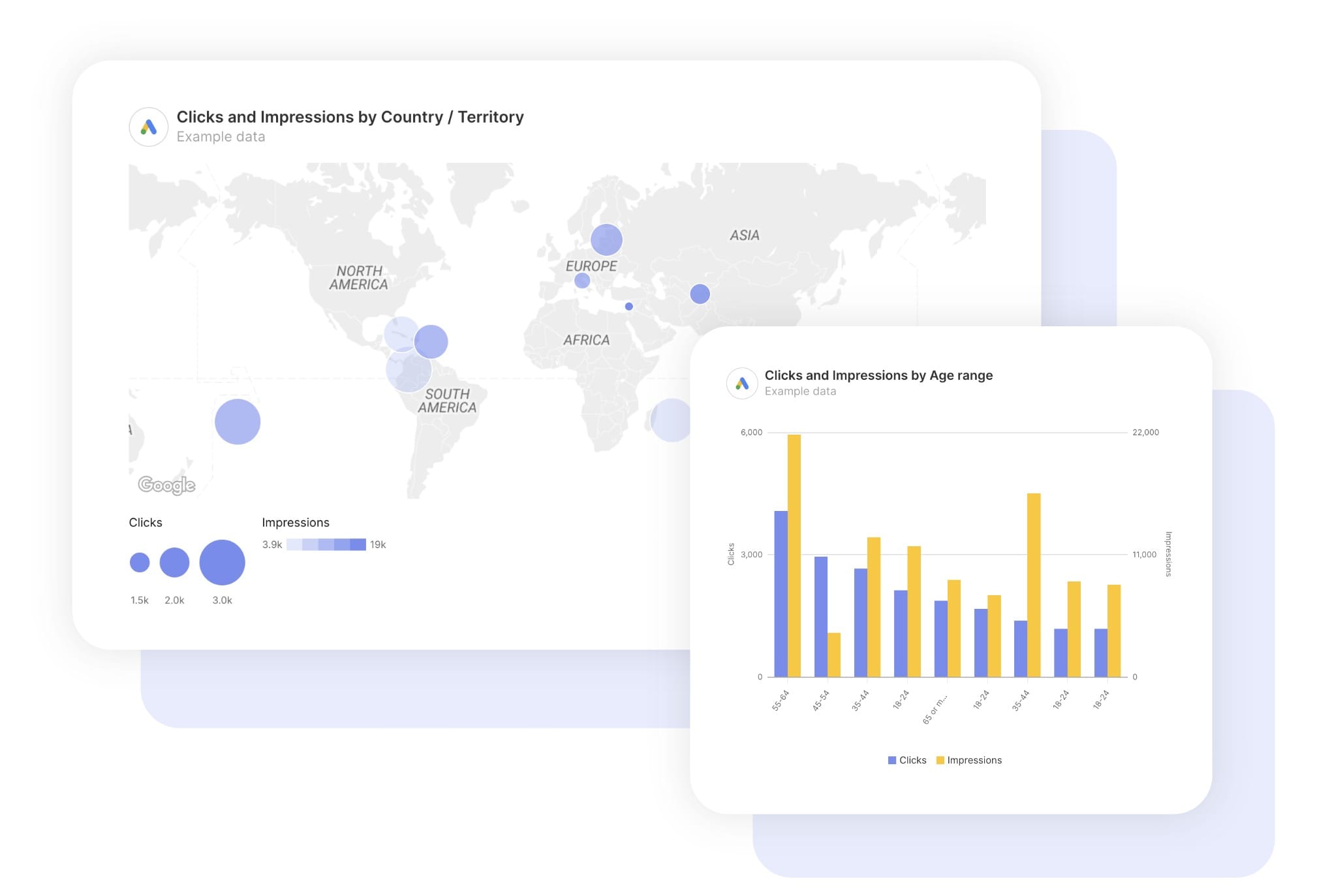
FiltersLeverage a variety of filters to show more specific data points to quickly identify issues and take swift action.

SchedulingAutomate and share your dashboards and reports on a schedule that best meets your needs.

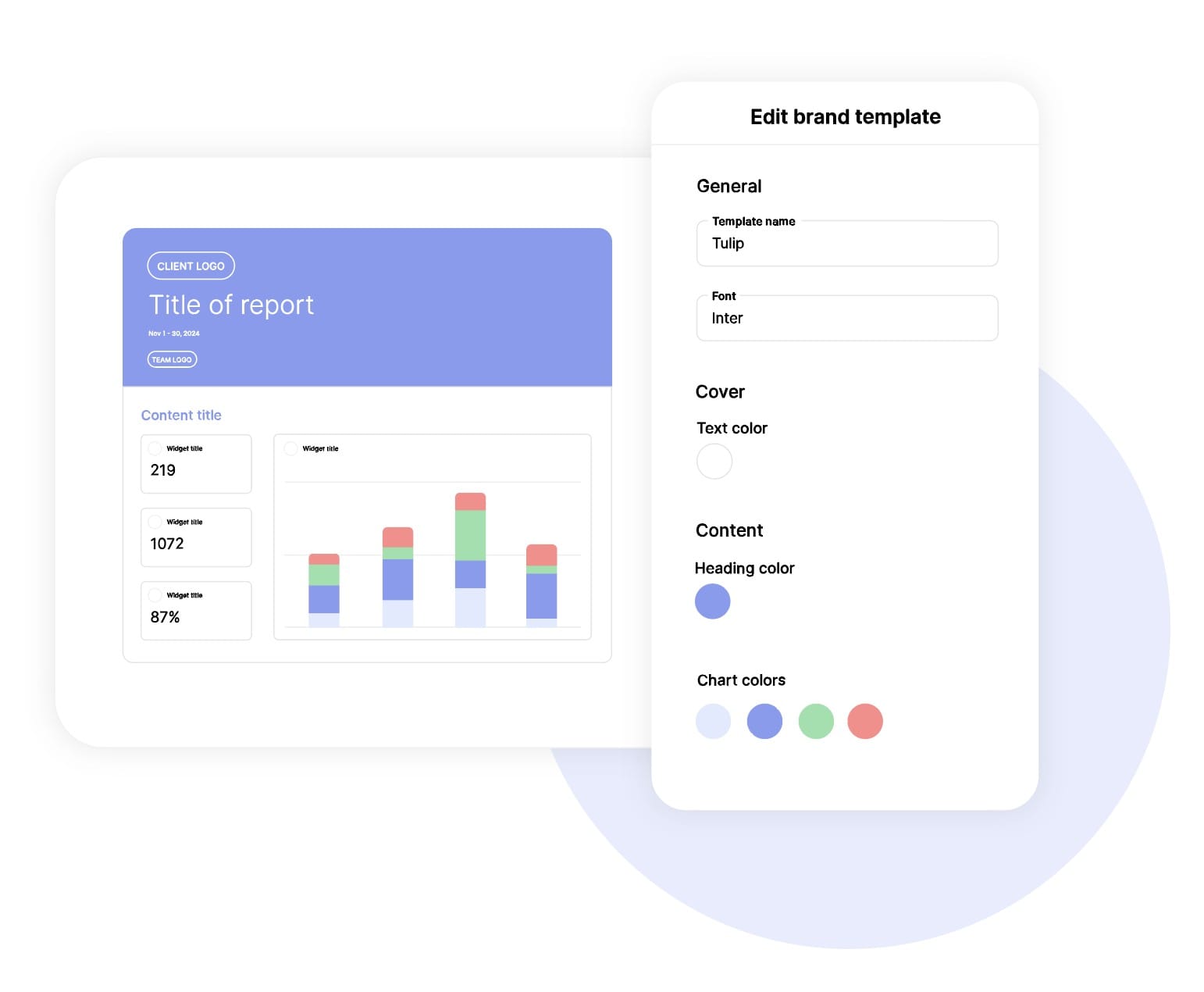
White labelReflect your brand by incorporating your logo and brand colors into your reports. You can also use your domain to share and send your reports.

GoalsSet and track goals to gain insight into performance, trends and progress toward your goals.

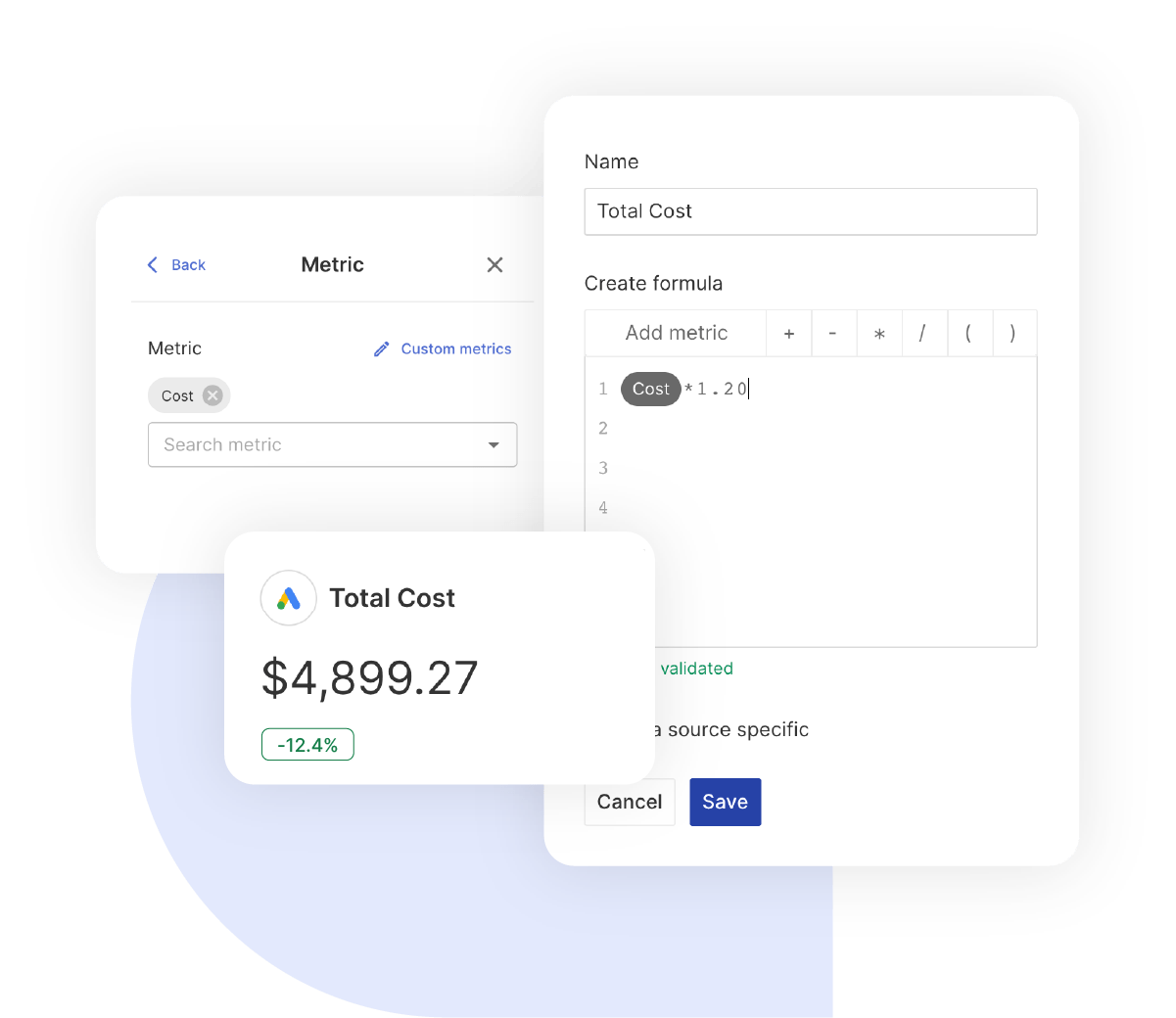
Custom MetricCombine two metrics from the same data source to calculate an entirely new custom metric.

Multi-language reportsCreate reports for your clients in 14 available languages through our automatic and editable translation feature.

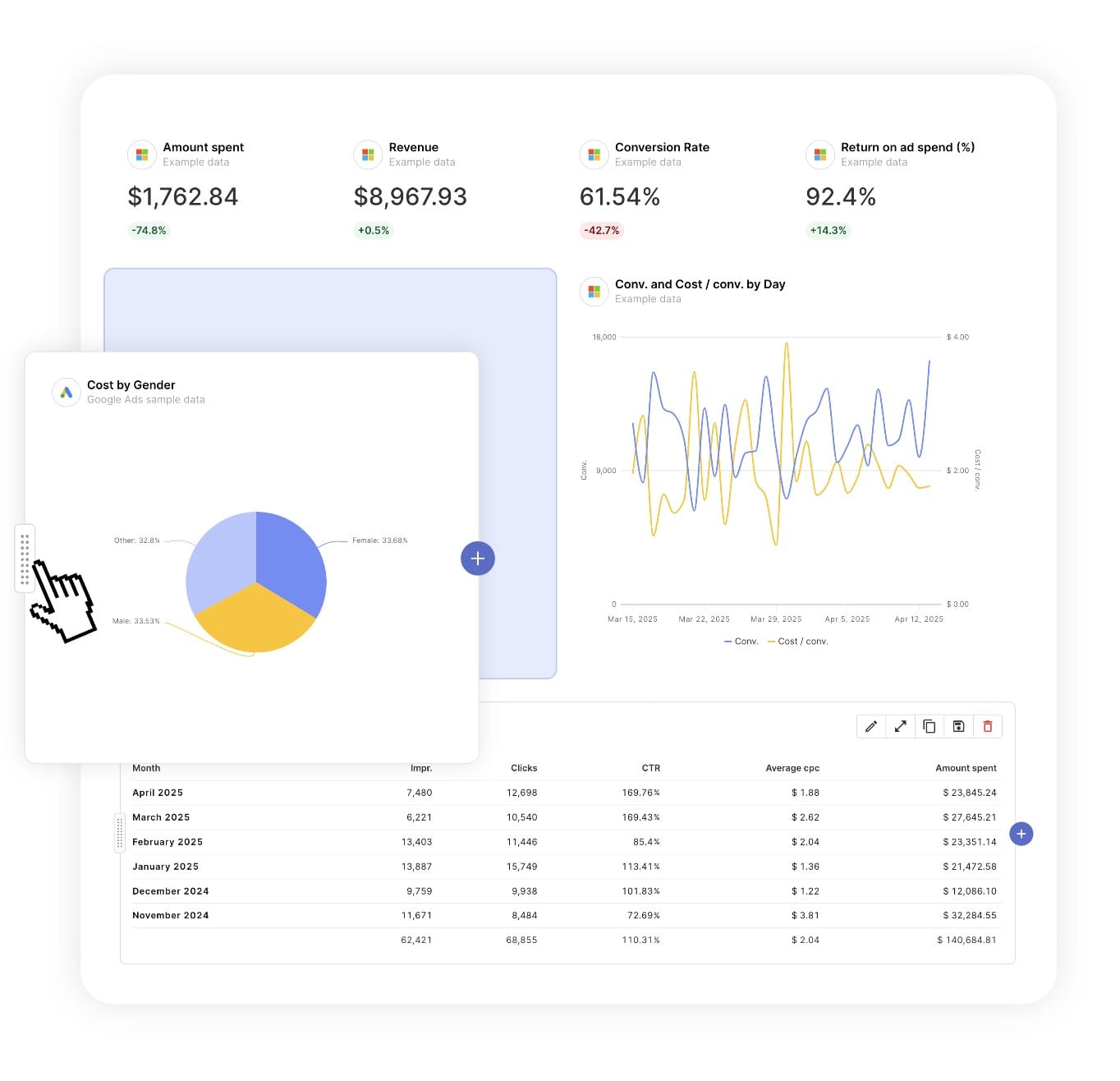
Report DesignResizable widgets allow you to adjust the presentation of KPIs, charts, tables, text, and images to focus clients on key data and insights.

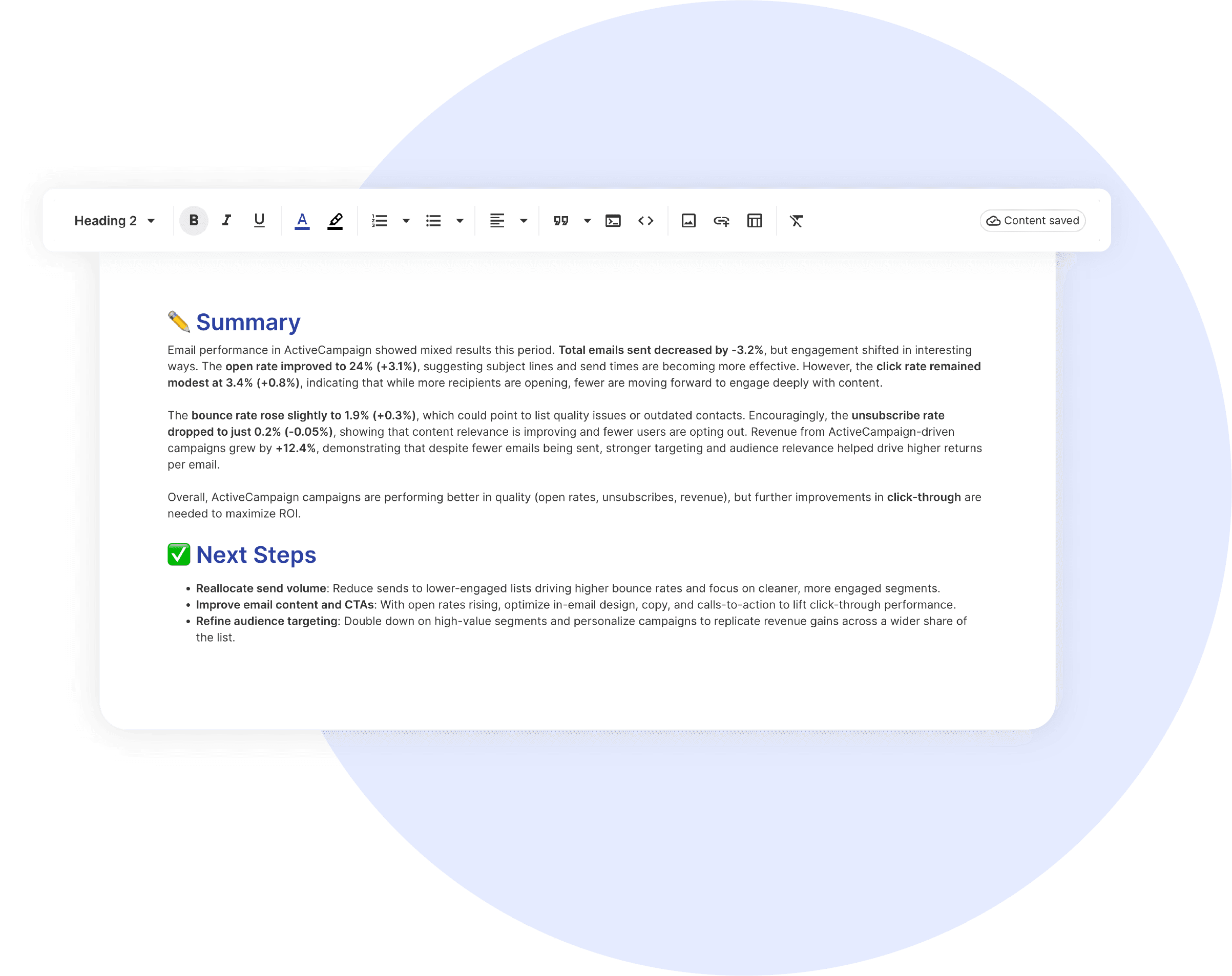
Text and ImagesProvide context to clients or stakeholders through descriptive text widgets. Incorporate images, such as ad assets, to improve client communication and understanding.

Flexible Date RangesEasily compare data across different time periods. Fully control the date range of your overall reports or specific KPIs, charts, and tables to highlight trends.

See all features
PPC Report Templates

Choose a template, connect your ad accounts, and deliver professional marketing reports in minutes.

Connect With Your Favorite Data Sources

Easily Connect & Integrate Data in a Single Report

FAQ

Frequently Asked Questions

  • What is a ChatGPT Ads report template?

    A ChatGPT Ads report template is a pre-built report that automatically pulls campaign data from OpenAI Advertising. It shows spend, impressions, clicks, CTR, CPC, and CPM with period comparisons, and places ChatGPT Ads beside your other paid channels in a layout ready for client presentations and monthly reviews.

  • How long does it take to set up a ChatGPT Ads report?

    Setup takes about 10 minutes: choose the template, connect the ChatGPT Ads account, add your branding, and schedule delivery.

  • Can I white-label a ChatGPT Ads report with my agency's branding?

    Yes. Add your logo and colors, send from your own email domain, and host live dashboards on your own domain (for example, reports.youragency.com).

  • Does the ChatGPT Ads integration report conversions or ROAS?

    Not yet. ChatGPT Ads currently reports impressions, clicks, spend, CTR, CPC, and CPM into Swydo. For conversions and on-site behavior, the template pairs ChatGPT Ads with Google Analytics 4 using UTM-tagged campaign URLs.

  • What's the cost after the free trial?

    Plans start at $69/month for 10 data sources, with no per-client fees. Additional sources cost $2–$4.50 each.

Client testimonials

Discover Why Over 2,500 Agencies Trust Swydo


View all customer stories

Create Your Free ChatGPT Ads Report in Minutes

Free for 14 days, no credit card required, cancel at any time

Request a demo ▶ Get started