Google And Facebook Ads Report

Optimize Your Paid Campaigns with Our Google and Facebook Ads Report Template

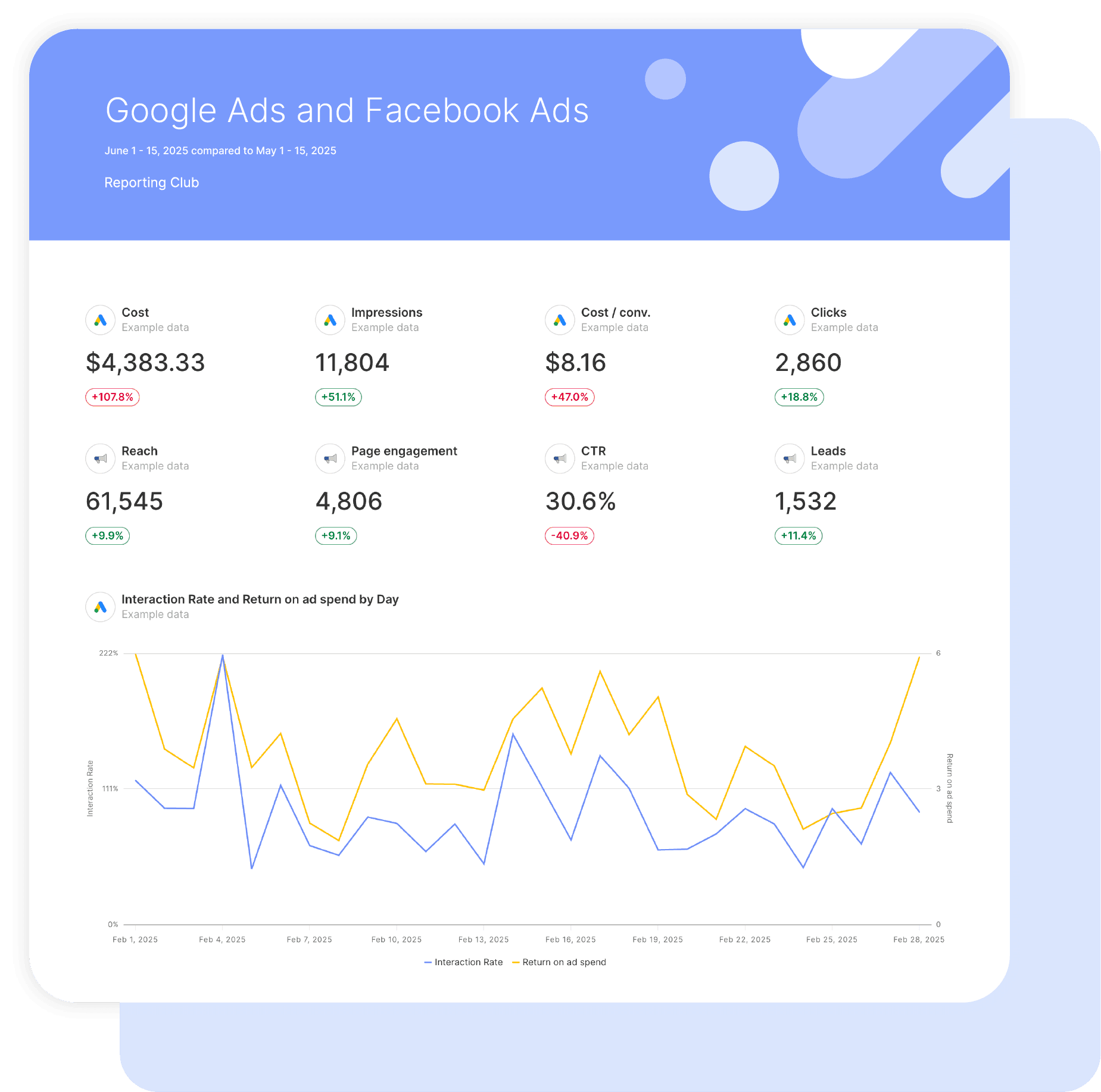
Swydo’s pre-built Google Ads template will give you a headstart on creating professional and customizable marketing reports and dashboards to help make data-driven decisions. 

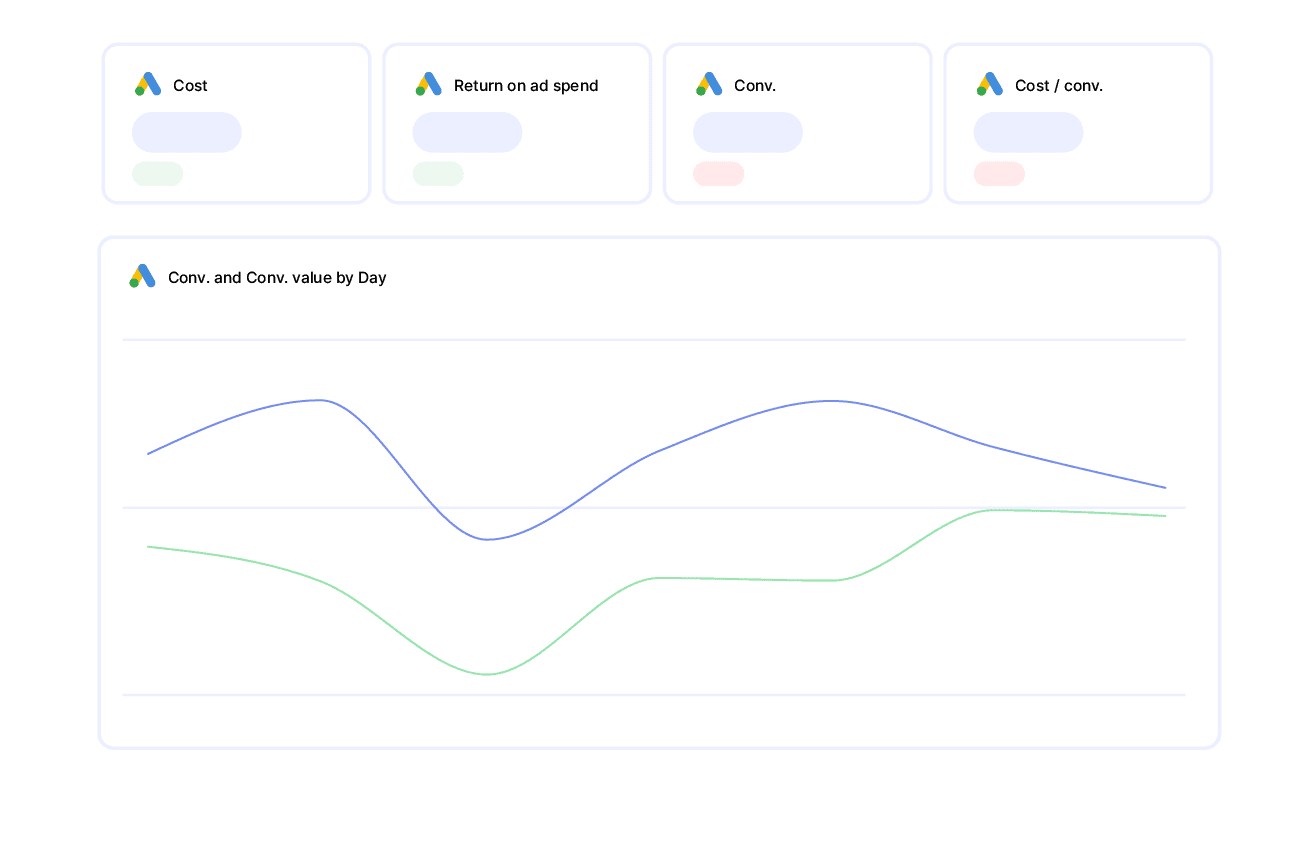
Easily report on campaign performance, KPIs, trends and conversions to provide actionable insights and improve marketing ROI.

Data sources Google Ads Facebook Ads
Preview ▶ Get started

Free for 14 days

No credit card required

Cancel anytime

Google And Facebook Ads Report

How it works

select template white

1. Select

Choose one of our predefined templates or create your own

connect white

2. Connect

Connect your data sources

customize white

3. Customize

Customize your data to meet your client’s needs

share white

4. Share

Schedule and share a dashboard or PDF report with your team or clients

CUSTOMIZATION

Customize Your Google Ads Report

FiltersLeverage a variety of filters to show more specific data points to quickly identify issues and take swift action.

SchedulingAutomate and share your dashboards and reports on a schedule that best meets your needs.

White labelReflect your brand by incorporating your logo and brand colors into your reports. You can also use your domain to share and send your reports.

GoalsSet and track goals to gain insight into performance, trends and progress toward your goals.

Custom MetricCombine two metrics from the same data source to calculate an entirely new custom metric.

Multi-language reportsCreate reports for your clients in 14 available languages through our automatic and editable translation feature.

Report DesignResizable widgets allow you to adjust the presentation of KPIs, charts, tables, text, and images to focus clients on key data and insights.

Text and ImagesProvide context to clients or stakeholders through descriptive text widgets. Incorporate images, such as ad assets, to improve client communication and understanding.

Flexible Date RangesEasily compare data across different time periods. Fully control the date range of your overall reports or specific KPIs, charts, and tables to highlight trends.

See all features

GOOGLE AND FACEBOOK ADS TEMPLATE INSIGHTS

Boost Your Paid Campaign Results

Top 10 Ad Group Performance
Identify which ad groups drive clicks, conversions, and ROAS to optimize resources and adjust campaigns effectively.

Campaign Performance
Assess metrics like reach, clicks, cost, and conversions for a comprehensive view of campaign effectiveness.

Ads Performance
Determine which ads drive the most engagement and conversions, allowing for adjustments to creative elements and messaging.

Historical Table YTD (Year To Date)
Spot trends, compare performance year-over-year, and track progress against goals.

Clicks and Impressions by Country / Territory
Understand ad performance by location to better target and optimize campaigns regionally.

Search Term Performance
Refine keyword strategy by identifying effective terms driving traffic and conversions.

Phone Calls and Phone Impressions by Campaign
Track phone calls and impressions from Google Ads to monitor conversion goals.

GOOGLE AND FACEBOOK ADS REPORT KPIS AND METRICS

KPIs Included in Our Google and Facebook Ads Template

Clicks
Gauge user engagement by tracking total ad clicks.

Click Through Rate (CTR)
Assess the effectiveness of your ad copy and visuals in driving engagement.

Cost
Monitor total ad spend to calculate ROI and manage your budget better.

Cost per Conversion
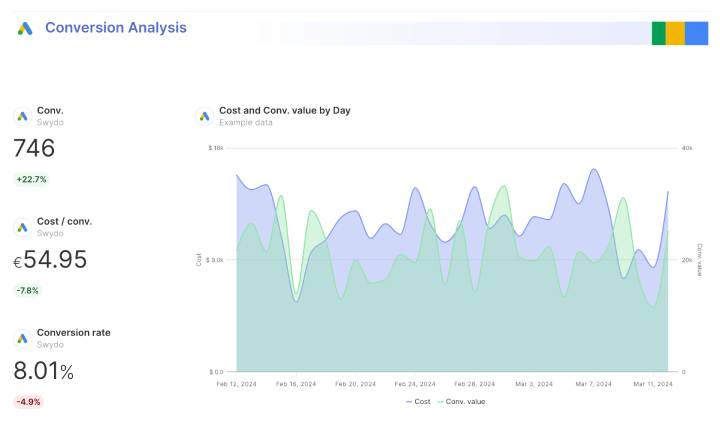
Measure how cost-effective your Google and Facebook Ads are in achieving your conversion goals.

All Conversions
Evaluate ad performance based on all conversions, including form submissions, purchases, and sign-ups.

Phone Calls
Count the number of phone calls your ads generate to assess their success.

Reach
See how many unique users have seen your ads to understand your advertising reach.

Actions
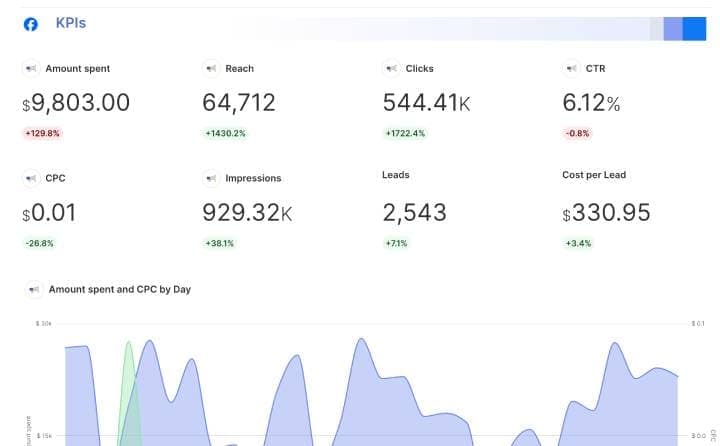
Track link clicks, video views, and social shares to learn how users interact with your Facebook Ads.

More Report Templates

Create & Automate Your Reports in Minutes

analytics reporting

Facebook Ads Report

View details
analytics reporting

Google Ads Report

View details
analytics reporting

Google Shopping Ads Report

View details
FAQ

Frequently Asked Questions

  • What should a Google and Facebook Ads report include?

    This report should put your two biggest channels on the same page and compare them fairly. Lead with a blended summary of spend, conversions, conversion value and ROAS, then give Google and Facebook each a section for campaign detail, and show how the two work together across the funnel rather than competing for credit. Preview the template →

  • What Google and Facebook metrics can I track in Swydo?

    You get the full depth of both integrations: 600+ Google Ads metrics (Search, PMax, Shopping, Display) and 241+ Facebook Ads metrics (Website Purchase ROAS, the Cost-Per-Action variants and video engagement). Custom metrics let you standardize a blended-ROAS KPI across both. See all integrations →

  • How often should I send this report?

    Monthly works for most clients, with a weekly pacing check when both channels are running active budgets. A live dashboard covers the in-between days. See scheduling →

  • How do I set up and automate it?

    About 10 minutes — authorize Google Ads and Facebook via OAuth, pick the accounts, and load the template. It fills with the last 30 days and refreshes daily, then schedules itself. Free for 14 days, no credit card required. Start your free trial →

  • Can I show one blended ROAS across Google and Facebook?

    Yes. Combined Data Sources merges Google Ads and Facebook Ads inside a single widget for one cross-channel spend, conversion and ROAS figure, the executive number clients ask for first. Learn about Combined Data Sources →

  • Can I move my existing Google And Facebook Ads reports to Swydo?

    Yes. If you’re switching from another reporting tool you don’t have to rebuild everything by hand. Swydo’s migration service recreates your existing client reports and dashboards inside Swydo, so your team keeps its layouts and clients see no disruption. Connect your Google And Facebook Ads data, hand over your current reports, and pick up where you left off. See the migration service →

  • Can I white-label Google And Facebook Ads reports with my agency's branding?

    Yes. Add your logo, brand colors and fonts, then host live dashboards on your own domain (reports.youragency.com) and verify your sending domain so scheduled reports arrive from your brand with no “via Swydo” tag. Dashboards can be password-protected, the Send Log shows which clients opened and clicked each report, and you can embed Crisp chat in a client dashboard so questions get answered in context. See white-label features →

  • Is my Google And Facebook Ads data secure, and is Swydo GDPR-compliant?

    Yes. Swydo connects through OAuth wherever the platform supports it, and scoped API keys for Klaviyo, CallRail, CallTrackingMetrics and ActiveCampaign, so you only share the access you authorize and can revoke it at any time. Swydo is GDPR-compliant, your data stays yours and is never used to train AI models, and you can switch on two-factor authentication for every sign-in. Deleted reports stay recoverable for 90 days and archived clients for 365 days. Read our data privacy and security details →

  • What does Swydo cost after the free trial, and can I pause or cancel?

    The 14-day trial needs no credit card. Plans start at $69/month and include 10 data sources, Additional data sources cost $2–$4.50 each, and the per-source rate drops as you scale — no per-client fees, no per-user fees, and unlimited seats. Reporting frequency never changes the price. If you hit a quiet stretch you can pause your subscription for $10/month and reactivate when you need it, and you can cancel any time with no auto-renewal trap. See full pricing → or book a 15-minute pricing walkthrough →

Client testimonials

Discover Why Over 2,500 Agencies Trust Swydo


View all customer stories

Create your free online marketing report in minutes

Free for 14 days, no credit card required, cancel at any time

Request a demo ▶ Get started