LinkedIn Pages Analytics Report

LinkedIn Pages Analytics Report Template

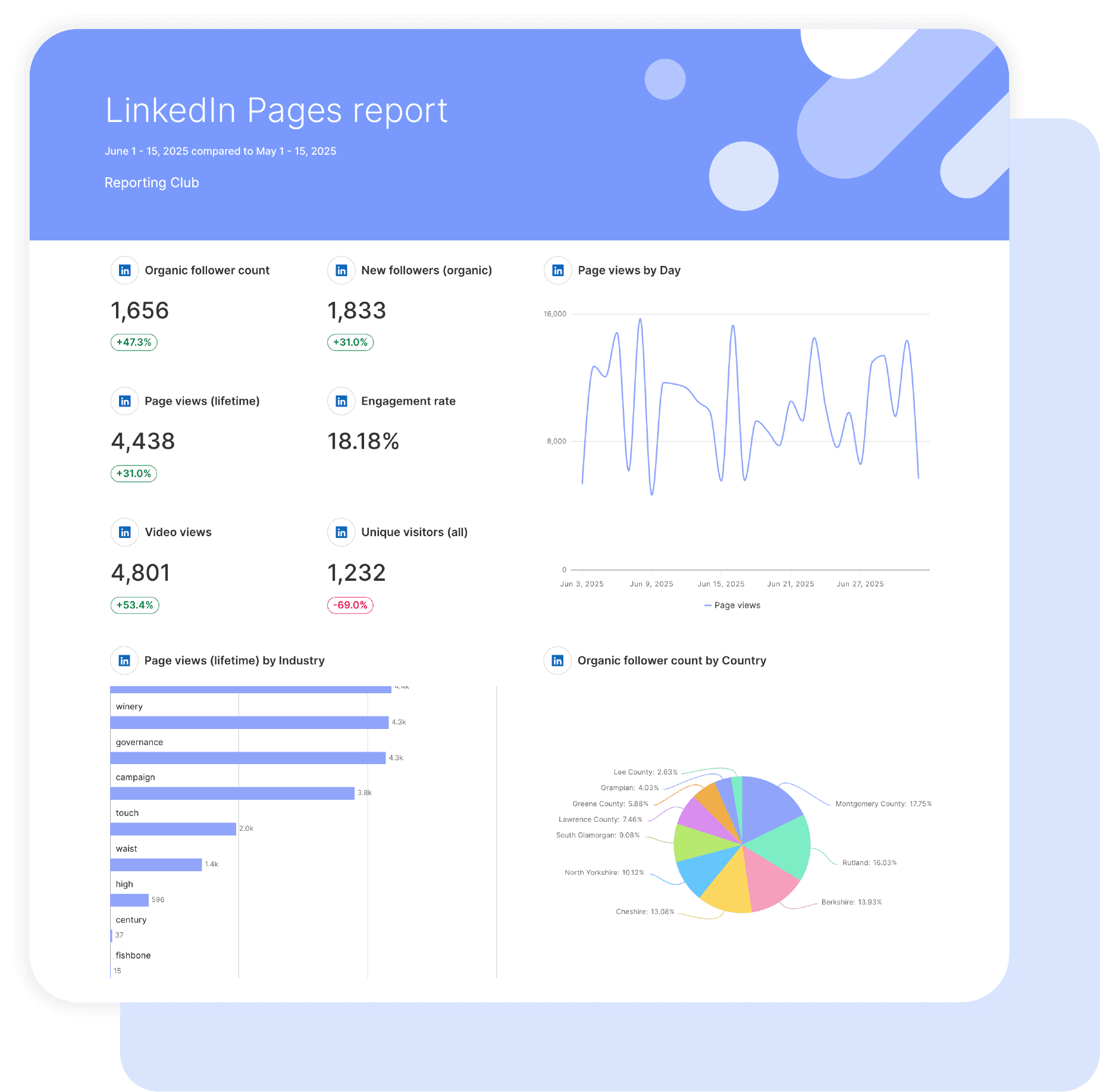
Get the actionable insights you need to optimize your LinkedIn content strategy effectively with Swydo’s customizable LinkedIn Account report template. 

Understand and evaluate the performance and engagement of your LinkedIn page. Maximize engagement and growth by refining content types and engagement techniques. 

Data sources LinkedIn Pages
Preview ▶ Get started

Free for 14 days

No credit card required

Cancel anytime

LinkedIn Pages Analytics Report

How it works

select template white

1. Select

Choose one of our predefined templates or create your own

connect white

2. Connect

Connect your data sources

customize white

3. Customize

Customize your data to meet your client’s needs

share white

4. Share

Schedule and share a dashboard or PDF report with your team or clients

CUSTOMIZATION

Customize Your LinkedIn Page Analytics Report

FiltersLeverage a variety of filters to show more specific data points to quickly identify issues and take swift action.

SchedulingAutomate and share your dashboards and reports on a schedule that best meets your needs.

White labelReflect your brand by incorporating your logo and brand colors into your reports. You can also use your domain to share and send your reports.

GoalsSet and track goals to gain insight into performance, trends and progress toward your goals.

Custom MetricCombine two metrics from the same data source to calculate an entirely new custom metric.

Multi-language reportsCreate reports for your clients in 14 available languages through our automatic and editable translation feature.

Report DesignResizable widgets allow you to adjust the presentation of KPIs, charts, tables, text, and images to focus clients on key data and insights.

Text and ImagesProvide context to clients or stakeholders through descriptive text widgets. Incorporate images, such as ad assets, to improve client communication and understanding.

Flexible Date RangesEasily compare data across different time periods. Fully control the date range of your overall reports or specific KPIs, charts, and tables to highlight trends.

See all features

LINKEDIN PAGE ANALYTICS TEMPLATE INSIGHTS

Boost Performance and Engagement

Post Performance
Evaluate engagement metrics for individual posts on your LinkedIn page to get a clear picture of how your content resonates with your audience.

Video View and Time Watched by Video
Track performance metrics specific to video content which is critical for gauging the effectiveness of your videos in engaging viewers.

LINKEDIN PAGE ANALYTICS REPORT KPIS AND METRICS

KPIs Included in Our LinkedIn Template

New Followers
Assess the appeal of your content by monitoring the growth in users who have started following your LinkedIn page.

Click Count
Examine the audience engagement and interest in your posts on your LinkedIn page.

Like Count
Measure how well your content is received by your audience by tracking the number of likes each post receives.

Video View
Determine how effectively your videos capture attention on LinkedIn by the total number of views they receive.

Unique Visitors
Gain insight into the reach of your page across the LinkedIn platform by monitoring the number of unique users who visit your page.

More Report Templates

Create & Automate Your Reports in Minutes

analytics reporting

Social Media Report

View details
analytics reporting

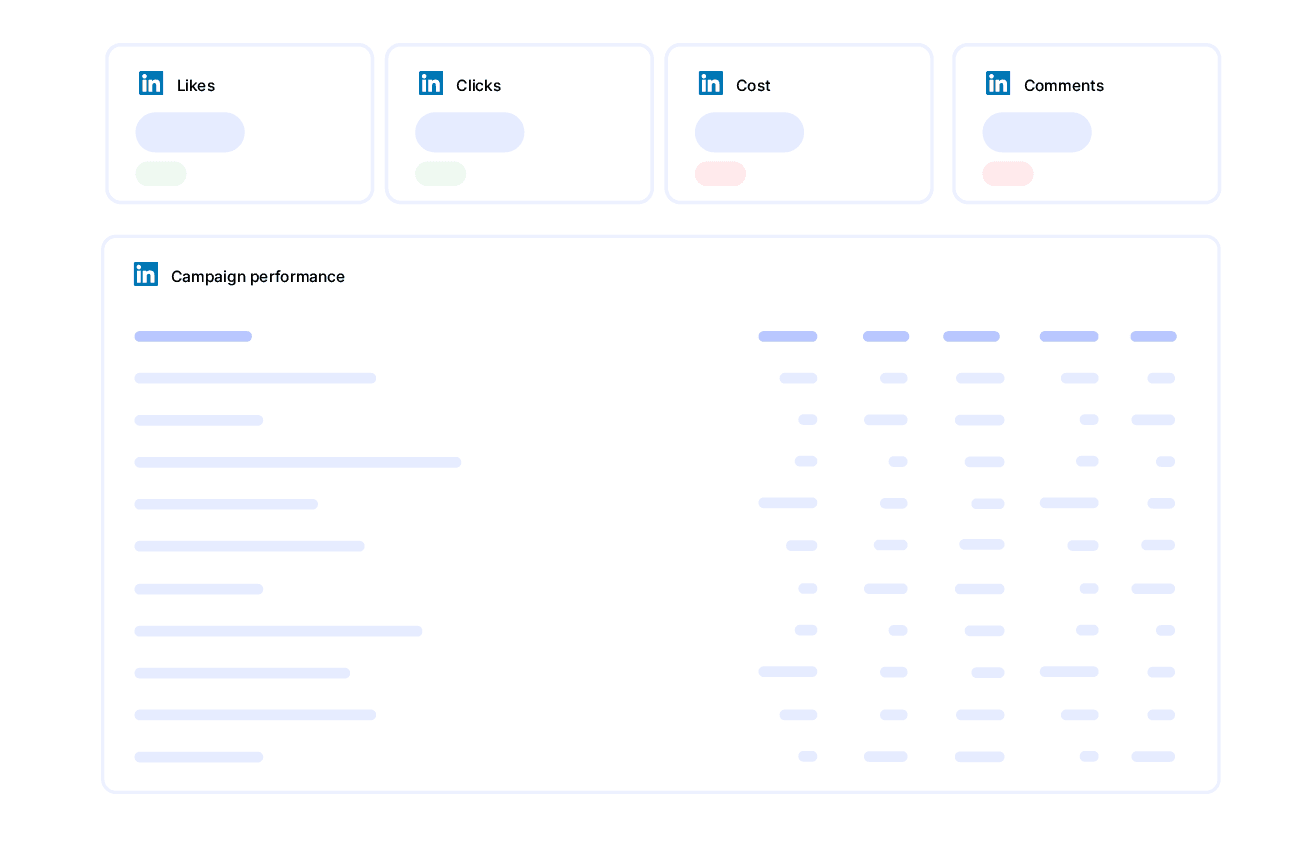
LinkedIn Ads Report

View details
analytics reporting

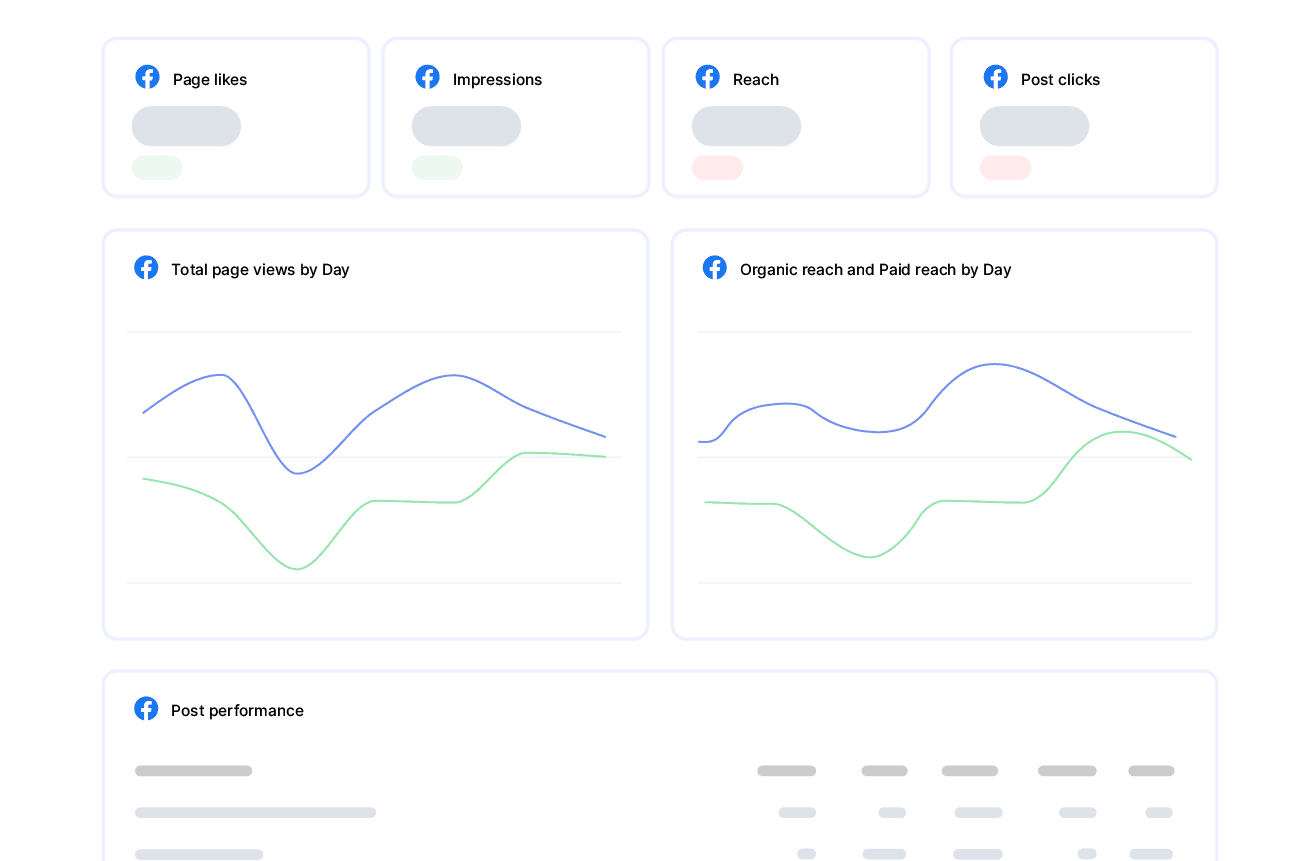
Facebook Page Report

View details
FAQ

Frequently Asked Questions

  • Can I move my existing LinkedIn Pages reports to Swydo?

    Yes. If you’re switching from another reporting tool you don’t have to rebuild everything by hand. Swydo’s migration service recreates your existing client reports and dashboards inside Swydo, so your team keeps its layouts and clients see no disruption. Connect your LinkedIn Pages data, hand over your current reports, and pick up where you left off. See the migration service →

  • Can I white-label LinkedIn Pages reports with my agency's branding?

    Yes. Add your logo, brand colors and fonts, then host live dashboards on your own domain (reports.youragency.com) and verify your sending domain so scheduled reports arrive from your brand with no “via Swydo” tag. Dashboards can be password-protected, the Send Log shows which clients opened and clicked each report, and you can embed Crisp chat in a client dashboard so questions get answered in context. See white-label features →

  • Is my LinkedIn Pages data secure, and is Swydo GDPR-compliant?

    Yes. Swydo connects through OAuth wherever the platform supports it, and scoped API keys for Klaviyo, CallRail, CallTrackingMetrics and ActiveCampaign, so you only share the access you authorize and can revoke it at any time. Swydo is GDPR-compliant, your data stays yours and is never used to train AI models, and you can switch on two-factor authentication for every sign-in. Deleted reports stay recoverable for 90 days and archived clients for 365 days. Read our data privacy and security details →

  • What does Swydo cost after the free trial, and can I pause or cancel?

    The 14-day trial needs no credit card. Plans start at $69/month and include 10 data sources, Additional data sources cost $2–$4.50 each, and the per-source rate drops as you scale — no per-client fees, no per-user fees, and unlimited seats. Reporting frequency never changes the price. If you hit a quiet stretch you can pause your subscription for $10/month and reactivate when you need it, and you can cancel any time with no auto-renewal trap. See full pricing → or book a 15-minute pricing walkthrough →

  • What should a LinkedIn Pages report include?

    A LinkedIn Pages report should track audience growth and content traction for B2B. Include followers and followers gained, impressions, unique impressions, engagement rate, clicks, reactions and top posts, plus audience demographics. For B2B, follower quality and engagement matter more than raw reach. Preview the template →

  • What LinkedIn Page metrics can I track in Swydo?

    Swydo reports organic Page metrics including the Followers Gained metric (added April 2026), impressions, unique impressions, engagement rate, clicks, reactions, and average reach and frequency on a 1-, 7- or 30-day basis. Custom metrics let you build page-growth KPIs. See the LinkedIn Pages integration →

  • How often should I send LinkedIn Pages reports?

    Monthly fits organic LinkedIn reporting, since B2B audiences grow steadily. A live dashboard lets clients check growth between reports. See scheduling →

  • How do I set up and automate a LinkedIn Pages report?

    About 10 minutes — authorize LinkedIn via OAuth, choose the Page, and load the template. It fills with the last 30 days and refreshes daily, then schedules itself. If you enable LinkedIn 2FA after connecting, reauthorize the connection. Free for 14 days, no credit card required. Start your free trial →

  • Can I combine LinkedIn Pages with LinkedIn Ads and other channels?

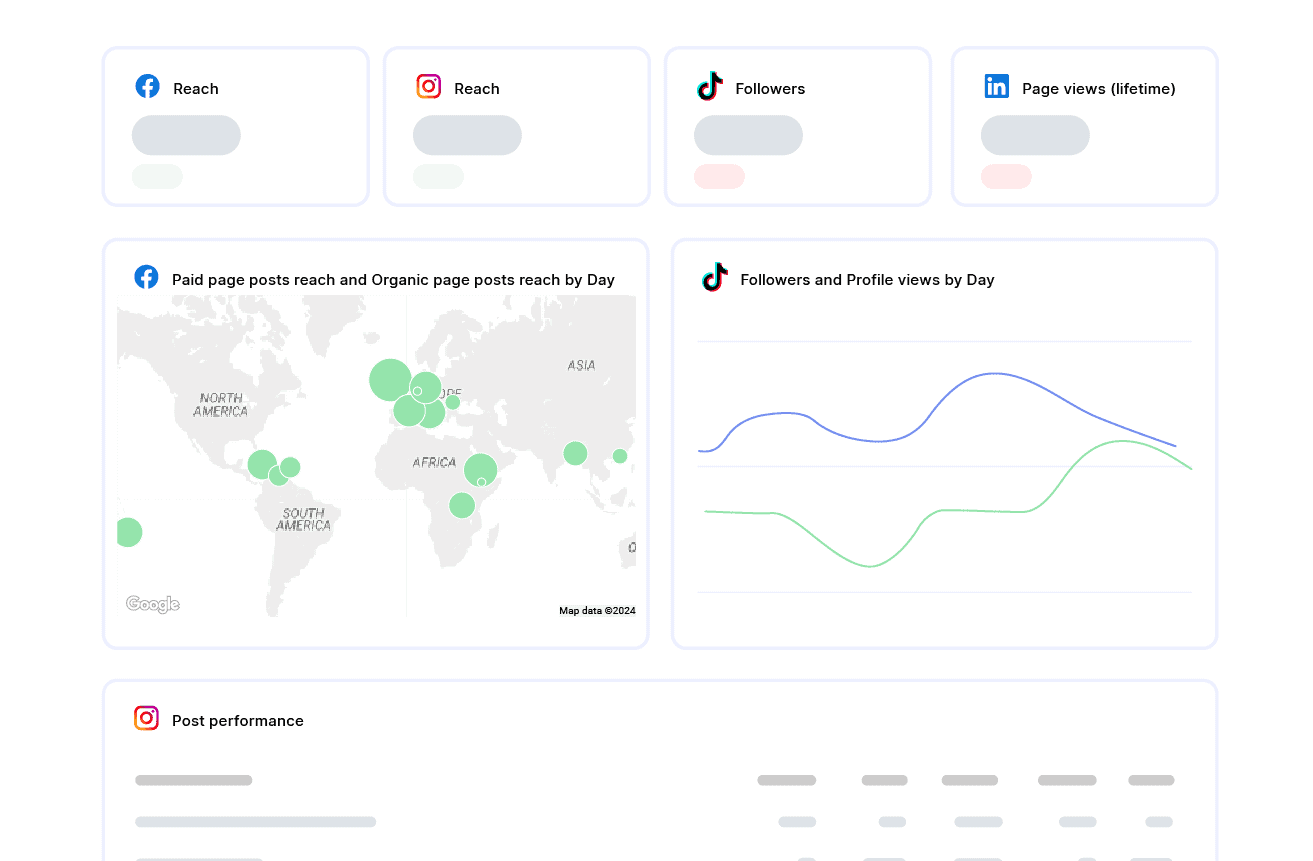
    Yes. Pair organic Page data with LinkedIn Ads and your other social and paid channels in one report for a complete B2B view. See all integrations →

Client testimonials

Discover Why Over 2,500 Agencies Trust Swydo


View all customer stories

Create your free online marketing report in minutes

Free for 14 days, no credit card required, cancel at any time

Request a demo Get started