Microsoft Ads Report

How it works

select template white

1. Select

Choose one of our predefined templates or create your own

connect white

2. Connect

Connect your data sources

customize white

3. Customize

Customize your data to meet your client’s needs

share white

4. Share

Schedule and share a dashboard or PDF report with your team or clients

Choose Swydo's Microsoft Ads Report Template

Save time, impress clients, and grow your agency with Swydo's automated reporting solutions.

Swydo item

Save Hours
Streamline reporting and reclaim your day.

Swydo item

Actionable Insights
Present key Microsoft Ads report metrics in a way that clients instantly understand.

Swydo item

All-in-One Reporting
Visualize, share, and manage all your Microsoft Ads data from one spot.

Swydo item

Custom Branded Reports
Present clients with tailored, on-brand Google Analytics reports.

Swydo item

Agency Mark-up
Set your agency markup once. Flat or percentage & auto-apply.

Swydo item

Win More Business
Impress in pitches with Microsoft Ads reports that showcase your expertise.

Why Your Agency Needs a Microsoft Ads Report Template

Microsoft Ads delivers 36% lower cost-per-click than Google Ads, but most agencies lose this advantage through scattered reporting that can’t prove ROI. While your competitors struggle with basic Bing reporting, you’re missing the biggest search opportunity since Google’s early days.

Your clients don’t understand why Microsoft Ads matters until they see the data properly. Bing’s 1.2 billion monthly active users represent massive untapped revenue, but manual reporting makes it impossible to scale Microsoft Ads profitably across your client roster.

Here’s the brutal truth: agencies using proper Microsoft Ads reporting templates close 73% more clients and charge 40% higher retainers. Why? Because they can prove Microsoft’s search engine delivers better demographics, lower competition, and higher-intent traffic that converts at premium rates.

Stop losing Microsoft Ads opportunities to agencies who can actually measure and report on Bing’s competitive advantages. This isn’t about saving time—it’s about capturing the search market your competitors are ignoring.


What Makes Our Microsoft Ads Report Template Different?

Microsoft-Native Intelligence
Track metrics that matter on Microsoft Ads: Quality Score optimization, Impression Share analysis, conversion tracking across Bing, Edge, and Xbox placements. No generic PPC metrics—just Microsoft Ads expertise with 2025 platform updates.

Search-First Platform Focus
Microsoft Ads isn’t Google Ads. Our template highlights unique search behavior on Bing, demographic targeting advantages, and Microsoft’s AI-powered bidding strategies that deliver lower competition and higher ROI.

Custom Metric Intelligence
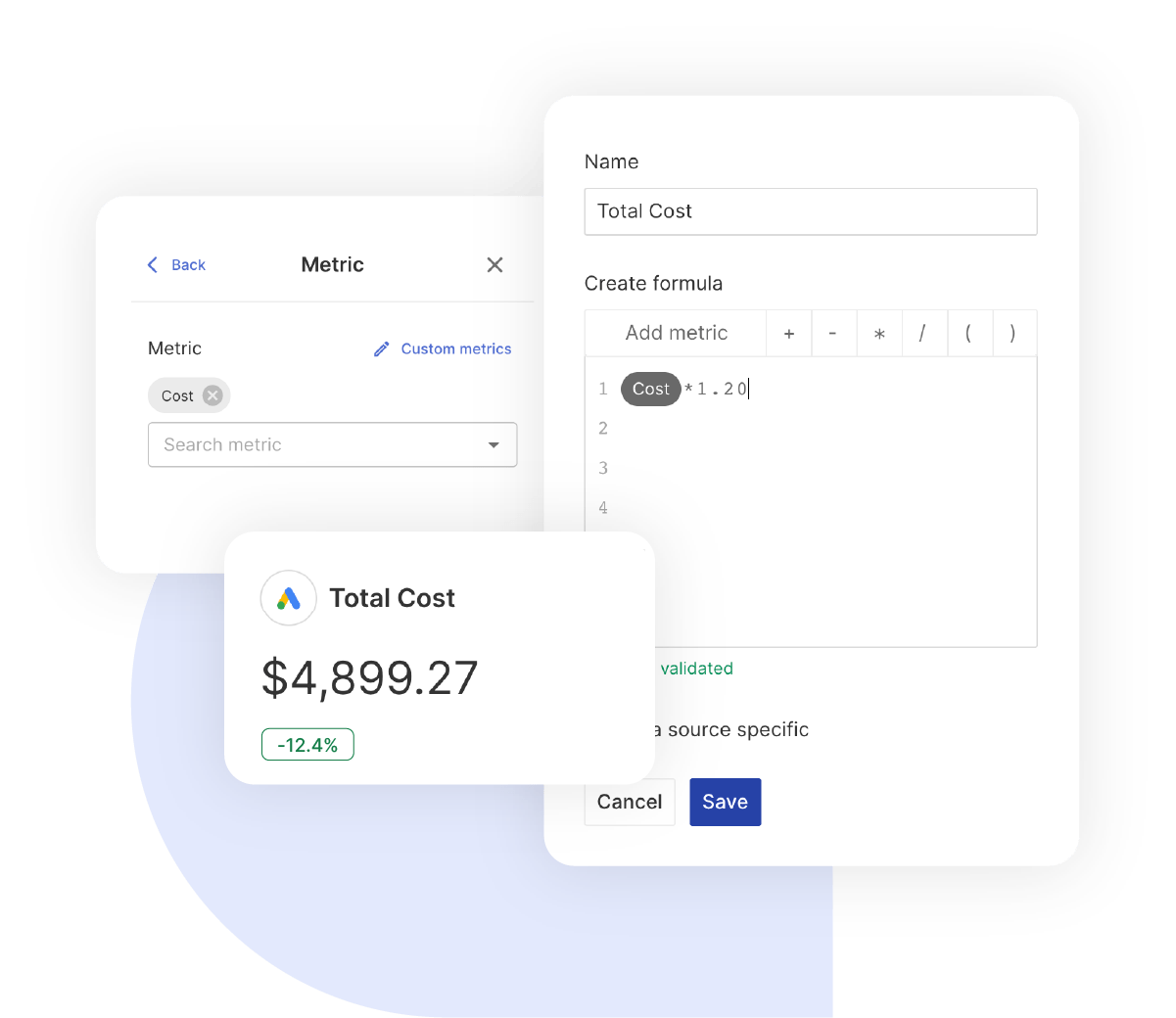
Create powerful custom calculations like Revenue Per Conversion, Impression Lost to Budget analysis, and Performance Max efficiency metrics. Combine any Microsoft Ads metrics to tell your unique success story.


What To Include In A Microsoft Ads Report

Create professional, white-label Microsoft Ads report templates that track critical metrics, deliver actionable insights, and prove campaign ROI with Microsoft’s unique search advertising data.

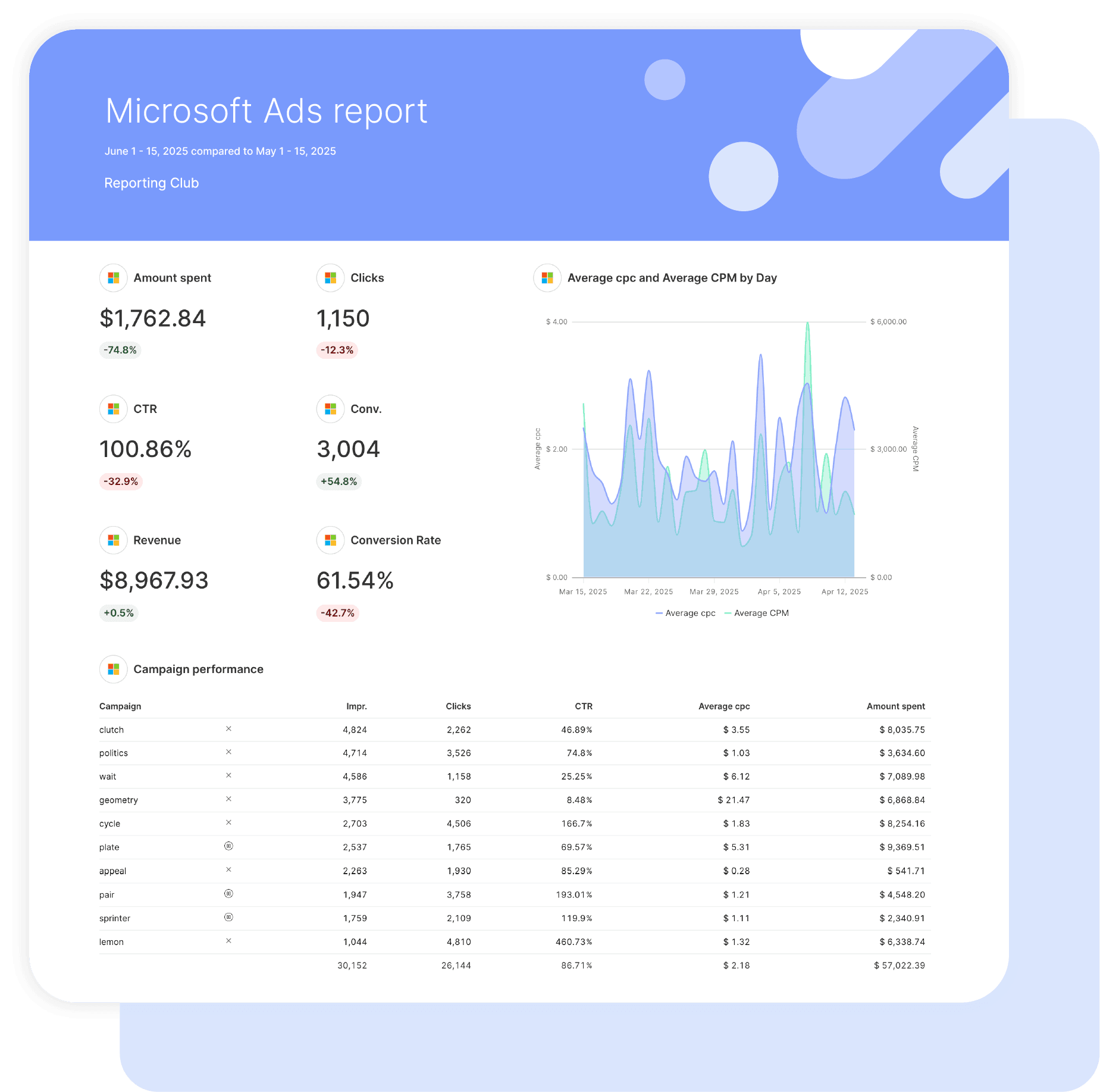
Executive Summary With Microsoft Ads Performance Indicators

What to include in your Microsoft Ads report summary:

  • Cost Per Conversion & Conversion Volume – Track conversions and Conversion Rate for immediate ROI impact
  • Return On Ad Spend (ROAS) – Revenue tracking showing true profitability across campaign types
  • Search Query Performance – Top-performing keywords and search terms driving quality traffic
  • Impression Share Analysis – Market share capture with Impression Lost to Budget and Rank insights

Perfect for stakeholder presentations and quarterly Microsoft Ads performance reviews.

Core Microsoft Ads Performance Metrics

Foundation metrics every Microsoft Ads report template should track:

  • Click-Through Rate (CTR) – Search engagement with Microsoft Ads industry benchmarks
  • Average CPC – Bidding efficiency across campaign types and match types
  • Impressions & Impression Share – Market exposure with competitive landscape analysis
  • Quality Score Optimization – Ad Relevance, Landing Page Experience, and expected CTR components

Essential metrics that demonstrate Microsoft Ads campaign health and search advertising effectiveness.

Microsoft Ads Conversion Performance

What to include for conversion optimization insights:

  • Conversion Tracking Analysis – Goal completions across UET tag implementation and offline conversions
  • Revenue Attribution – Revenue Per Conversion and total revenue impact measurement
  • Assist Analysis – View-through conversions and Cost Per Assist for full funnel understanding
  • Campaign Conversion Efficiency – Conversion Rate trends and cost per conversion optimization

Show exactly which Microsoft Ads campaigns generate the highest quality conversions and revenue.

Performance Max Campaign Analytics

Advanced campaign metrics for Microsoft Ads report templates:

  • Asset Performance Tracking – Headlines, descriptions, and image performance across placements
  • Audience Signal Optimization – Custom audience performance and demographic targeting success
  • Placement Analysis – Search, Shopping, Display, and Video performance breakdowns
  • Smart Bidding Efficiency – Target ROAS and Target CPA performance vs. manual bidding

Demonstrate Performance Max campaign success with Microsoft’s AI-powered advertising solutions.

Shopping Campaign Intelligence

Essential Shopping campaign data for Microsoft Ads report templates:

  • Product Performance – Product Type analysis, Shopping impressions, and product-level ROAS
  • Merchant Center Integration – Product feed health and Shopping campaign optimization insights
  • Competitive Analysis – Benchmark CPC and impression share vs. Shopping competitors
  • Seasonal Performance – Shopping campaign trends and inventory-based optimization

Show how Microsoft Shopping campaigns drive product discovery and e-commerce revenue.

Search Query & Keyword Intelligence

Search performance metrics to include:

  • Search Query Analysis – Top-performing search terms and negative keyword opportunities
  • Keyword Performance – Exact Match Impression Share and keyword-level Quality Scores
  • Match Type Optimization – Broad, Phrase, and Exact match performance comparison
  • Bid Strategy Efficiency – Bid Match Type performance and automated bidding success

Leverage Microsoft’s search data to show keyword strategy effectiveness and search market insights.

Campaign Budget & Cost Efficiency

Financial accountability metrics to include:

  • Budget Performance – Monthly Budget allocation and spend efficiency across campaigns
  • Cost Management – Spend tracking with cost per metric analysis and budget optimization
  • ROAS Analysis – Return On Ad Spend calculation with revenue attribution accuracy
  • Efficiency Metrics – Cost Per Conversion trends and impression share budget recommendations

Demonstrate cost-effective Microsoft Ads campaign management with transparent budget reporting.

Custom Microsoft Ads Metrics & Calculations

Powerful custom metrics you can create:

  • Search Efficiency Rate – (Conversions ÷ Clicks) × 100 for search traffic quality measurement
  • Budget Capture Score – (Impression Share ÷ Available Impression Share) for market opportunity
  • Quality Score Health – Average Quality Score across account for optimization priority
  • Revenue Attribution Rate – (Revenue ÷ Spend) for true profitability measurement

Combine any Microsoft Ads metrics to create powerful insights unique to your client’s success story.

Strategic Recommendations & Next Steps

What every Microsoft Ads report template needs for action:

  • Quality Score Optimization – Improve Ad Relevance and Landing Page Experience for cost reduction
  • Impression Share Growth – Identify budget and rank opportunities for market share expansion
  • Conversion Rate Enhancement – Optimize landing pages and ad copy based on search query data
  • Budget Reallocation – Move spend to highest-performing campaigns and audiences

Position your agency as Microsoft Ads expert with data-driven optimization strategies that leverage Bing’s unique advantages.

CUSTOMIZATION

Customize Your Microsoft Ads Report

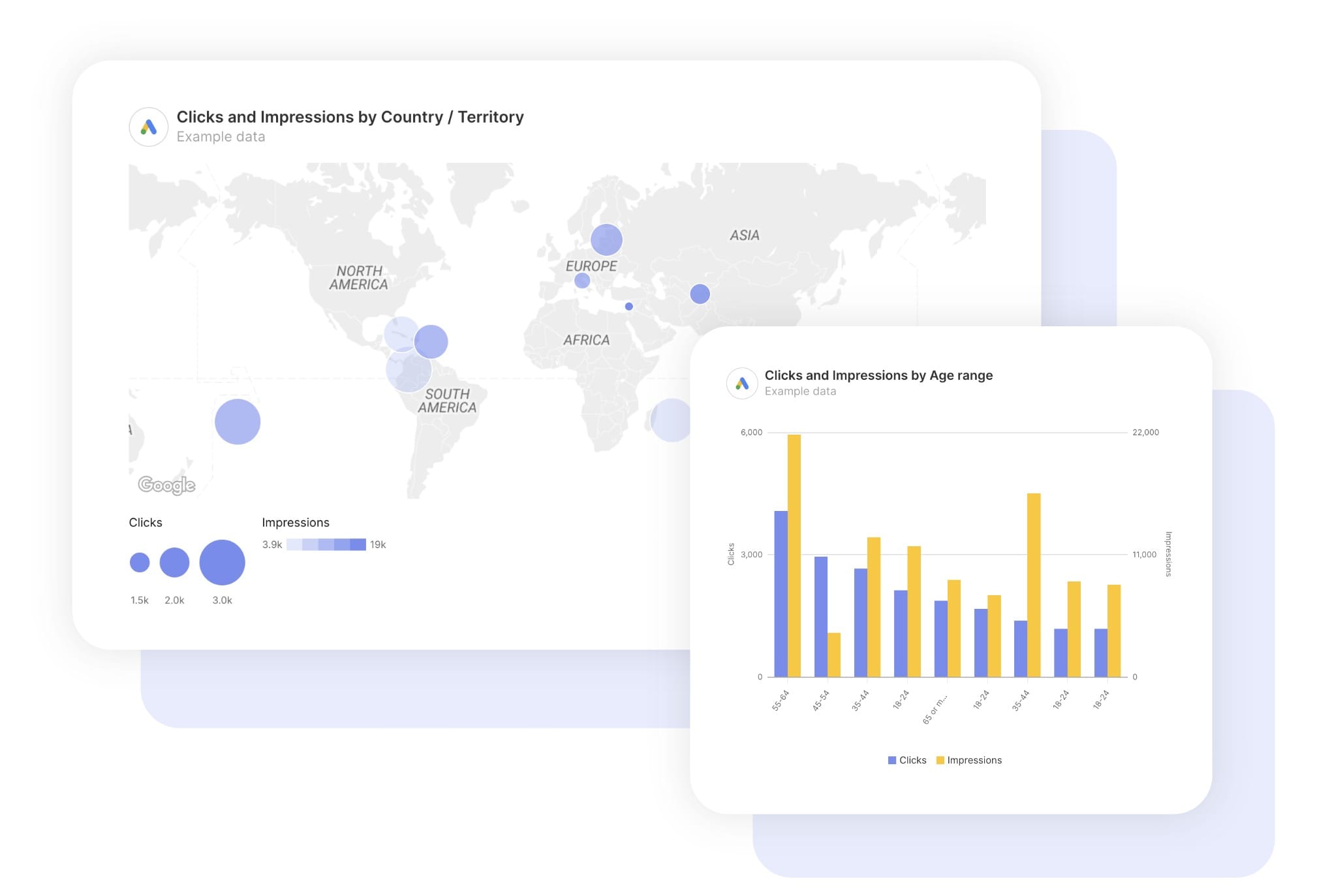
FiltersLeverage a variety of filters to show more specific data points to quickly identify issues and take swift action.

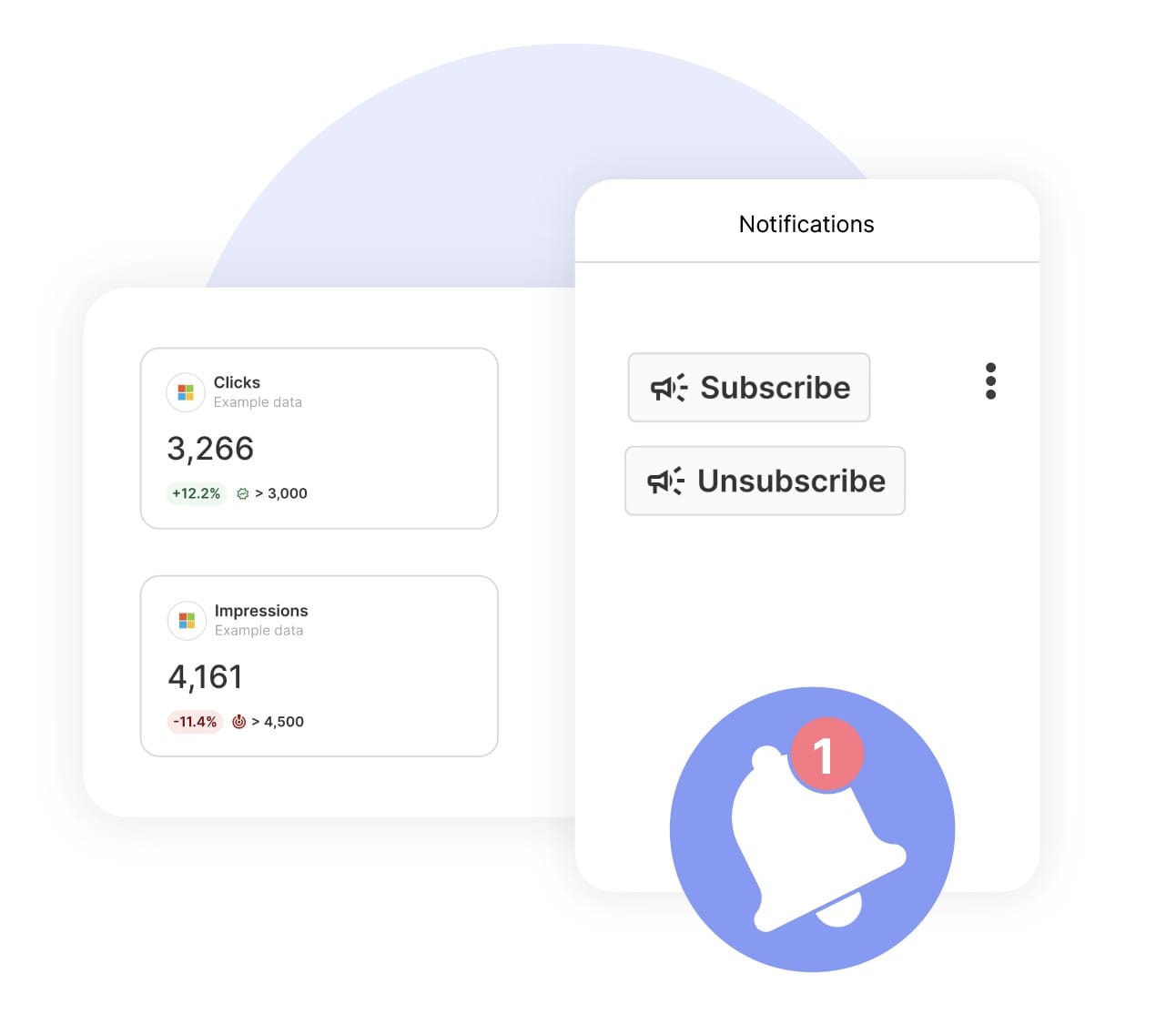
SchedulingAutomate and share your dashboards and reports on a schedule that best meets your needs.

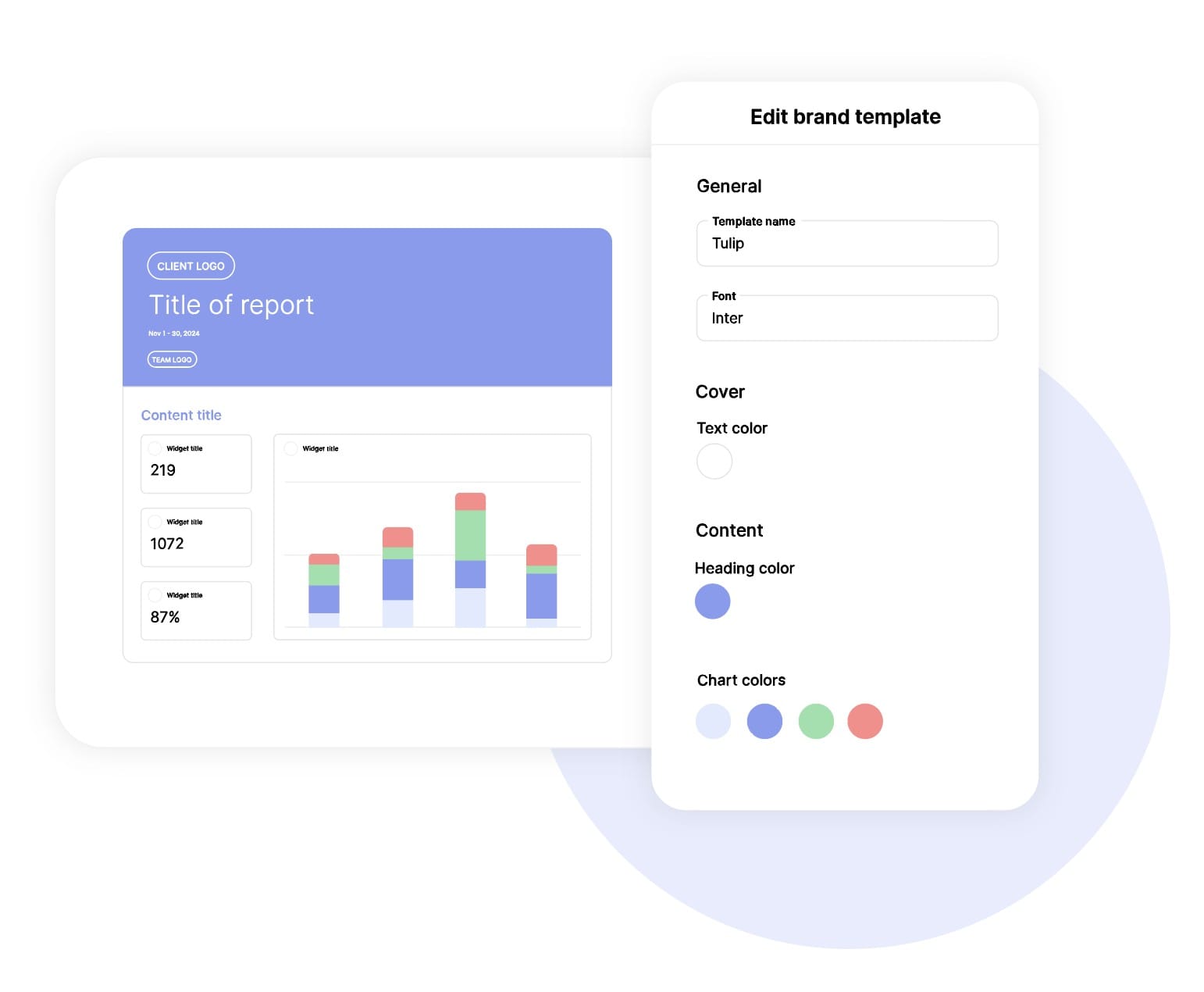
White labelReflect your brand by incorporating your logo and brand colors into your reports. You can also use your domain to share and send your reports.

GoalsSet and track goals to gain insight into performance, trends and progress toward your goals.

Custom MetricCombine two metrics from the same data source to calculate an entirely new custom metric.

Multi-language reportsCreate reports for your clients in 14 available languages through our automatic and editable translation feature.

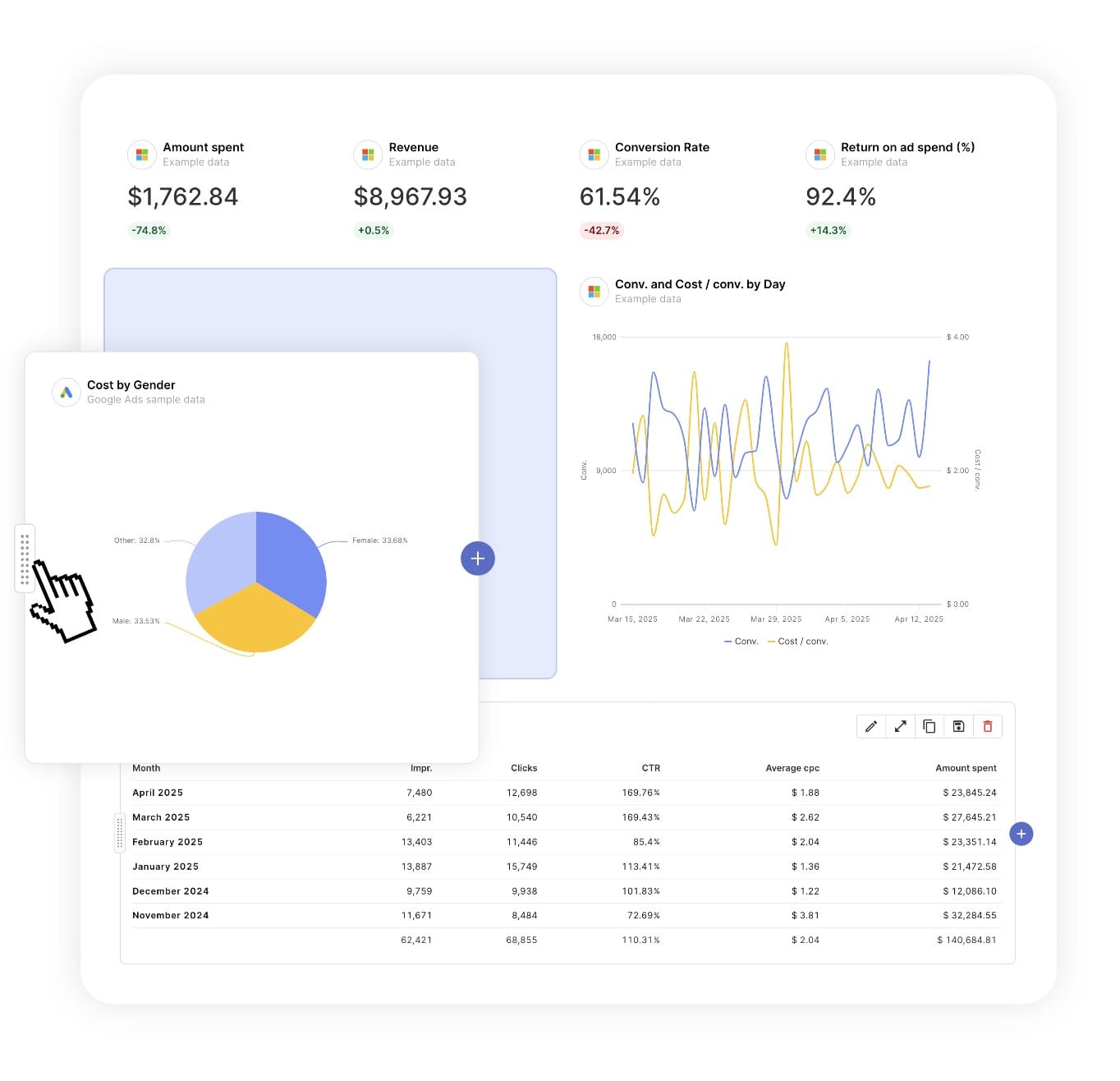
Report DesignResizable widgets allow you to adjust the presentation of KPIs, charts, tables, text, and images to focus clients on key data and insights.

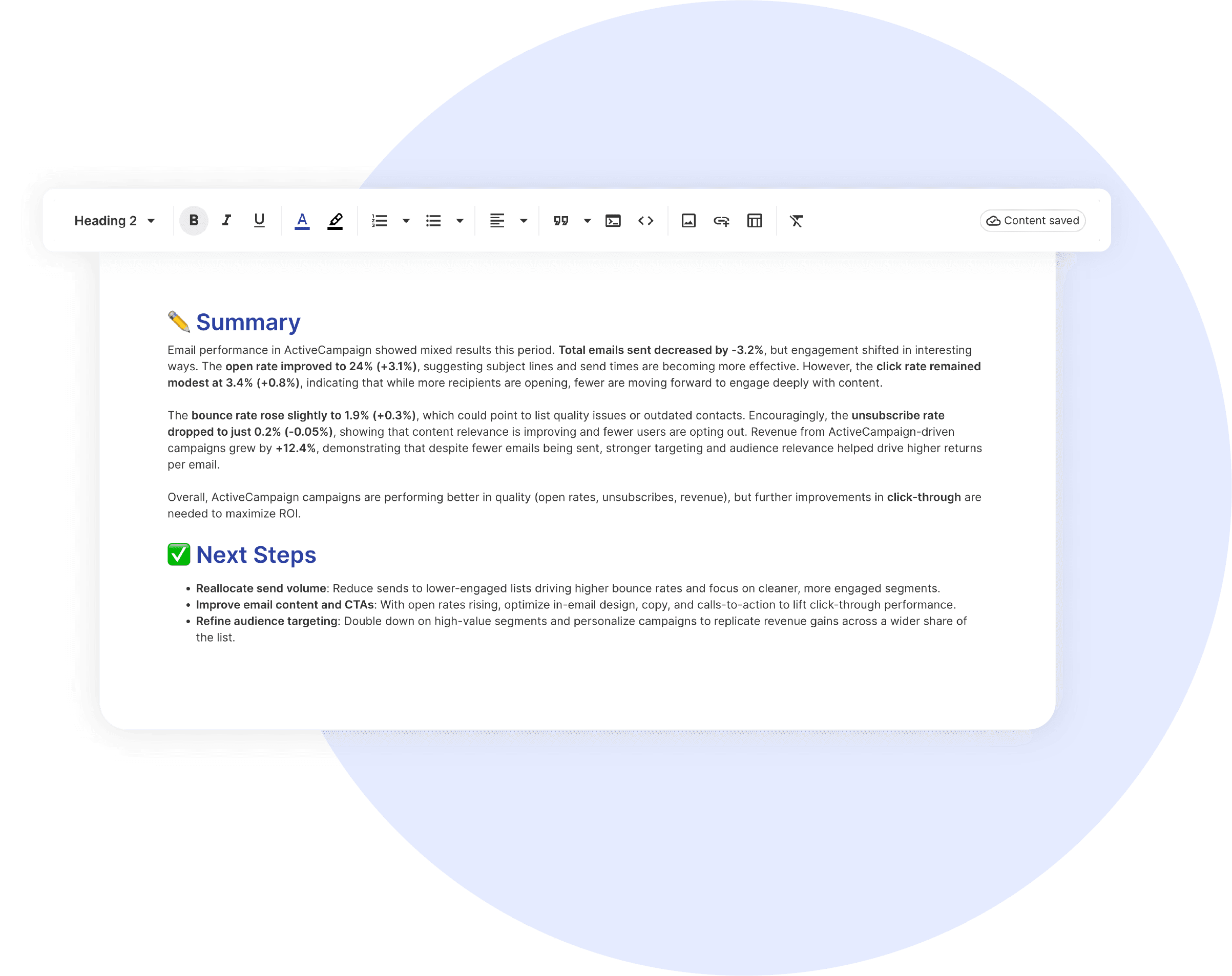
Text and ImagesProvide context to clients or stakeholders through descriptive text widgets. Incorporate images, such as ad assets, to improve client communication and understanding.

Flexible Date RangesEasily compare data across different time periods. Fully control the date range of your overall reports or specific KPIs, charts, and tables to highlight trends.

See all features
PPC Report Templates

Choose a template, connect your ad accounts, and deliver professional ecommerce reports in minutes.

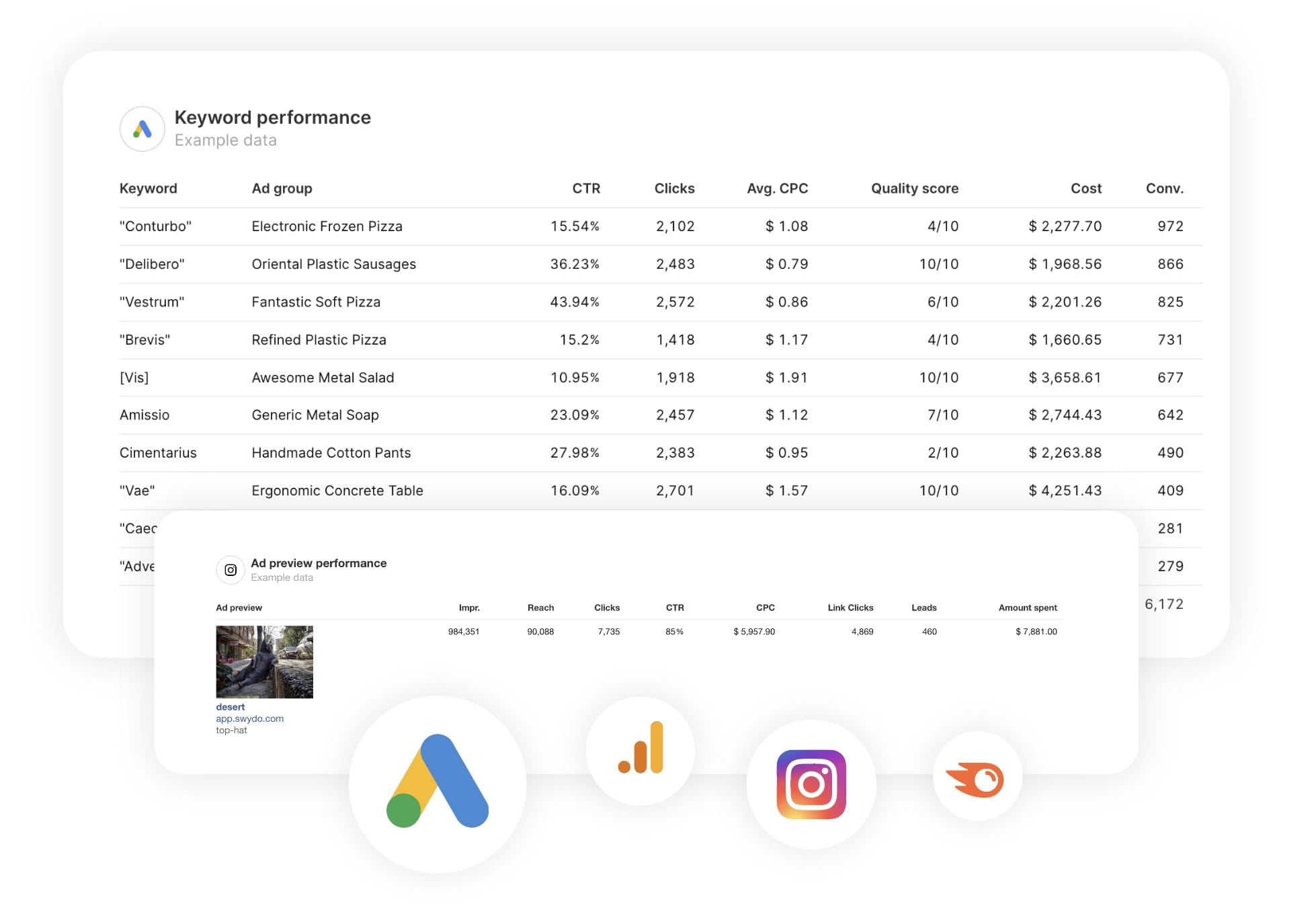
Connect With Your Favorite Data Sources

Easily Connect & Integrate Data in a Single Report

FAQ

Frequently Asked Questions

  • What should a Microsoft Ads report include?

    A Microsoft Ads (Bing) report should lead with outcomes: spend, conversions, conversion value and ROAS versus the prior period. Then break down Search and Audience Network performance, top campaigns and keywords, and impression share. Because Microsoft Ads often imports campaigns from Google Ads, call out the incremental value Microsoft is adding. Preview the template →

  • What Microsoft-specific metrics can I track in Swydo?

    Swydo connects to 53 Microsoft Ads metrics including Search and Audience Network performance, conversions, CPC, CTR and impression share. Custom metrics let you build agency-fee markups straight into the report. See all Microsoft Ads metrics →

  • How often should I send Microsoft Ads reports?

    Monthly is the norm, with a weekly pacing check for active budgets. A live dashboard covers the days between. See scheduling →

  • How do I set up and automate a Microsoft Ads report?

    About 10 minutes — authorize Microsoft Ads via OAuth, choose the account, and load the template. It fills with the last 30 days and refreshes daily, then schedules itself. Free for 14 days, no credit card required. Start your free trial →

  • Can I blend Microsoft Ads with Google and Meta in one report?

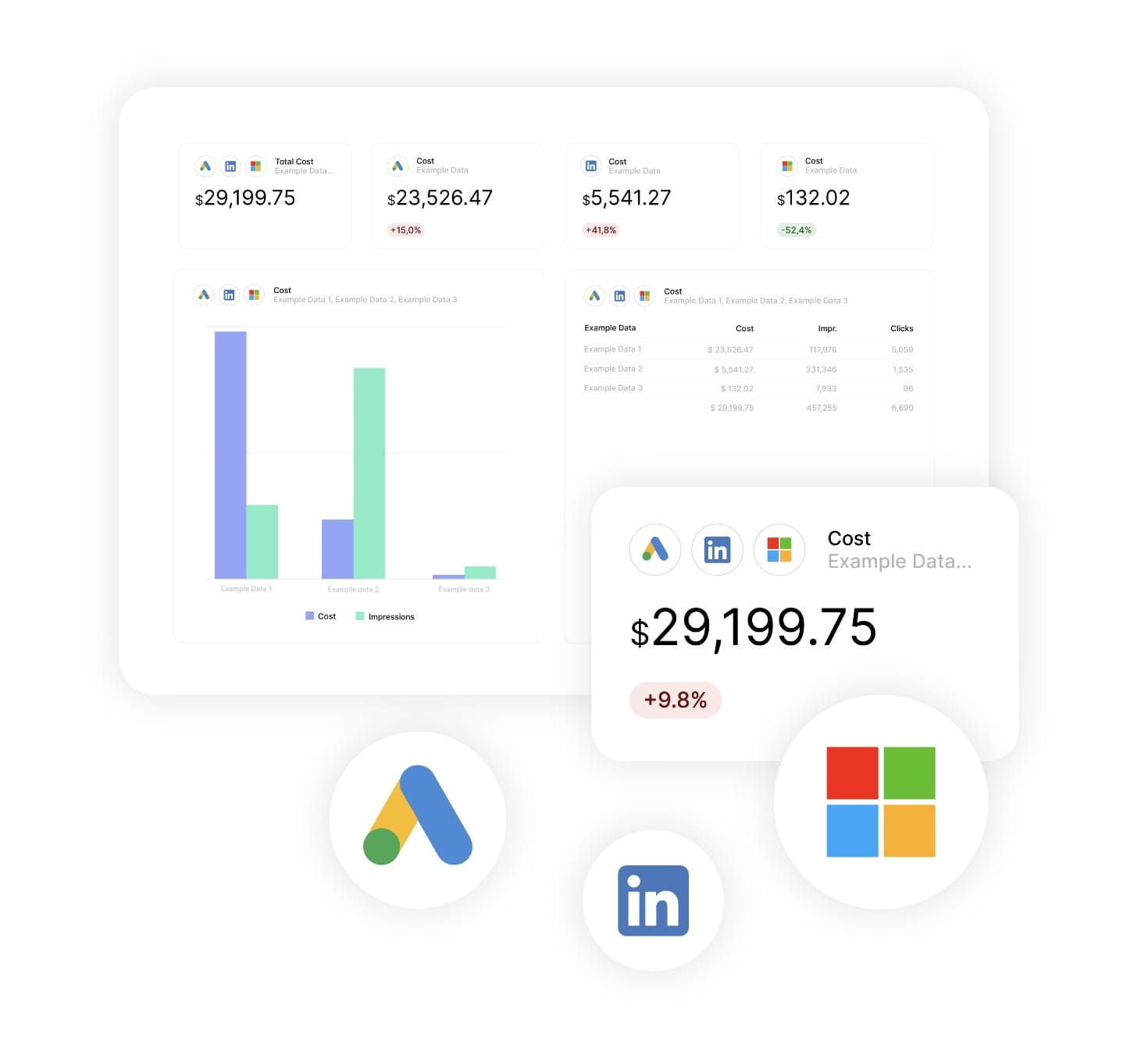
    Yes. Combined Data Sources merges Microsoft Ads with Google Ads, Meta, LinkedIn and TikTok inside a single widget for true cross-channel spend and ROAS. Learn about Combined Data Sources →

  • Can I move my existing Microsoft Ads reports to Swydo?

    Yes. If you’re switching from another reporting tool you don’t have to rebuild everything by hand. Swydo’s migration service recreates your existing client reports and dashboards inside Swydo, so your team keeps its layouts and clients see no disruption. Connect your Microsoft Ads data, hand over your current reports, and pick up where you left off. See the migration service →

  • Can I white-label Microsoft Ads reports with my agency's branding?

    Yes. Add your logo, brand colors and fonts, then host live dashboards on your own domain (reports.youragency.com) and verify your sending domain so scheduled reports arrive from your brand with no “via Swydo” tag. Dashboards can be password-protected, the Send Log shows which clients opened and clicked each report, and you can embed Crisp chat in a client dashboard so questions get answered in context. See white-label features →

  • Is my Microsoft Ads data secure, and is Swydo GDPR-compliant?

    Yes. Swydo connects through OAuth wherever the platform supports it, and scoped API keys for Klaviyo, CallRail, CallTrackingMetrics and ActiveCampaign, so you only share the access you authorize and can revoke it at any time. Swydo is GDPR-compliant, your data stays yours and is never used to train AI models, and you can switch on two-factor authentication for every sign-in. Deleted reports stay recoverable for 90 days and archived clients for 365 days. Read our data privacy and security details →

  • What does Swydo cost after the free trial, and can I pause or cancel?

    The 14-day trial needs no credit card. Plans start at $69/month and include 10 data sources, Additional data sources cost $2–$4.50 each, and the per-source rate drops as you scale — no per-client fees, no per-user fees, and unlimited seats. Reporting frequency never changes the price. If you hit a quiet stretch you can pause your subscription for $10/month and reactivate when you need it, and you can cancel any time with no auto-renewal trap. See full pricing → or book a 15-minute pricing walkthrough →

Client testimonials

Discover Why Over 2,500 Agencies Trust Swydo


View all customer stories

Create your free online marketing report in minutes

Free for 14 days, no credit card required, cancel at any time

Request a demo ▶ Get started